How the system tells people something happened
Push to the phone, in-app notice, the company’s e-mail and a conversation inside the ride — each channel has its purpose and its rules.
A good notification arrives at the right moment and asks for no reply. A bad one rings all day. That is why the system never sends “everything to everyone”: the driver gets what they must decide, the passenger what they are waiting for, and the company what needs attention.
Four ways a message arrives
| Channel | To whom | When it is used |
|---|---|---|
| Push to the phone | Driver and passenger | A new offer, the driver accepted, the vehicle is coming, the ride finished |
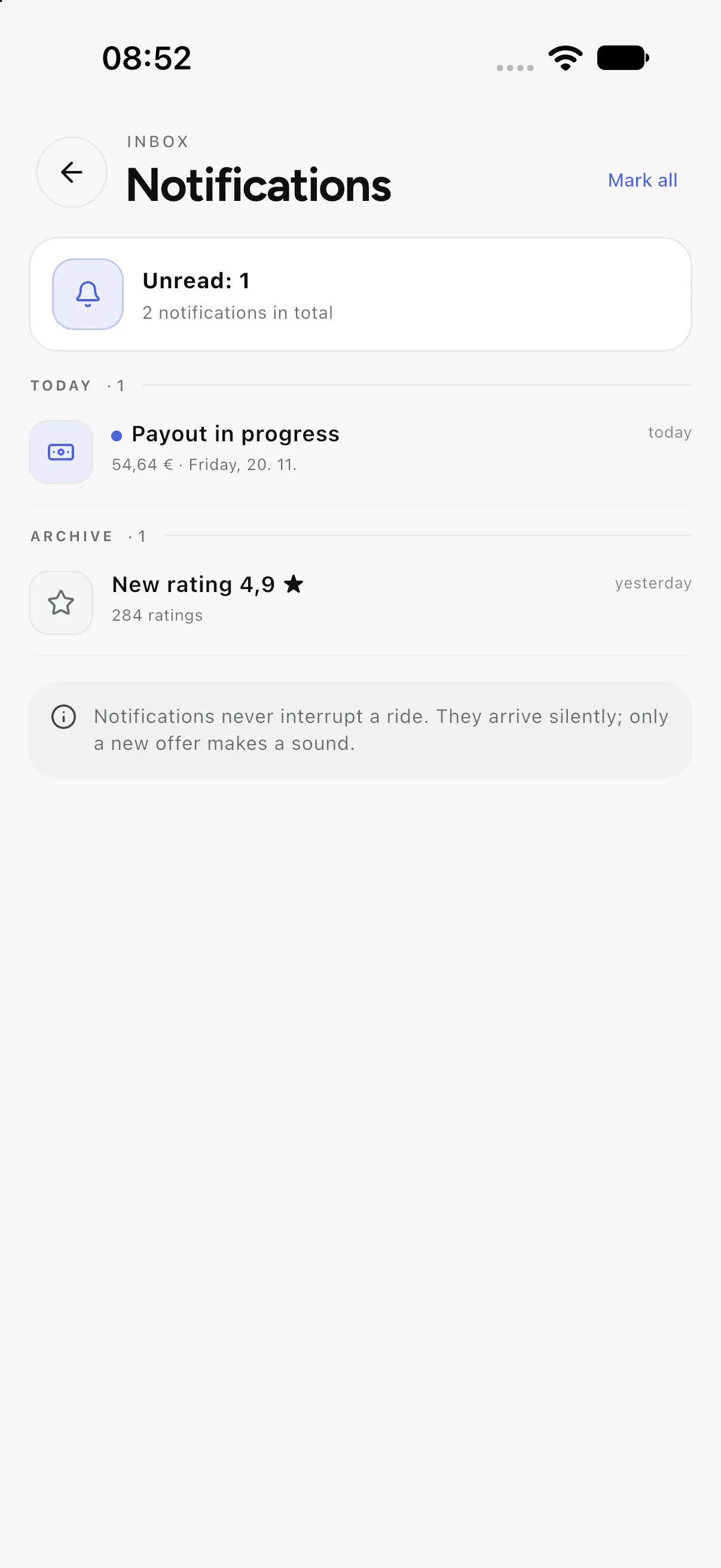
| In-app notification | Driver and passenger | When the phone was off or something was missed; everything stays in the list |
| The company’s e-mail | Passenger, driver, corporate client | Receipt, invitation, password change, monthly statement |
| Message inside the ride | Driver ↔ passenger | When phone numbers should not be shared but you need to meet |
Push: why it does not arrive and how to fix it
- Push needs permission. If the user refuses, the notice stays in the app only — that is why a driver sees a warning at shift start.
- On Android, manufacturers “save battery” and kill apps; the driver then has to disable optimisation for this app.
- The offer sound and vibration differ from an ordinary notice, so an offer is not missed while driving.
- If notifications are blocked, the offer still shows when the app opens — the system never loses the ride.
E-mail: the sender is the company, not the platform
Everything a company sends to a passenger or driver looks like the company sent it: its name, colour and signature. The office edits the texts in Company → E-mail templates, and the sender is the company’s address.
- Templates exist in Croatian and English; a change applies at once to all future messages.
- A password is never e-mailed in readable form — only a link to set a new one.
- A receipt is e-mailed by the passenger from the app; they confirm the address before sending.
Messages in the ride and in the console
- Driver ↔ passenger: messages during the ride, with no phone number shared. After the ride the conversation closes.
- Dispatcher ↔ driver: short instructions with the ride instead of a phone call in a rush.
- Company ↔ passenger: complaints and questions through Support; the conversation history stays with the request.
- All messages live in the app and on the server; swiping left deletes the display, not the record.
What is never sent
- Marketing without consent — promo codes go only to those who agreed.
- Other passengers’ or drivers’ data, in any message.
- Full card numbers and security codes — never, neither in the app nor in e-mail.