The company console — everything in one place
Where the office works all day: 37 pages in eight areas — from the dispatch board to fiscalisation, each with when you open it.
The console opens in a browser at /company/. Nothing is installed and no special program is needed. People from the company sign in, each with their own role — so a dispatcher does not see prices and accounting does not touch the dispatch board. The owner sees everything.
The eight areas follow the work, not the software: Home (what needs attention now), Rides (the day-to-day), Fleet (people and vehicles), Passengers (customers), Money (what was earned and whose it is), Support (complaints and quality), Company (identity and people) and Settings (the rules everything follows).
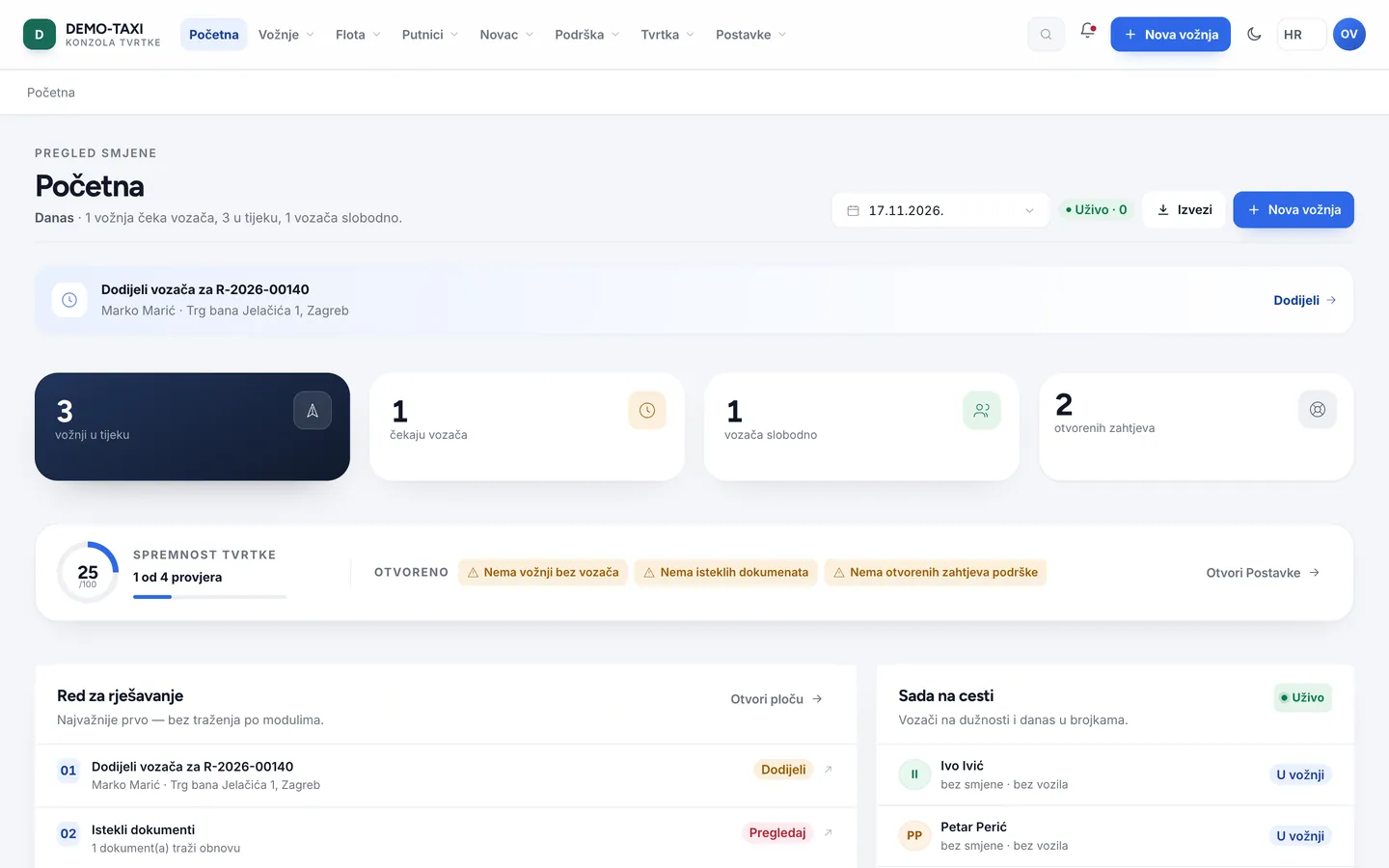
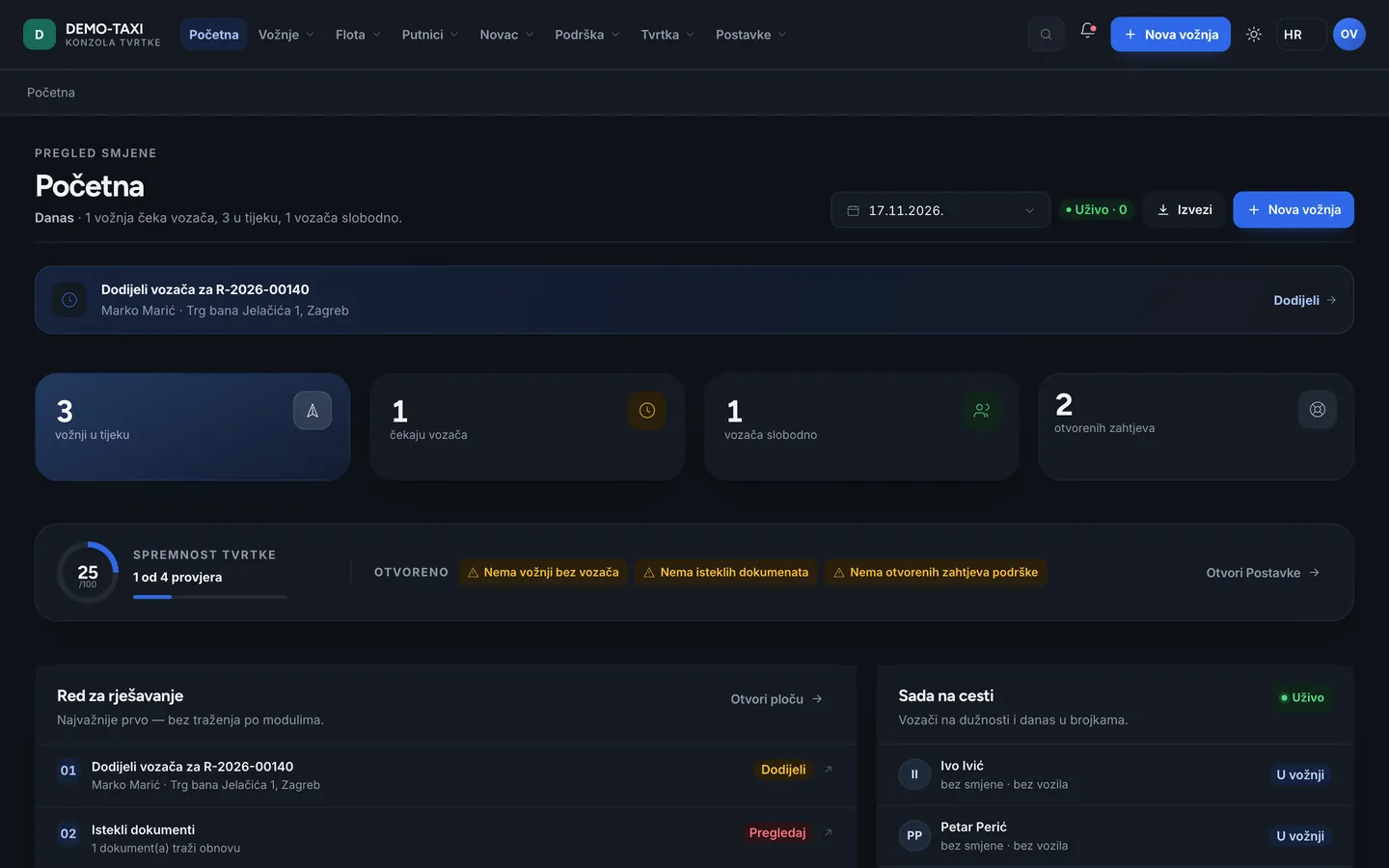
Home — what needs attention now
Home is not a dashboard of numbers for their own sake. The first thing you see is the work queue: rides waiting for a driver, documents that expired and passenger requests waiting for an answer. The rest is context — how many rides are running, who is free, how many requests are open.
Below is company readiness: how many of the 12 conditions are met before the company can take rides. While something is missing, it says exactly what. That is the fastest way to see why something “does not work” when in fact it is not permitted yet.
Rides — the daily work
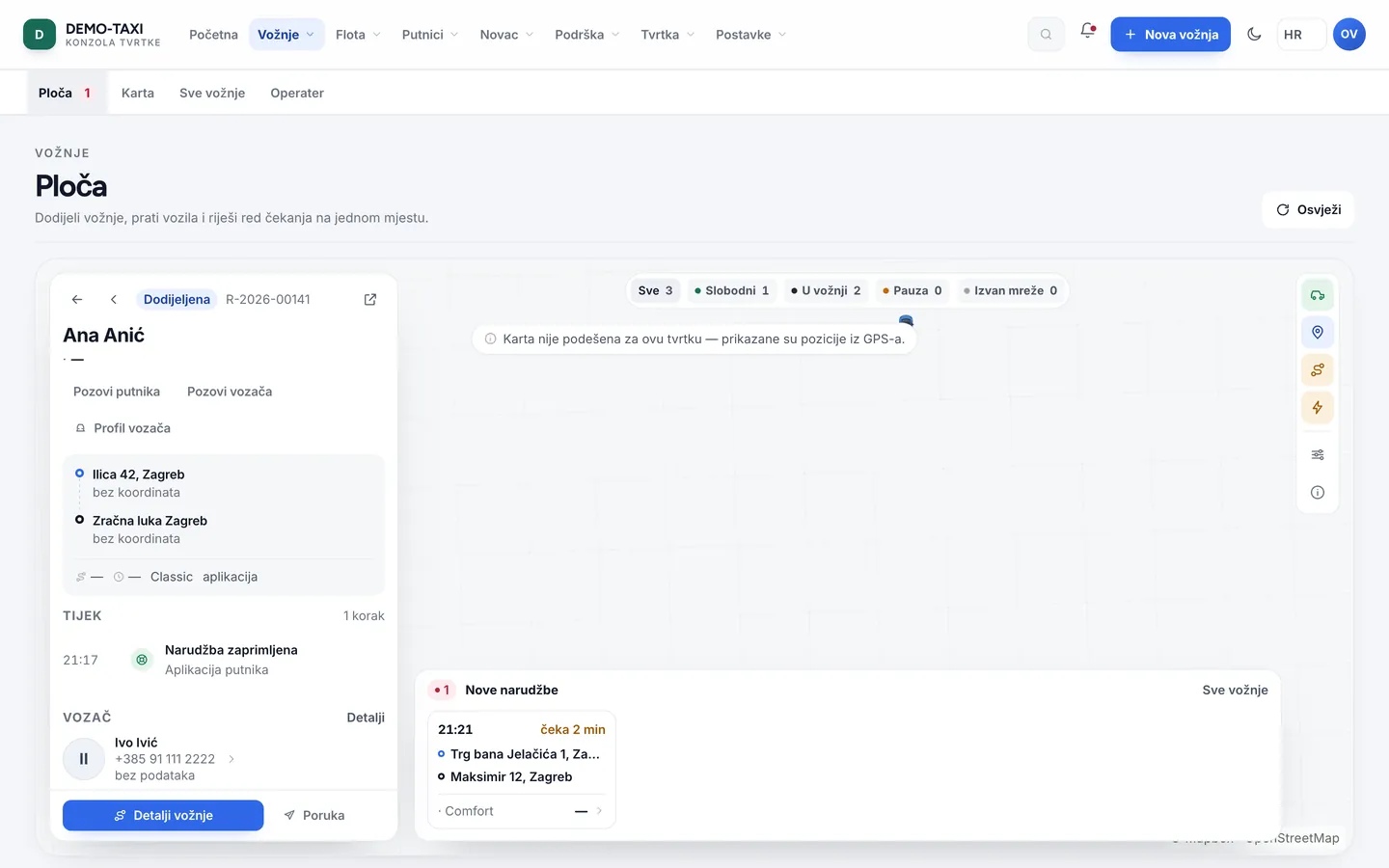
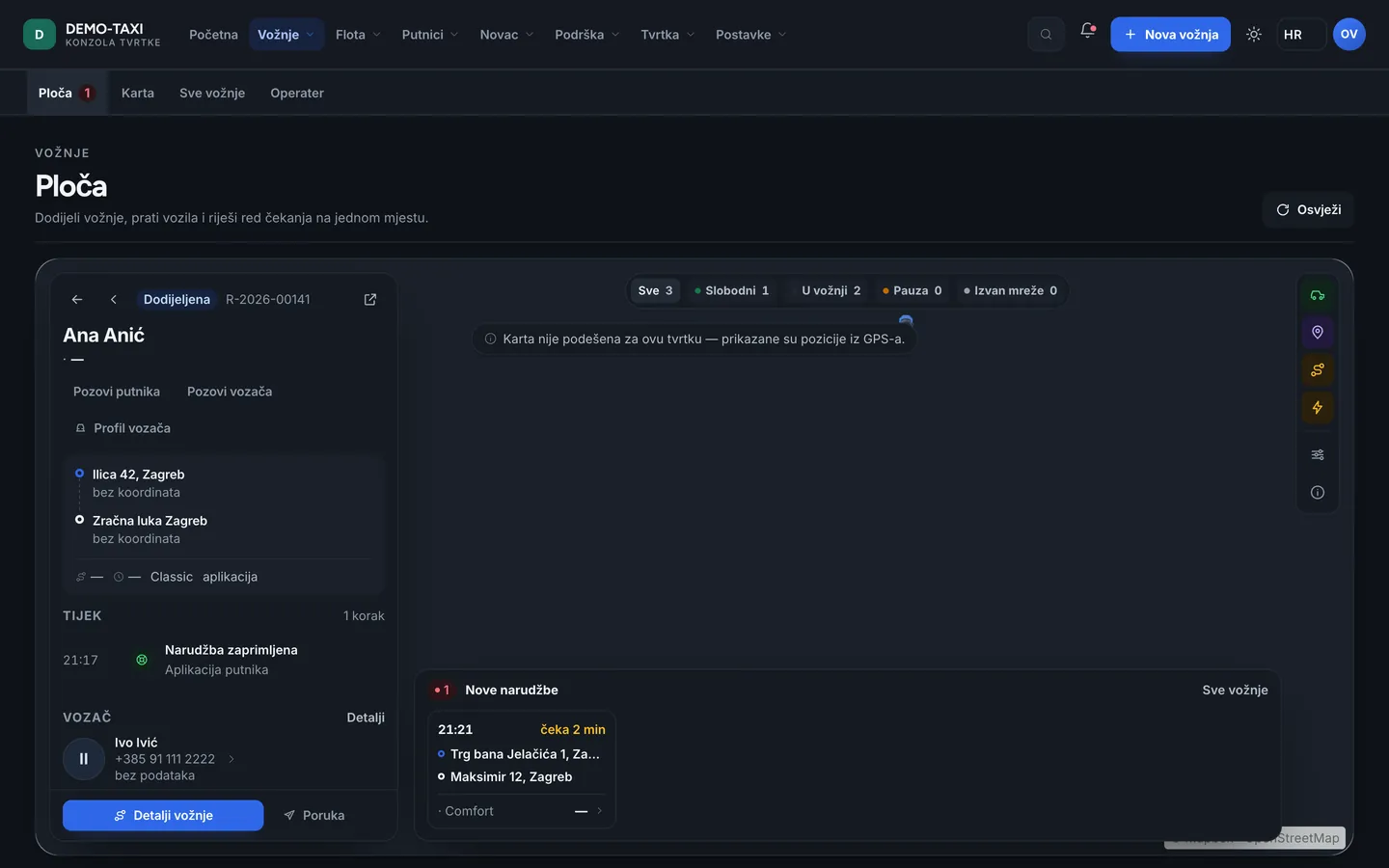
- Board — rides sorted by status: those waiting for a driver, those in progress and those finished. This is where you assign and follow. When it is busy, this is the only screen you need.
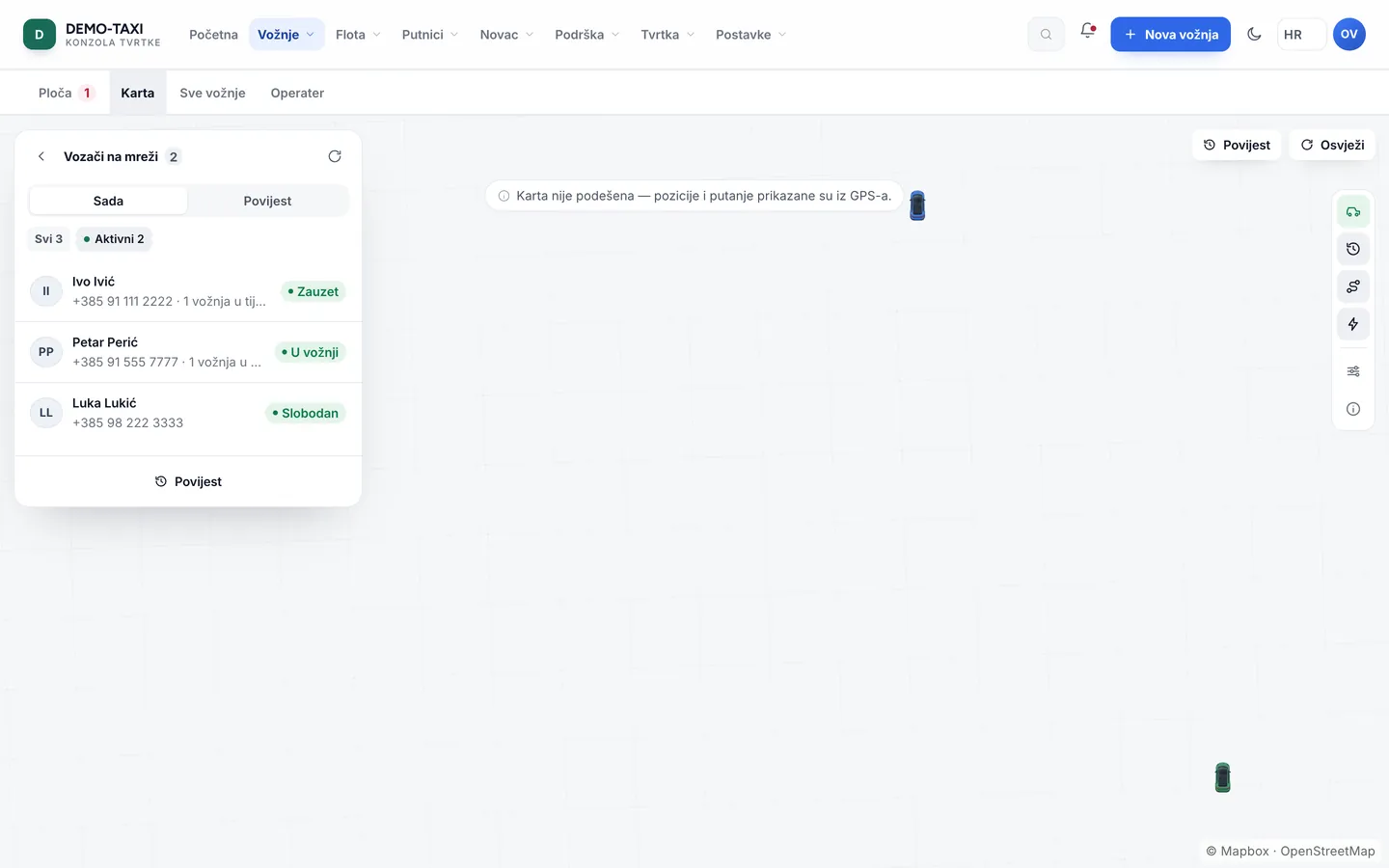
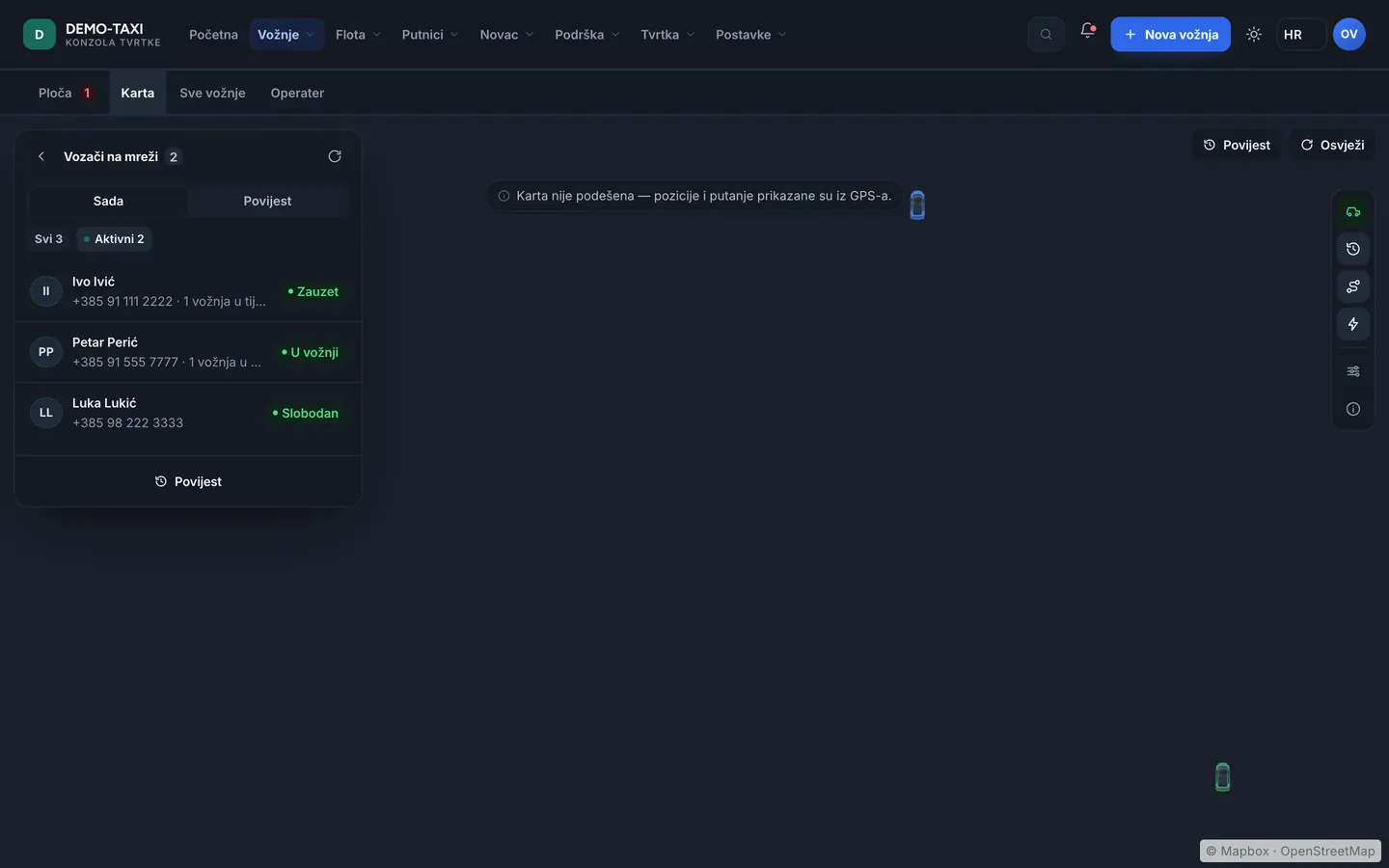
- Map — vehicles, zones and rides in one view. A free driver, one heading to a passenger and one with a passenger look different, so the situation is visible without opening a list.
- All rides — a list you filter by date, status, driver and payment method. This is where you find an old ride, check a receipt or resolve a complaint.
- Operator — for the phone. The booking is entered while the passenger talks, and if the company has telephony the call links to the ride so you later know who booked it.
Fleet — people, vehicles and paperwork
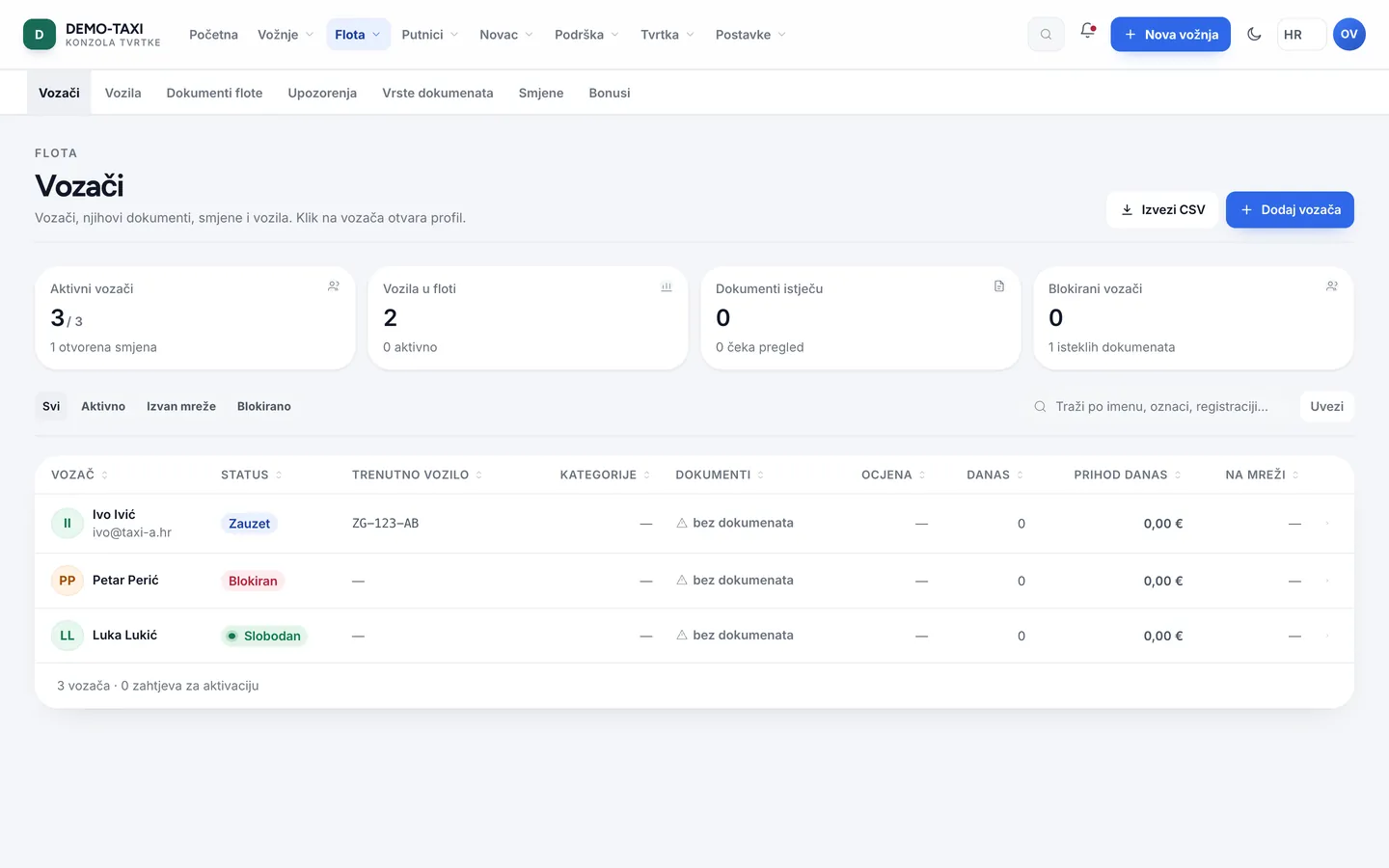
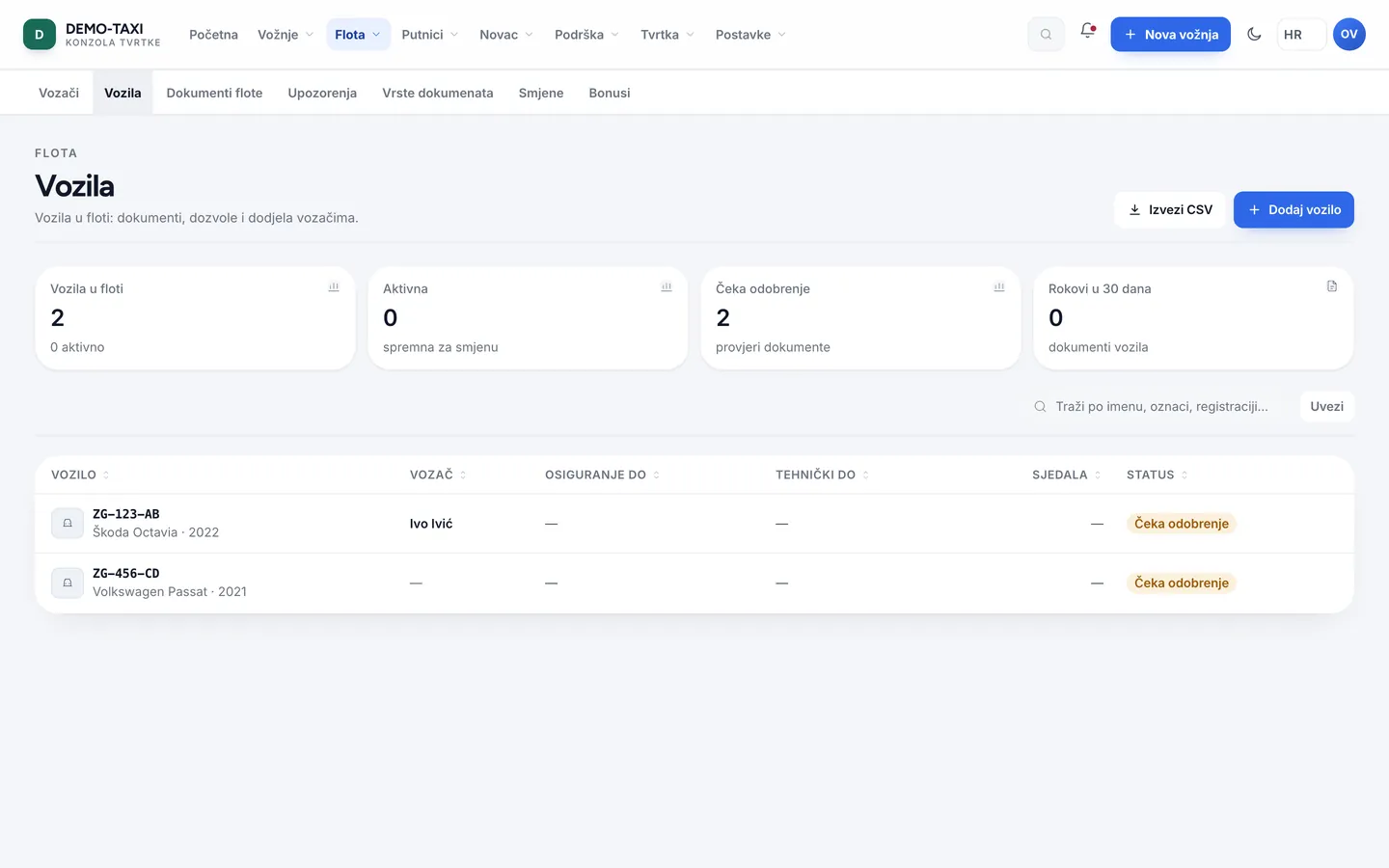
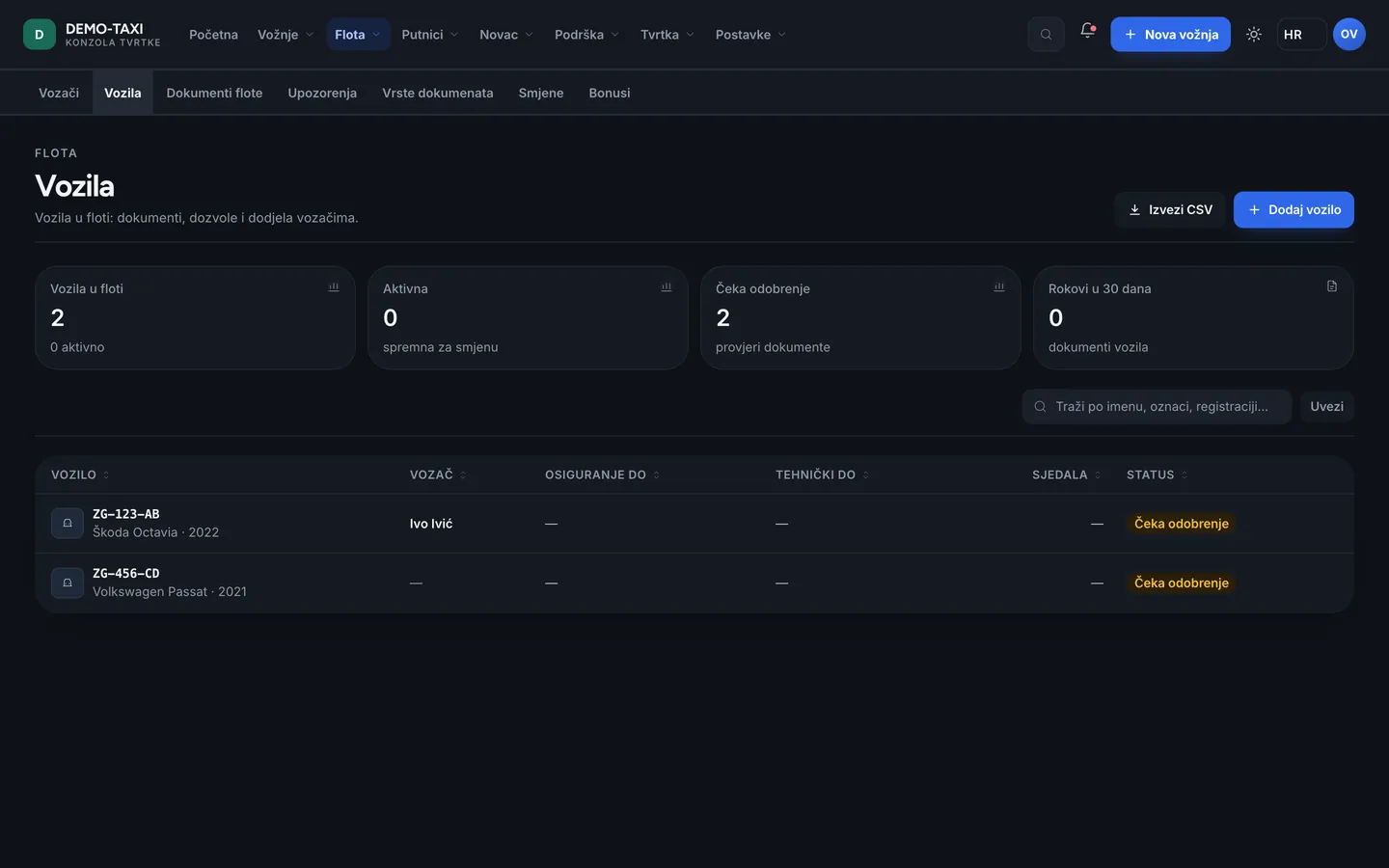
A driver cannot start a shift with an invalid document; a vehicle is not offered for rides until activated. That is why this area matters more than it looks — when something gets stuck, the cause is almost always here.
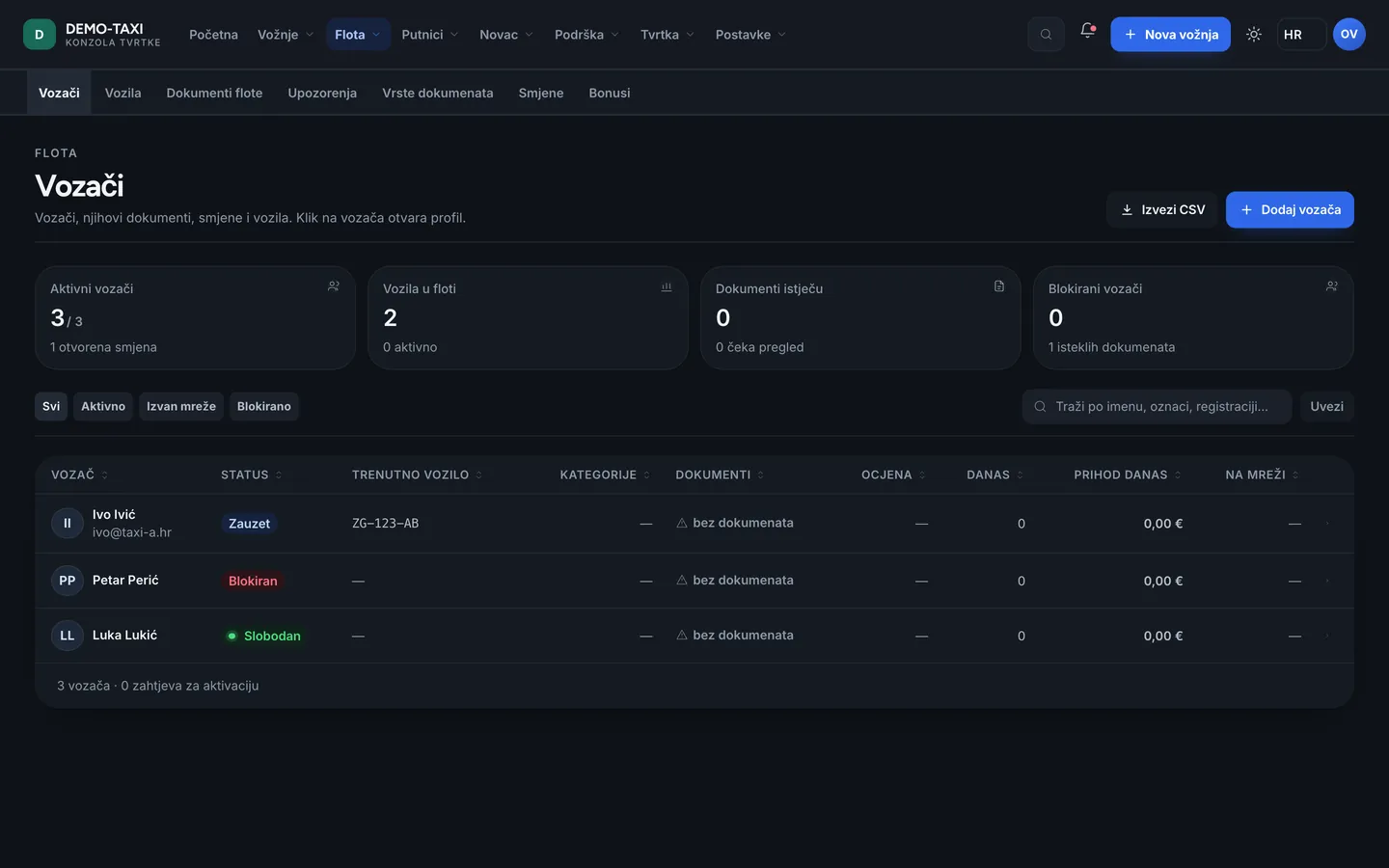
- Drivers — the list with contact, categories, vehicle and status. This is where a new driver is added and where you see whether their paperwork is in order.
- Vehicles — plate, make, class, seat count and activation. A vehicle without valid documents does not receive rides.
- Fleet documents — files and photos of the paperwork: registration, insurance, inspection, taxi permit. Each has a date.
- Document types — what your company requires and how long it is valid. This adapts the list of documents to the country and company rules.
- Alerts — what expires in the coming days and what already expired. This is the Monday-morning list.
- Shifts — who works when; the schedule helps avoid a Friday evening with nobody on the road.
- Bonuses — extra rules and rewards for drivers, with a budget and approval. They enter settlement, not “manual payouts”.
Passengers — customers and contracts
- Passengers — who travelled, how often and how they pay. This is where you find a passenger by phone or name when they call.
- Corporate accounts — companies that pay monthly, with cost centres and approvals. Rides collect on the account instead of being paid in the vehicle.
- Partners — hotels, agencies and other companies booking for their guests; you see how many rides they brought.
- Rewards — loyalty and gift credit, if the company uses them.
Money — what was earned and whose it is
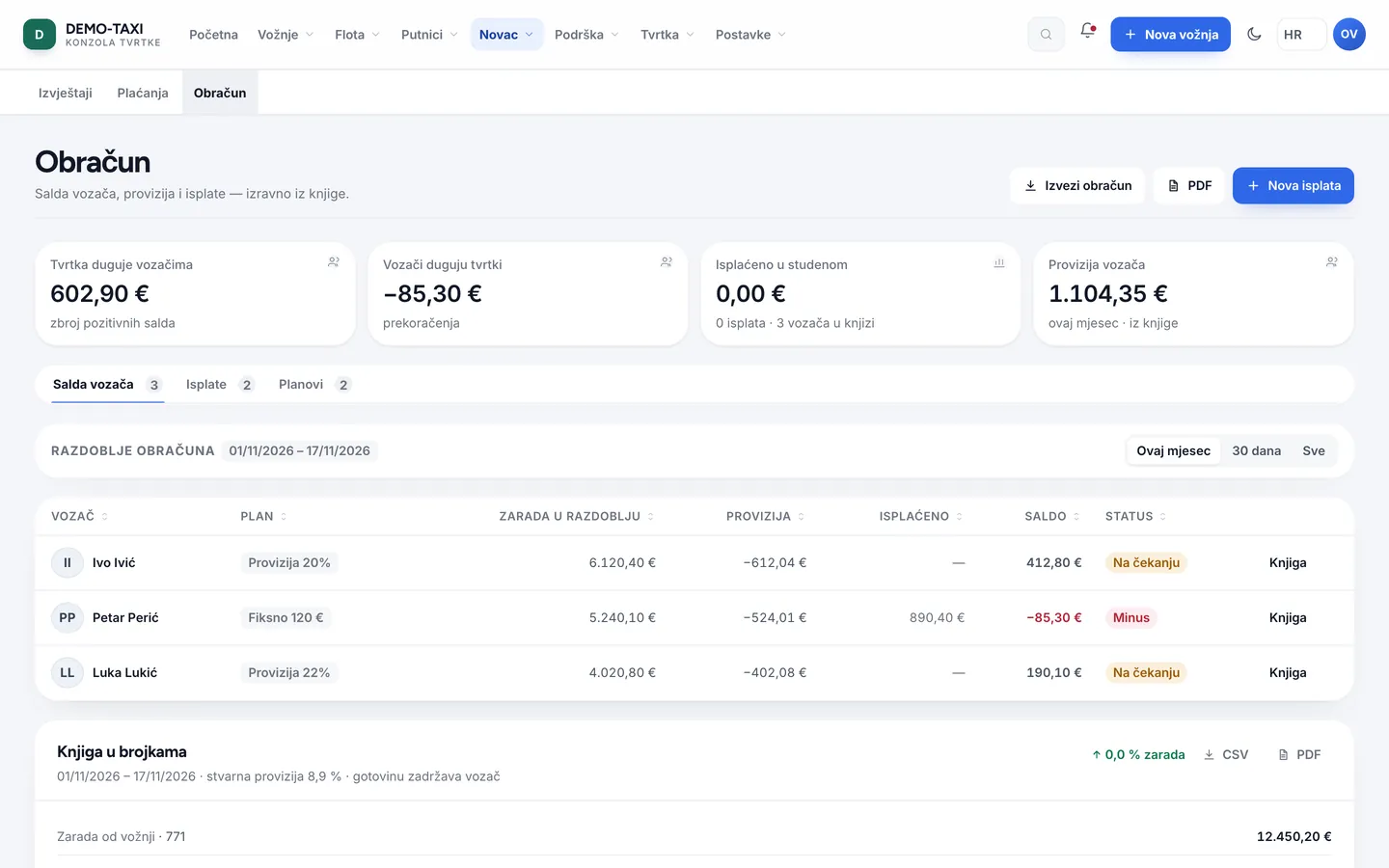
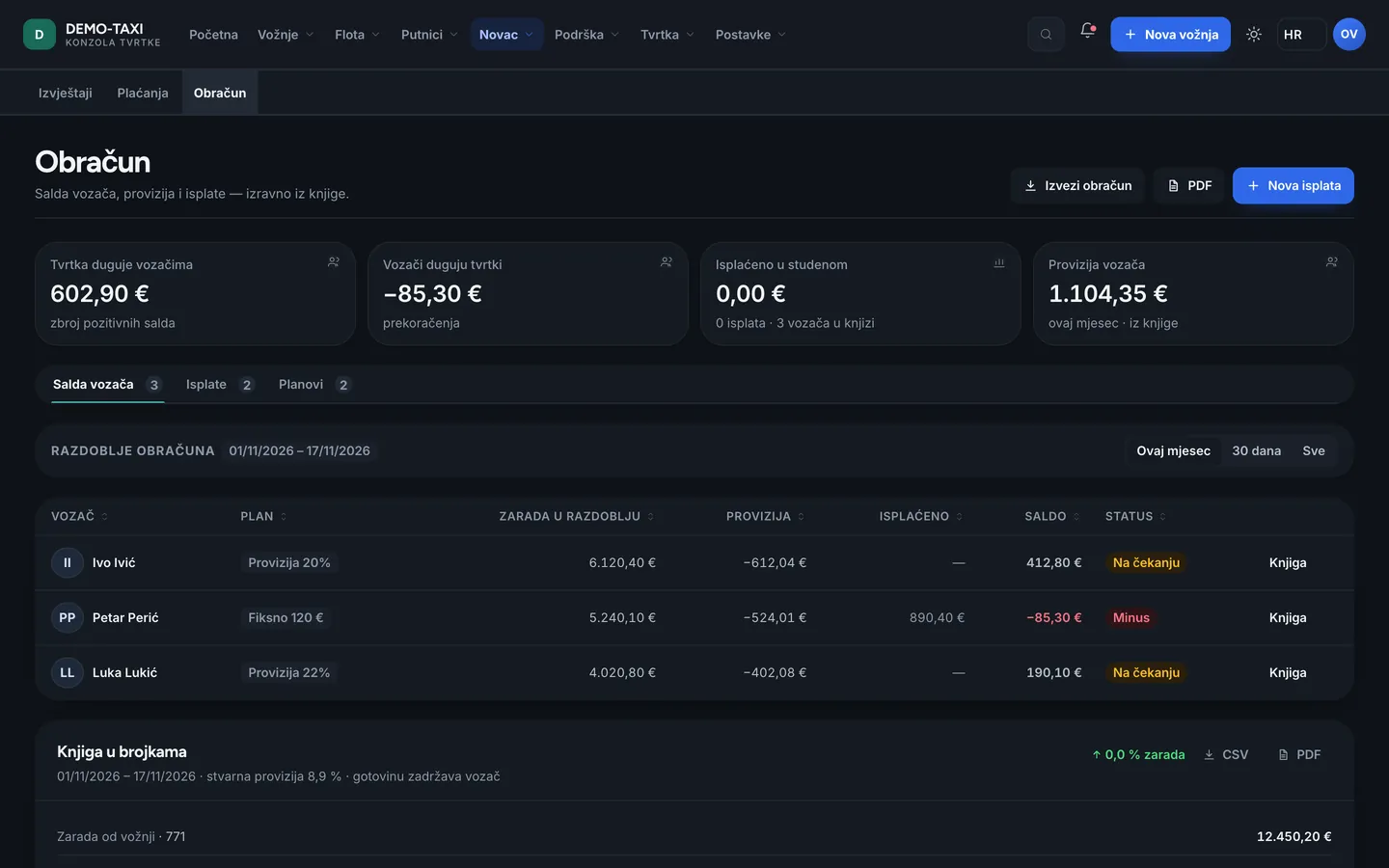
Deliberately kept apart from everything else: here the figures are read, not edited. If the app and the settlement differ, the cause is almost always the period or a ride that has not finished yet.
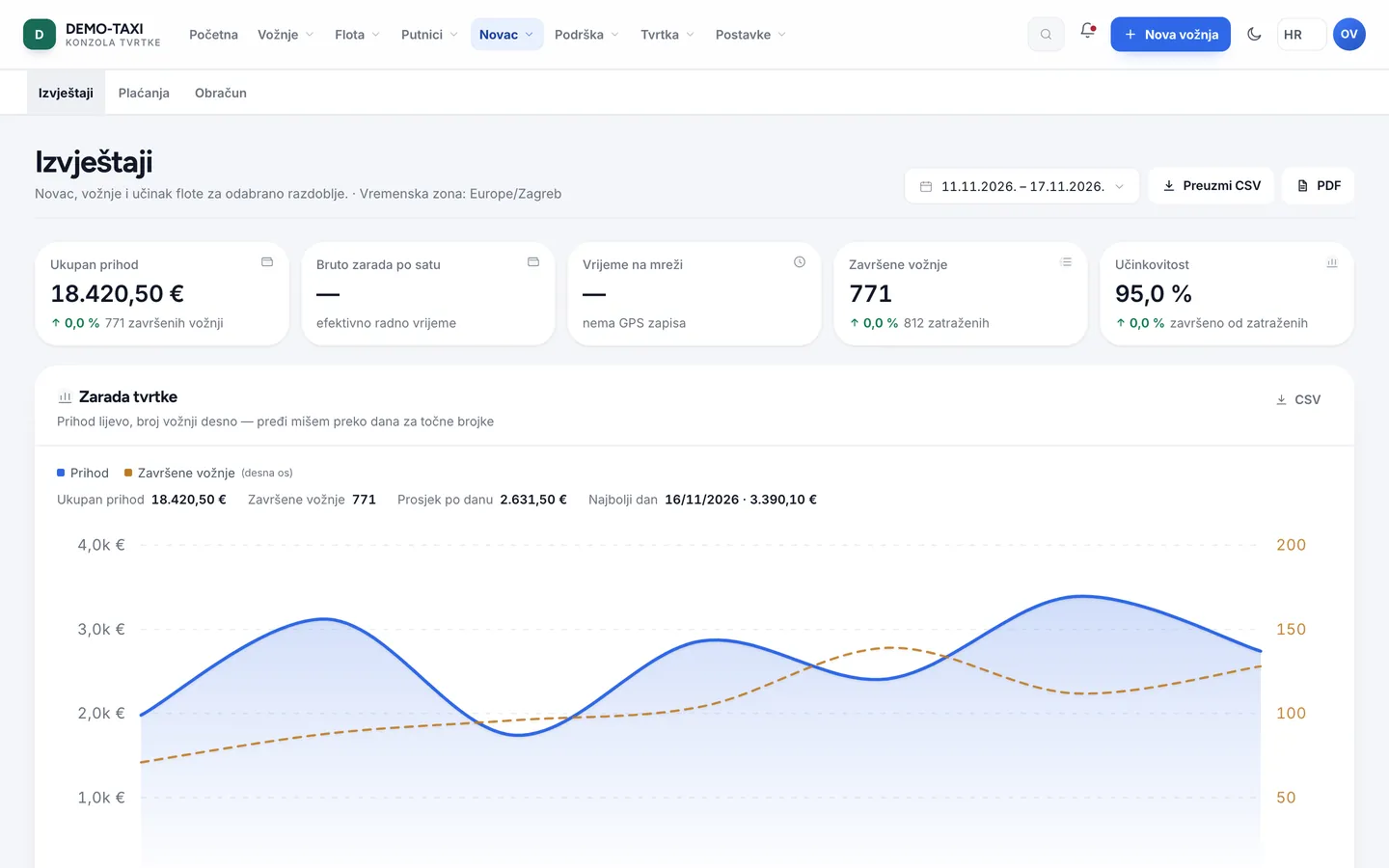
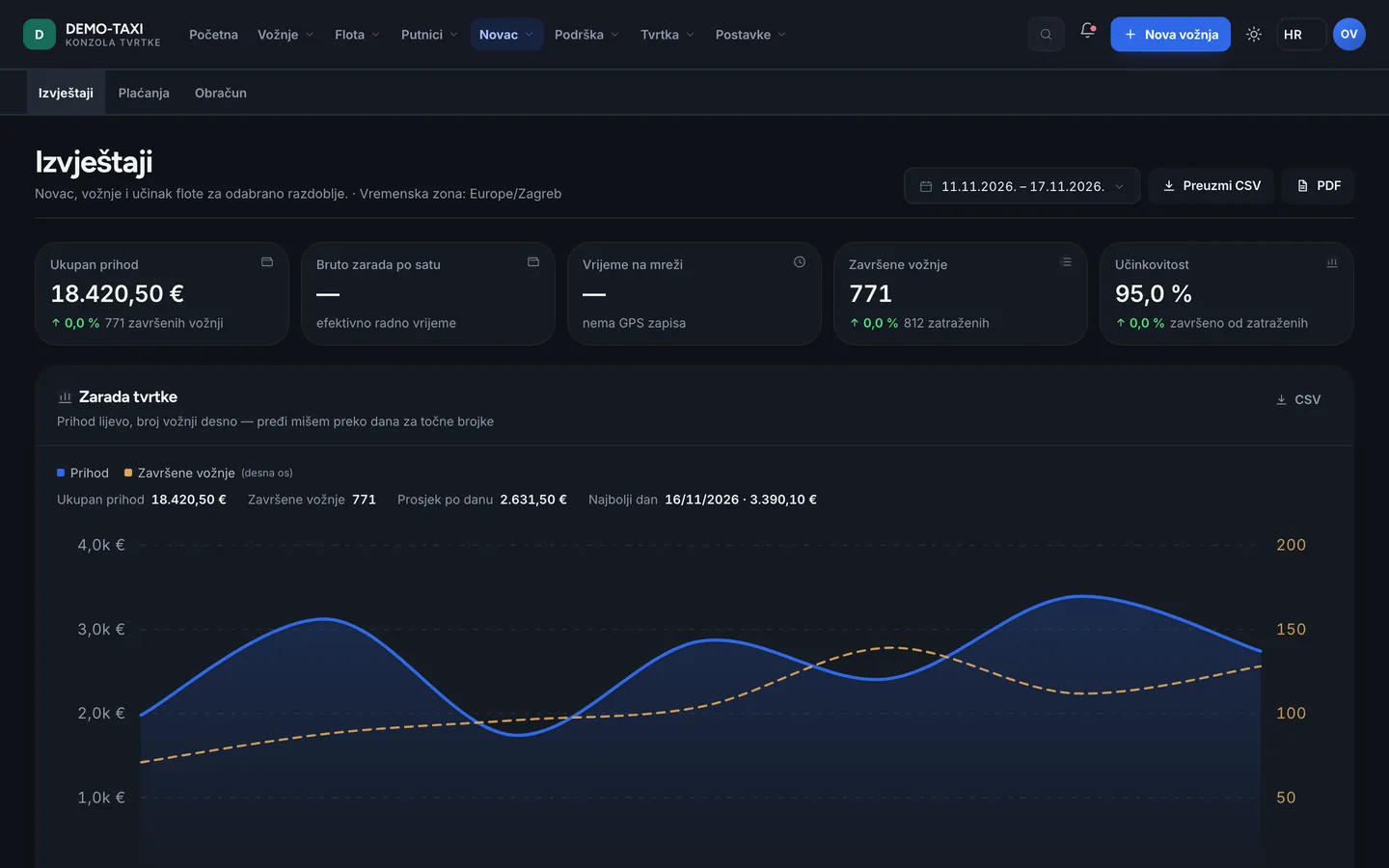
- Reports — revenue by day, service type and payment method, with export for accounting.
- Payments — card transactions and refunds with status. A failed transaction is not revenue.
- Settlement — per driver: revenue, company commission, bonuses, balance and payout. The amount a driver sees in the app is produced here.
Support — complaints and quality
- Requests — passenger messages (lost item, complaint, question about a receipt) with the conversation history. You answer from the console and the passenger sees it in the app and by e-mail.
- Quality — ratings and tags from the passenger app, next to the ride and the driver. It is there for a conversation with the driver, not for removing rides from settlement.
Company — identity and people
- Company profile — legal data, address, tax id, pickup radius, terms and privacy policy. This data goes onto receipts and into the apps.
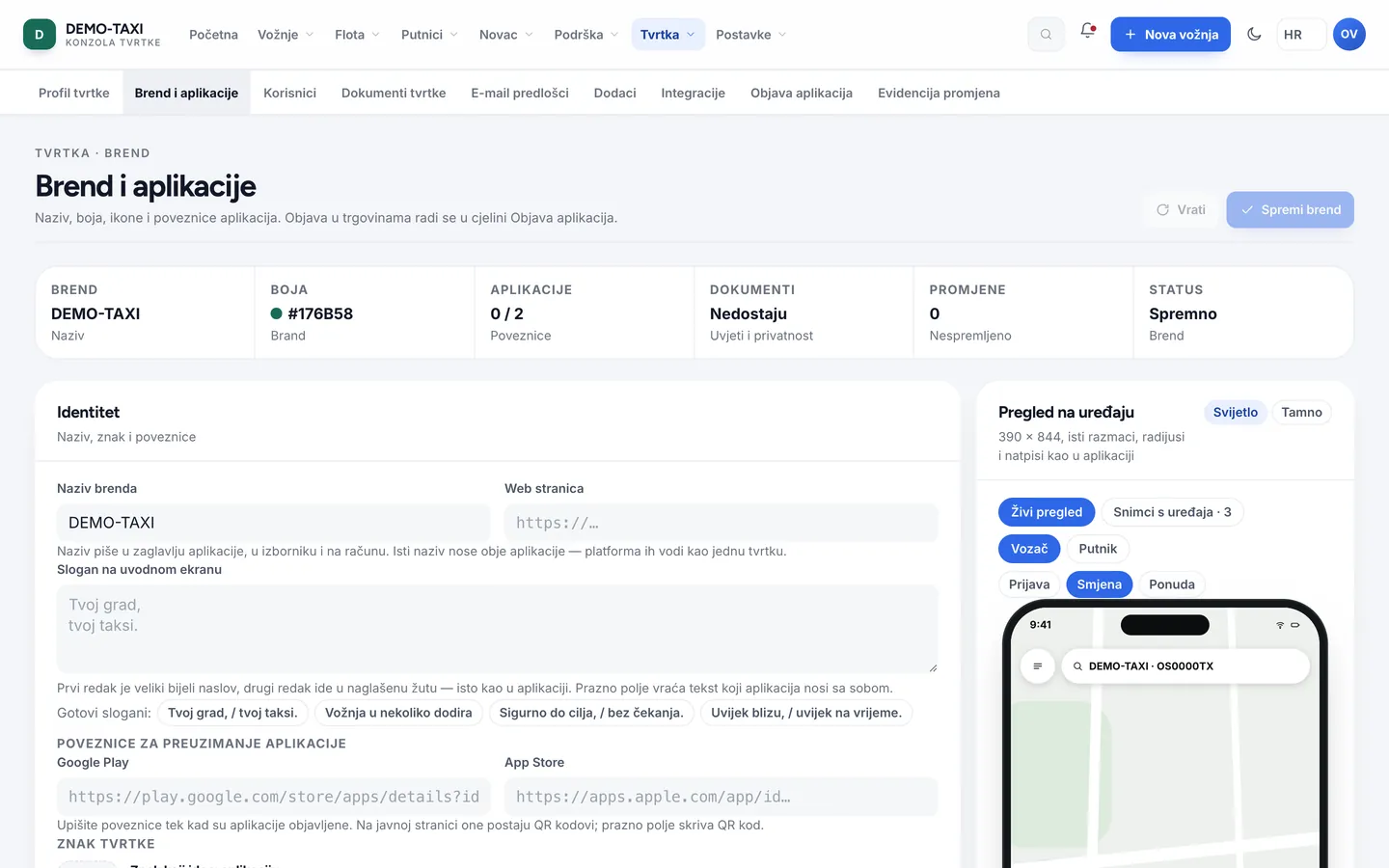
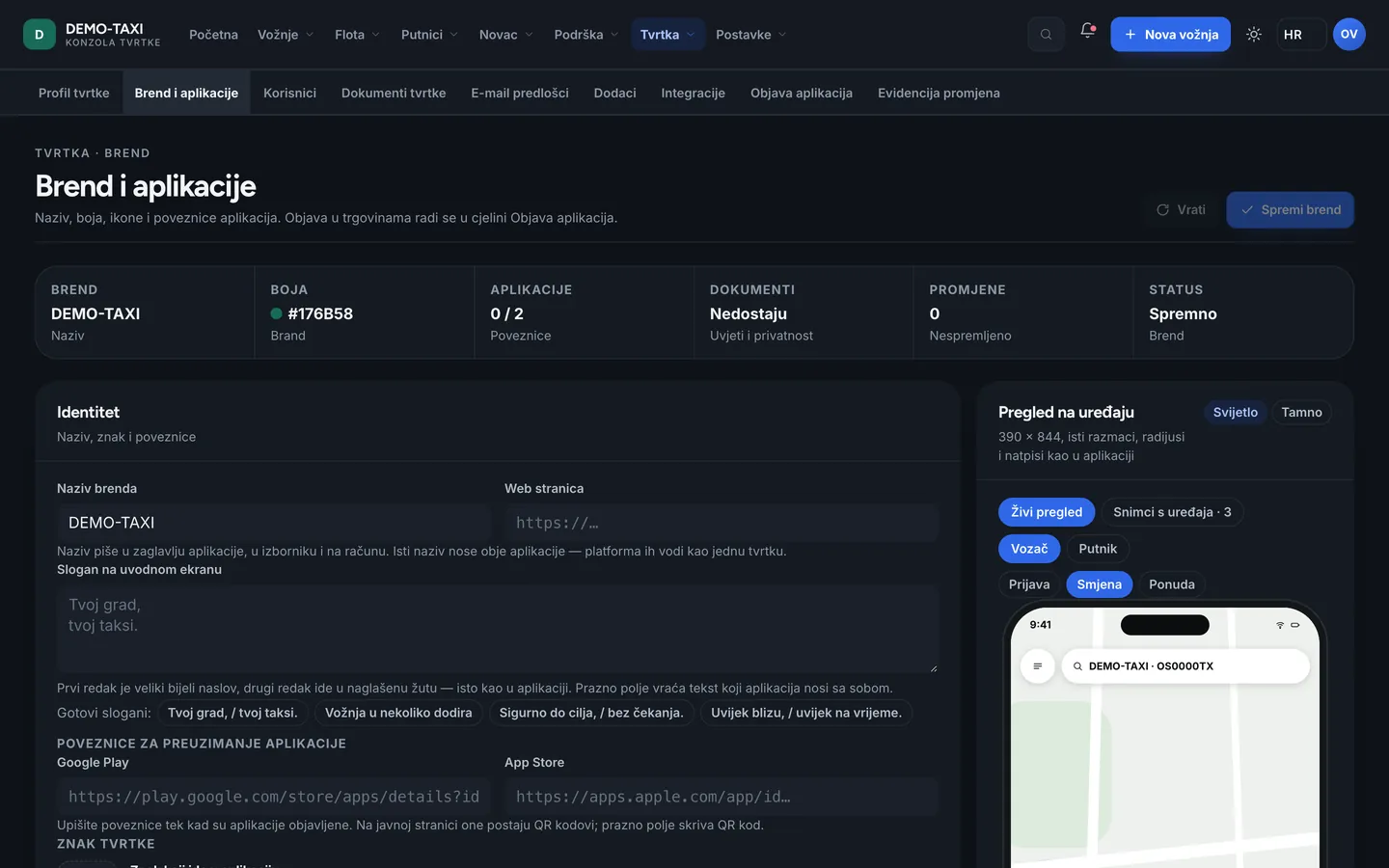
- Brand and apps — name, colour, logo, tagline and a preview of both apps before saving. A change applies at once, without a new version.
- Users — people in the company and their roles. A new account becomes active only when the person sets a password from the invitation.
- Company documents — contracts, confirmations and other company paperwork, available with its profile.
- E-mail templates — how the company writes to passengers and drivers. The sender is the company, not the platform.
- Add-ons — which extra modules the company has and until when.
- Developer — API keys, webhooks and call examples, for companies connecting their own systems.
- Store release — the Google Play and App Store listing: icon, screenshots, description and a link to the privacy policy. Only the owner sees this.
- Audit — who changed what and when. It is not for watching people, but for answering “why did this change”.
Settings — the rules everything follows
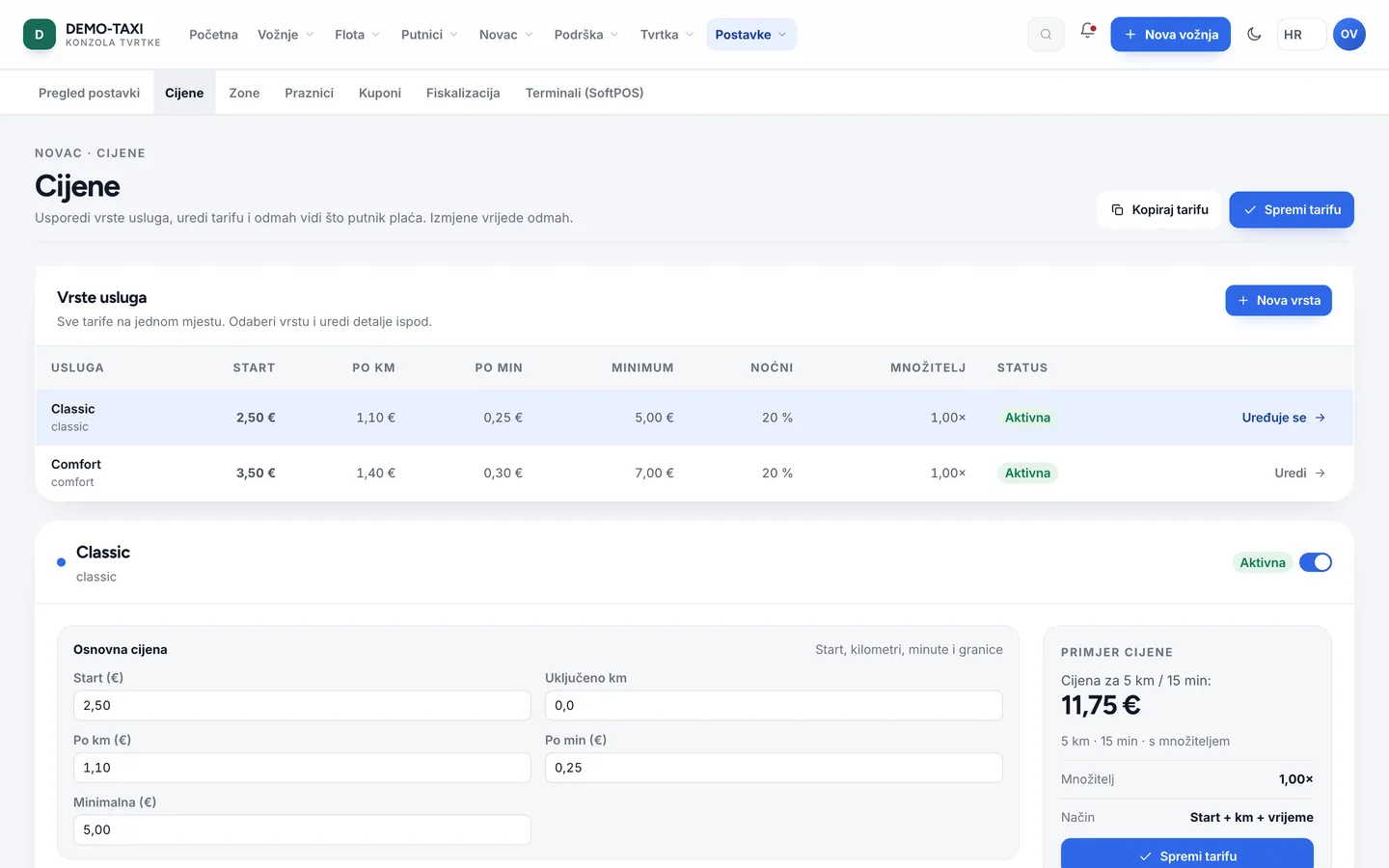
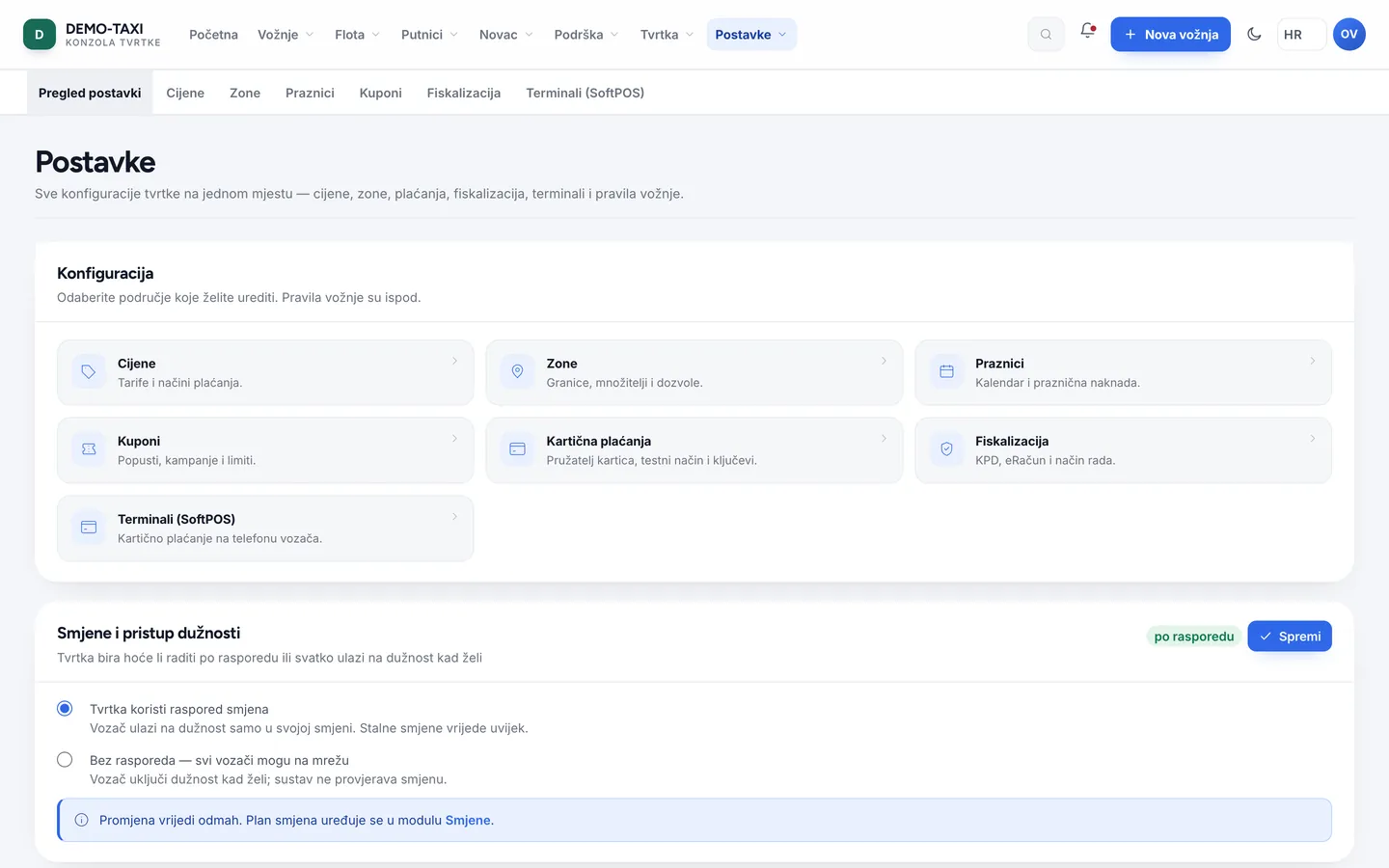
- Settings overview — ride rules, card payments, payout schedule and vehicle classes, each with its own save button.
- Pricing — the price list per service type: base fare, distance, time, multiplier and payment method. This is what gives the passenger the price in the app.
- Zones — areas on the map with a permit and a pickup area. Demand inside a zone raises the multiplier only there.
- Holidays — days when the company works differently; they change price and availability without a code change.
- Coupons — promo codes and gift credit, with expiry and limits.
- Fiscalisation — certificate, tax id, premises and device, operator and mode (test or production). In Croatia this is a precondition for operating.
- Terminals (SoftPOS) — card payment on a phone, without a separate device, where the provider supports it.
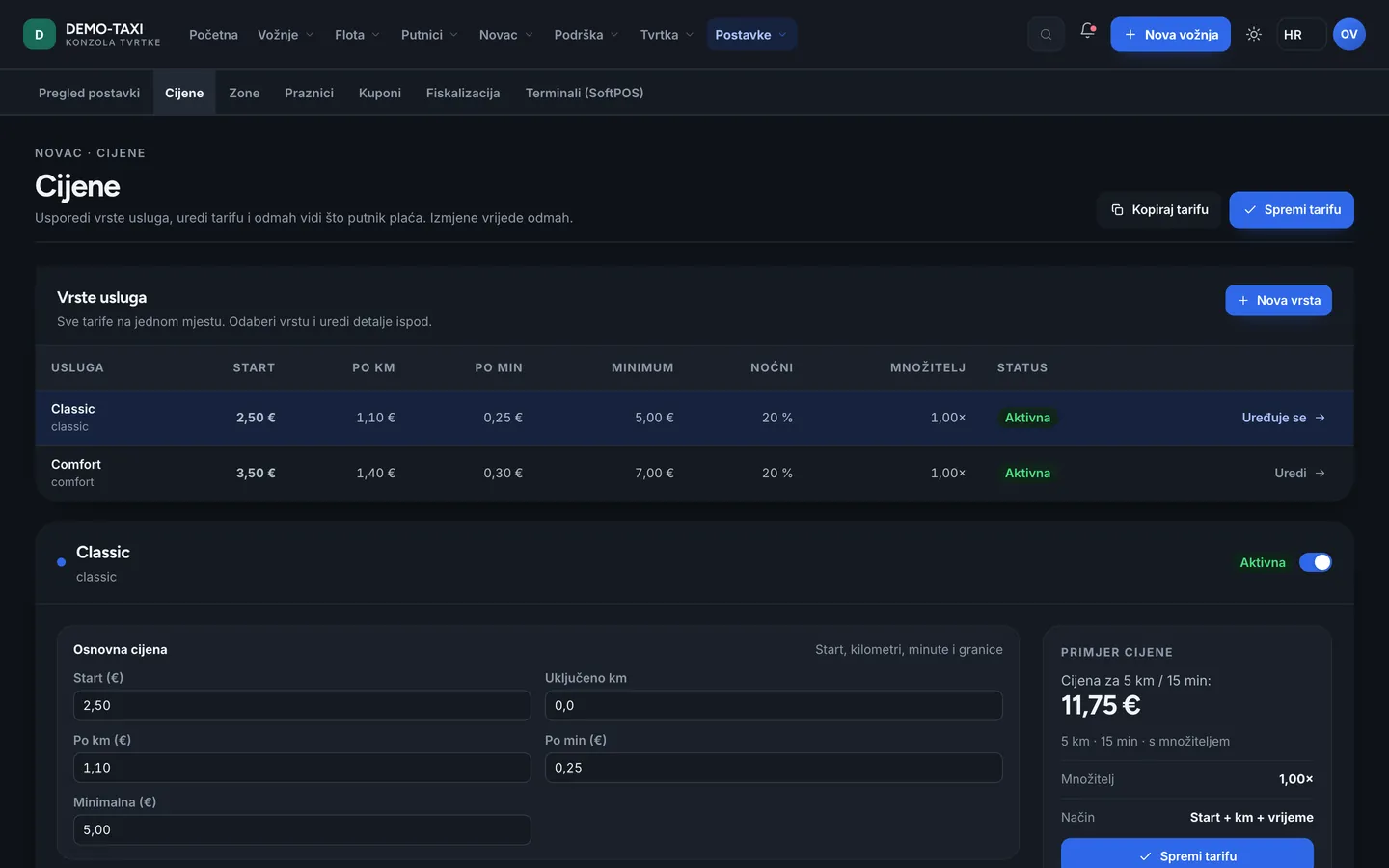
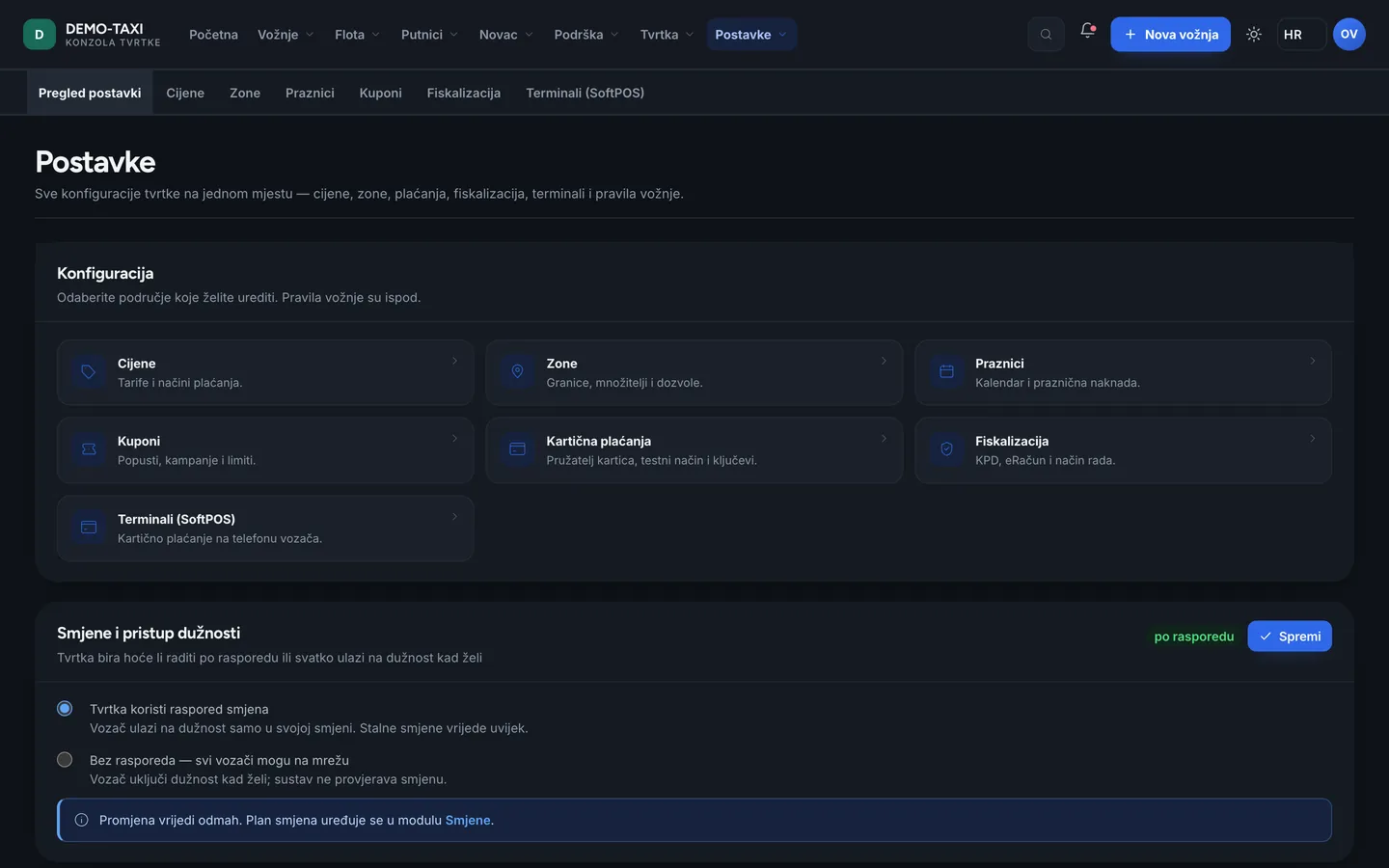
Dark theme and small screens
The console works in the dark theme, on a tablet and on a phone. On a small screen a table scrolls sideways with the first column fixed, and every action has a label — so you know what each button does, even with a screen reader.