Guide for the platform owner
A working day for the platform owner: opening a company, modules and plans, billing, contracts, audit, monitoring and support — in the order it is actually done.
The platform console lives at /platform/. It is where every company is opened and run: it gets a plan and modules, invoices are issued, contracts are kept, system health is watched and requests are handled. This page is a working order, not a feature list — features are described in the Platform console.
Before the first click
- A platform account has a role (
SUPER_ADMIN,ADMINorSUPPORT) — it decides what you see in the navigation. - Turn on two-factor sign-in (Security) before you add other people.
- Check System: the server, database, rate-limit store and providers must be green.
Open a new company
- Companies → the New company button opens the wizard as its own page (not a popup).
- Enter the slug (permanent, no spaces), the legal and display name, e-mail, tax id, country, plan, and the owner’s e-mail and name.
- The wizard shows the owner’s temporary password once. Hand it over through a secure channel — never by plain-text e-mail.
- Review the checklist on the last step: it shows what the owner still has to complete before the company can take rides.
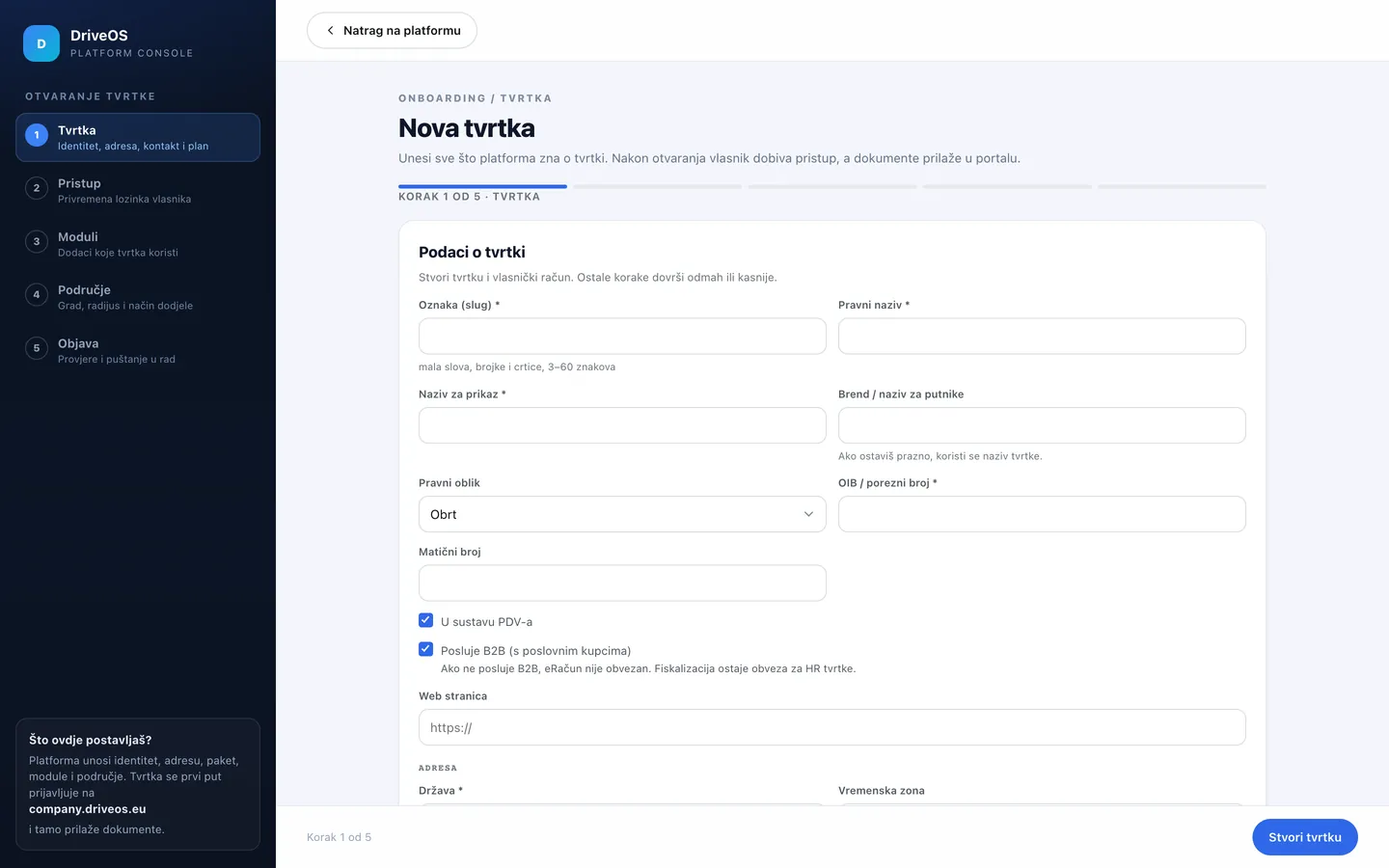
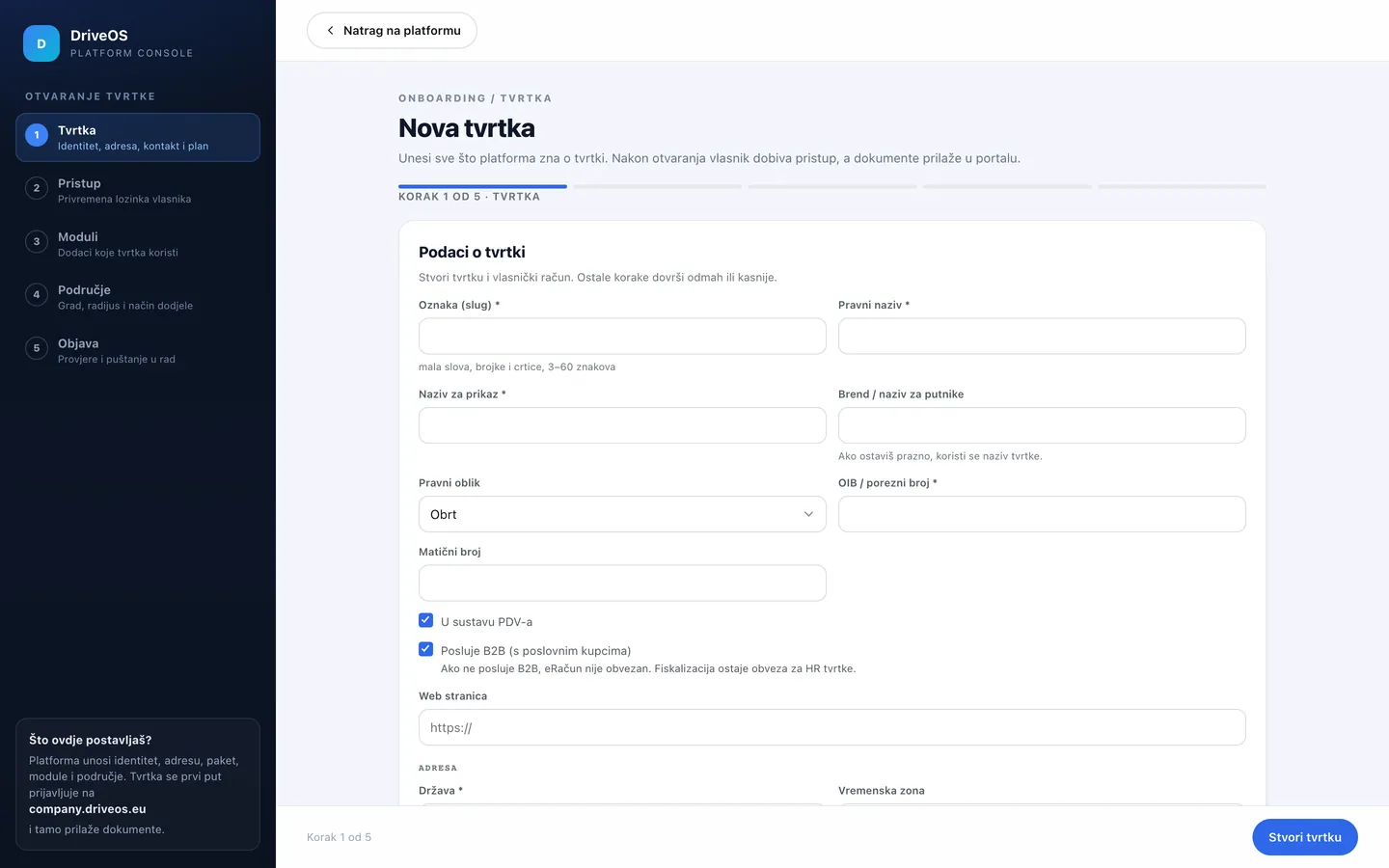
The slug does not changeThe slug goes into the address, the app bundle id and deep links. If it is wrong, fix it before the apps are published; afterwards it means a new app.
Enable modules and the plan
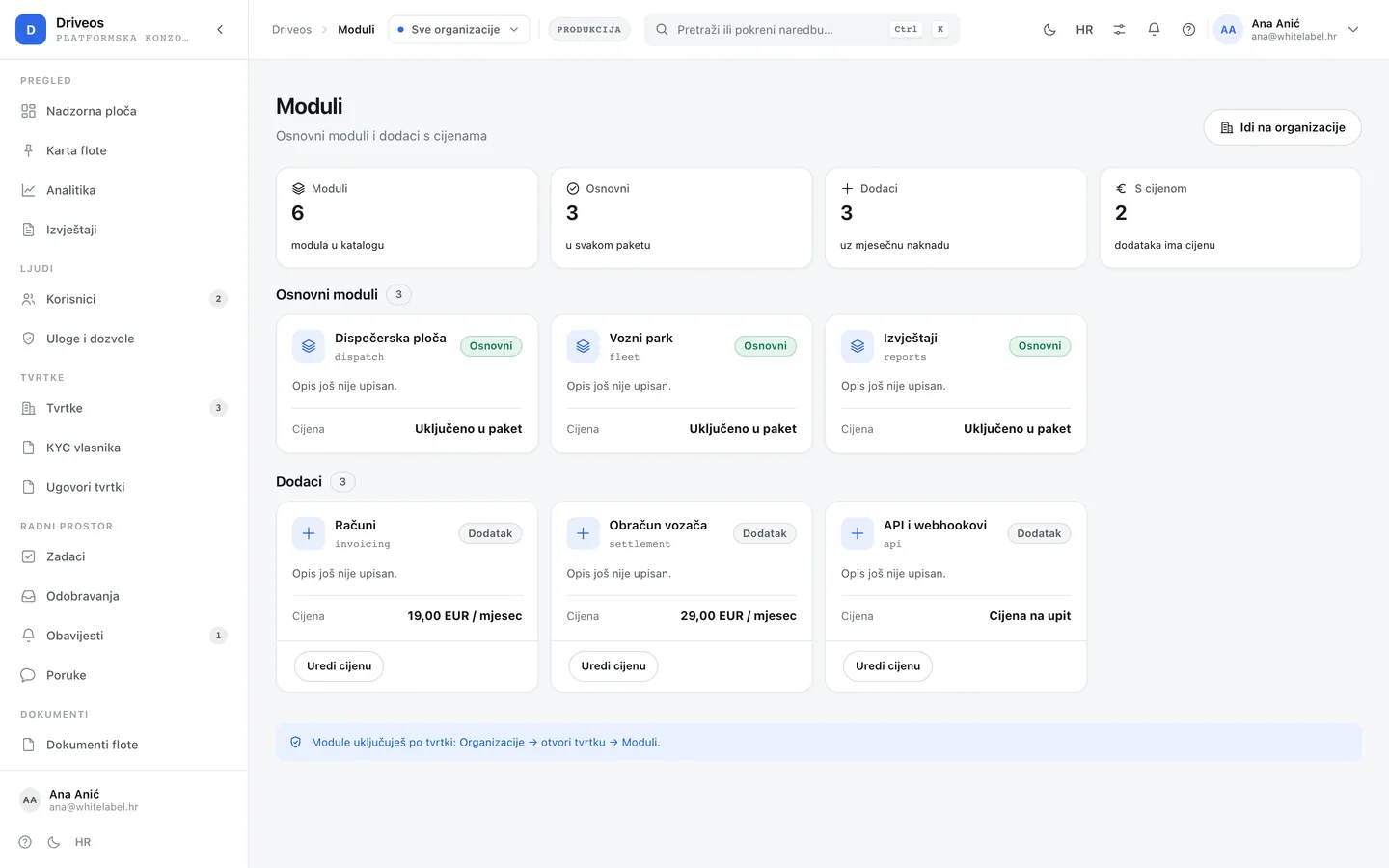
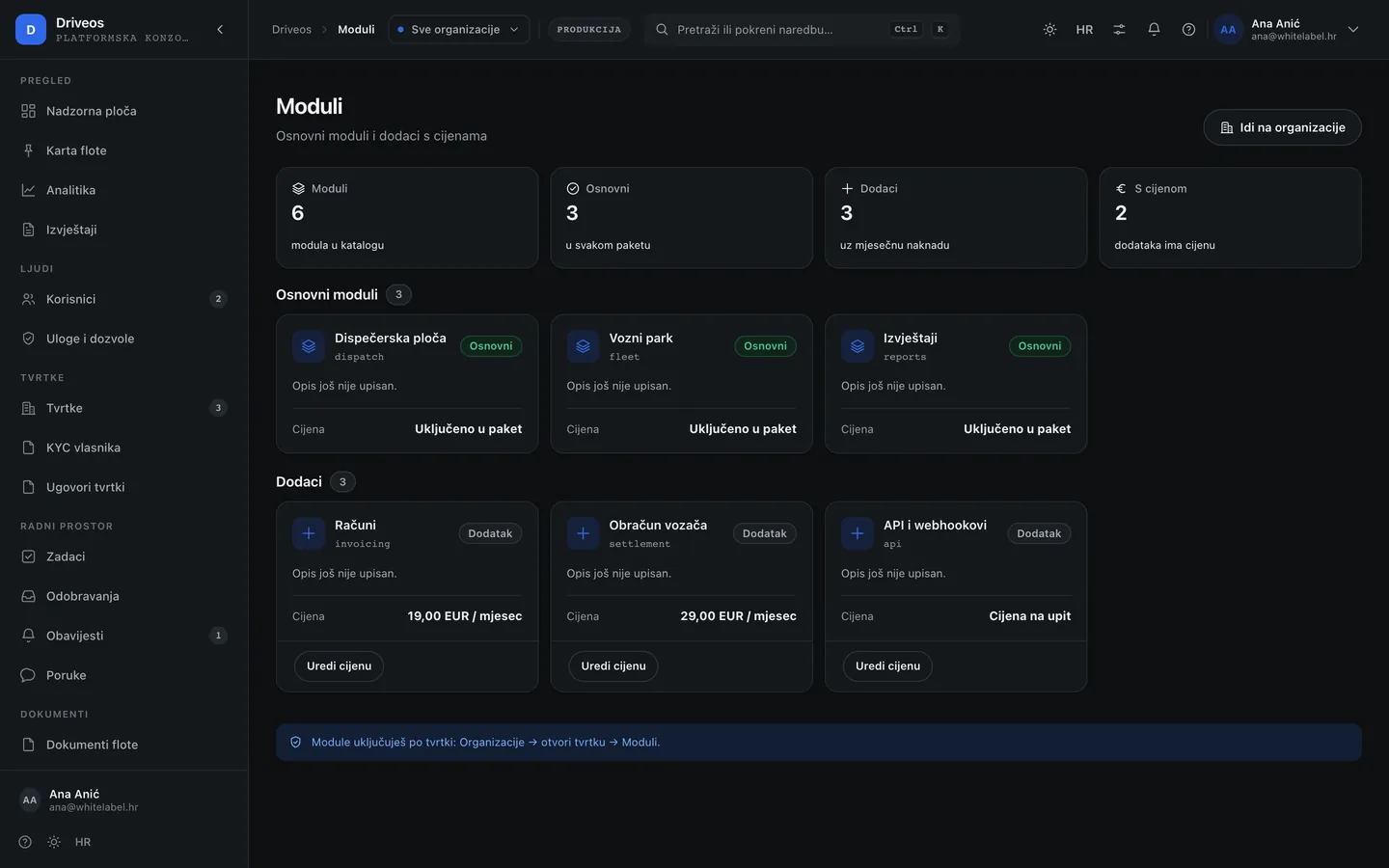
- Money → Modules: find the module and enable it for the company. Core modules (
core.*) are always on; add-ons (addon.*) carry a fee and can have an expiry date. - For server-to-server access enable
addon.api_access— without itPOST /api/v1/ridesreturns403even when the key exists. - For store releases enable
addon.store_launch_support— without it the Store release panel in the company console does not open. - Money → Plans: a plan changes the price and the vehicle limit; a change applies from the next billing period.
Billing and contracts
| What | Where | How |
|---|---|---|
| Company invoice | Money → Billing | Pick the company and the period; the invoice is issued from the plan and enabled modules |
| Contract and DPA | Companies → Company documents | Upload a file up to 5 MB, enter metadata; the document stays with the company and in the audit log |
| Compliance documents | Companies → Compliance | Deadlines, confirmations and reviews; an expired document raises an alert |
| E-mail templates | Settings → E-mail | Edit subject/body in Croatian and English; it changes immediately for all future messages |
Release a company (and when something is missing)
A company cannot take rides until it passes the readiness gate (12 checks). While something is missing, opening a shift and creating a ride return 400 with the code errors.launchNotReady and a list of gaps.
- The usual path: the company owner completes the checks in their console (profile, brand, terms, pricing, a driver, a vehicle, fiscalisation).
- The exception: the platform can temporarily release a company with a reason and an expiry date. When the date passes the block returns by itself — so the exception is not used for regular operation.
- Every such decision stays in the audit log with the user, time and reason.
Monitoring and support
- System and Activity: the state of the server, database, queue and providers; the public
/status/page shows the same without signing in. - Support: company and user requests with the conversation history. The answer is visible to the company in their console.
- People and Security: platform accounts, roles, two-factor protection, blocks and last sign-ins.
- Audit: who changed what, when and from where — including access to company data.
A five-minute daily routine
- Overview: new companies, trials about to expire, and companies that are not operating.
- Work → Tasks and approvals: what waits for you, not for the company.
- System: are all providers green; if not, open an incident and the public page shows it.
- Support: answer requests older than one day.