The platform’s internal console
The platform owner’s internal tool: 29 views in 11 groups — from opening a new company to watching the system work. Companies never get it and never see it.
The platform console lives at /platform/ and sees every company. It is the platform owner’s tool only: nobody from a company signs in, it is not part of any plan and not part of what a company receives. A company works in its own console at company.driveos.eu; this console sits above them all.
A company never gets this consoleA company gets the passenger app, the driver app and its own console. This one is only where its account is opened, modules are enabled, invoices are issued and the system is watched — and the platform always does that.
Overview — the state of the whole portfolio
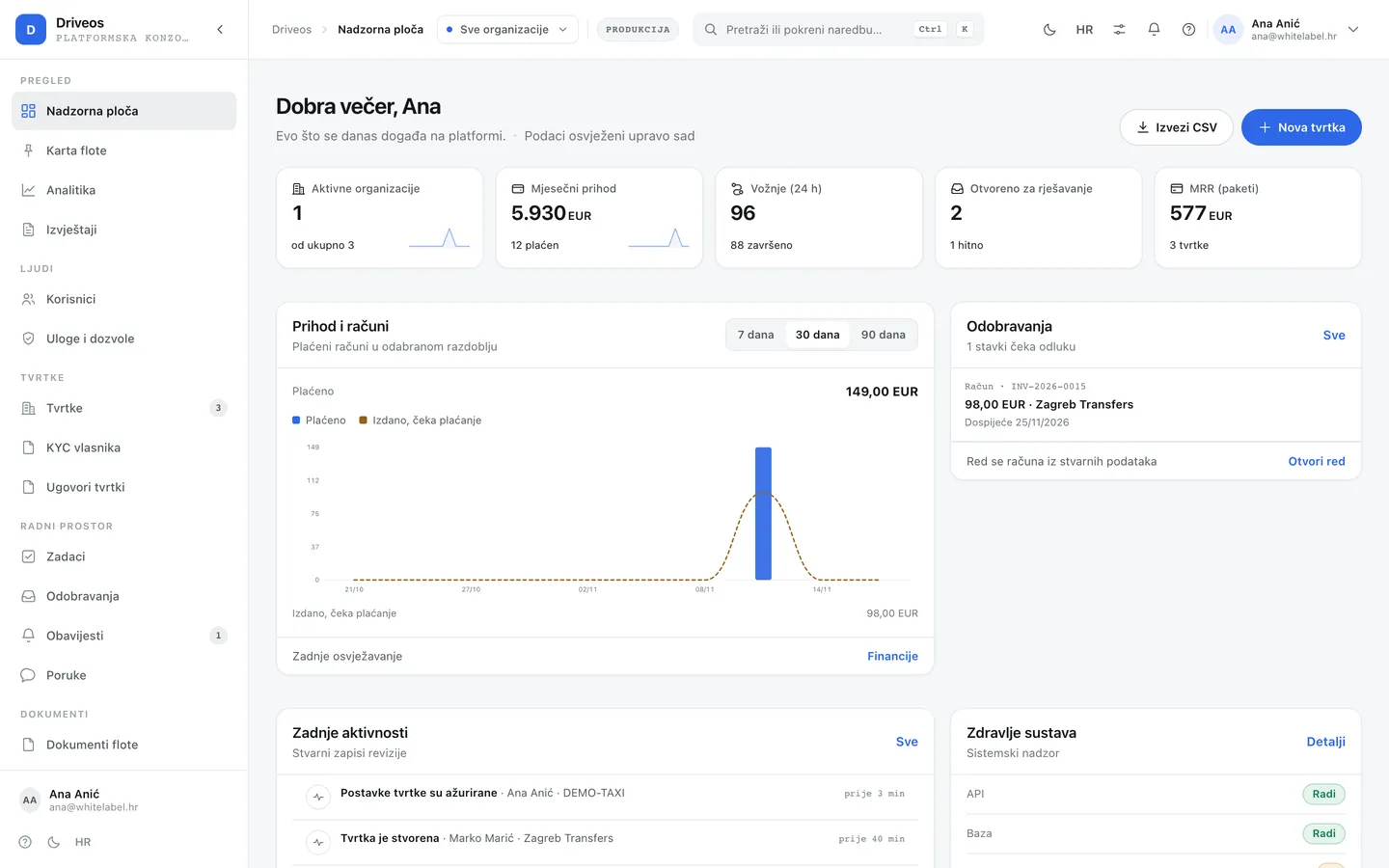
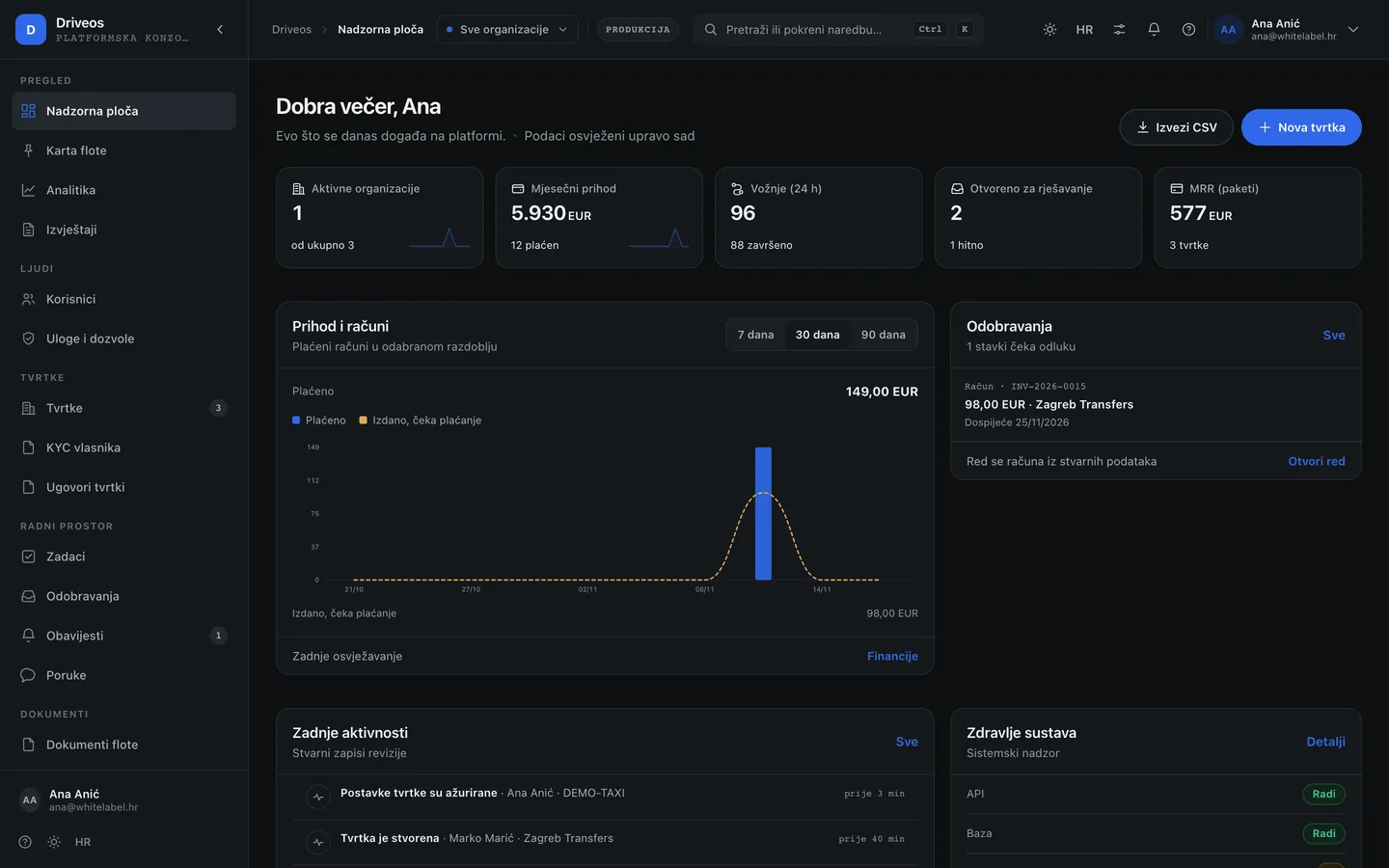
- Dashboard — how many companies are operating, how many are on trial, what expires this week and where a problem is appearing.
- Map — every company on one map with its working areas. Useful when looking at expansion, not at a single ride.
- Analytics — how rides, revenue and vehicle counts move per company and in total.
- Reports — ready-made views for a partner conversation or for billing, with export.
Companies — opening, contracts, compliance
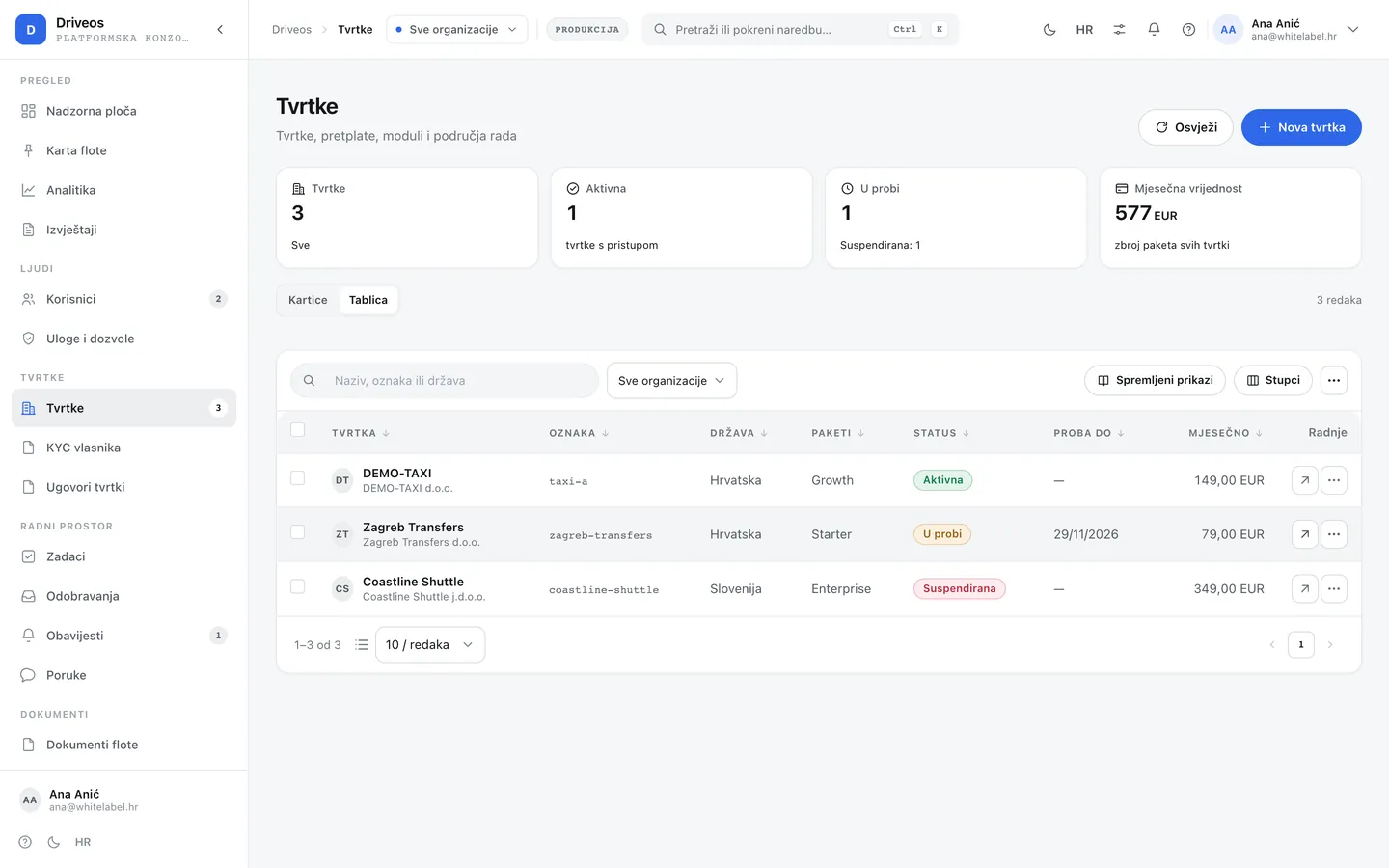
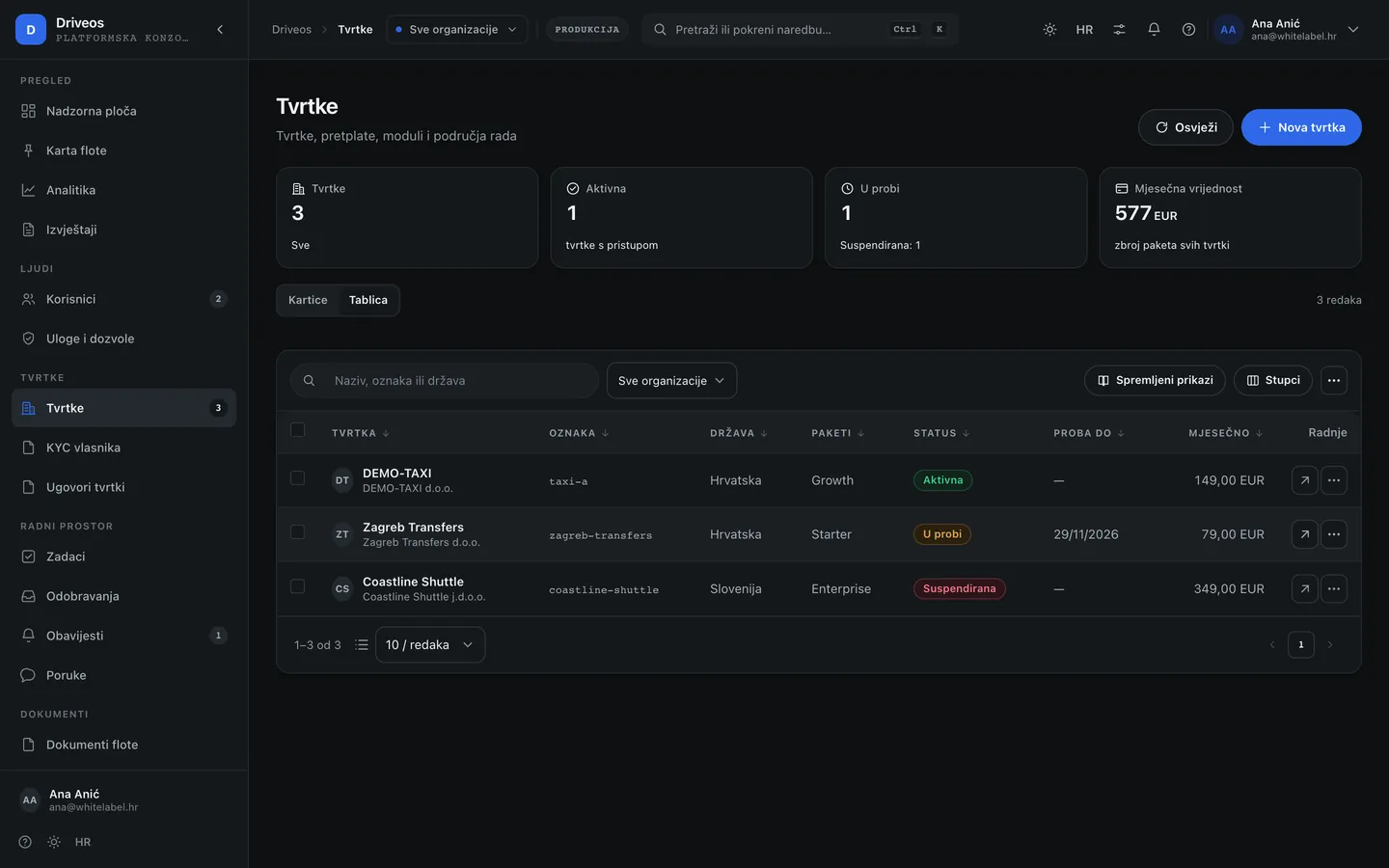
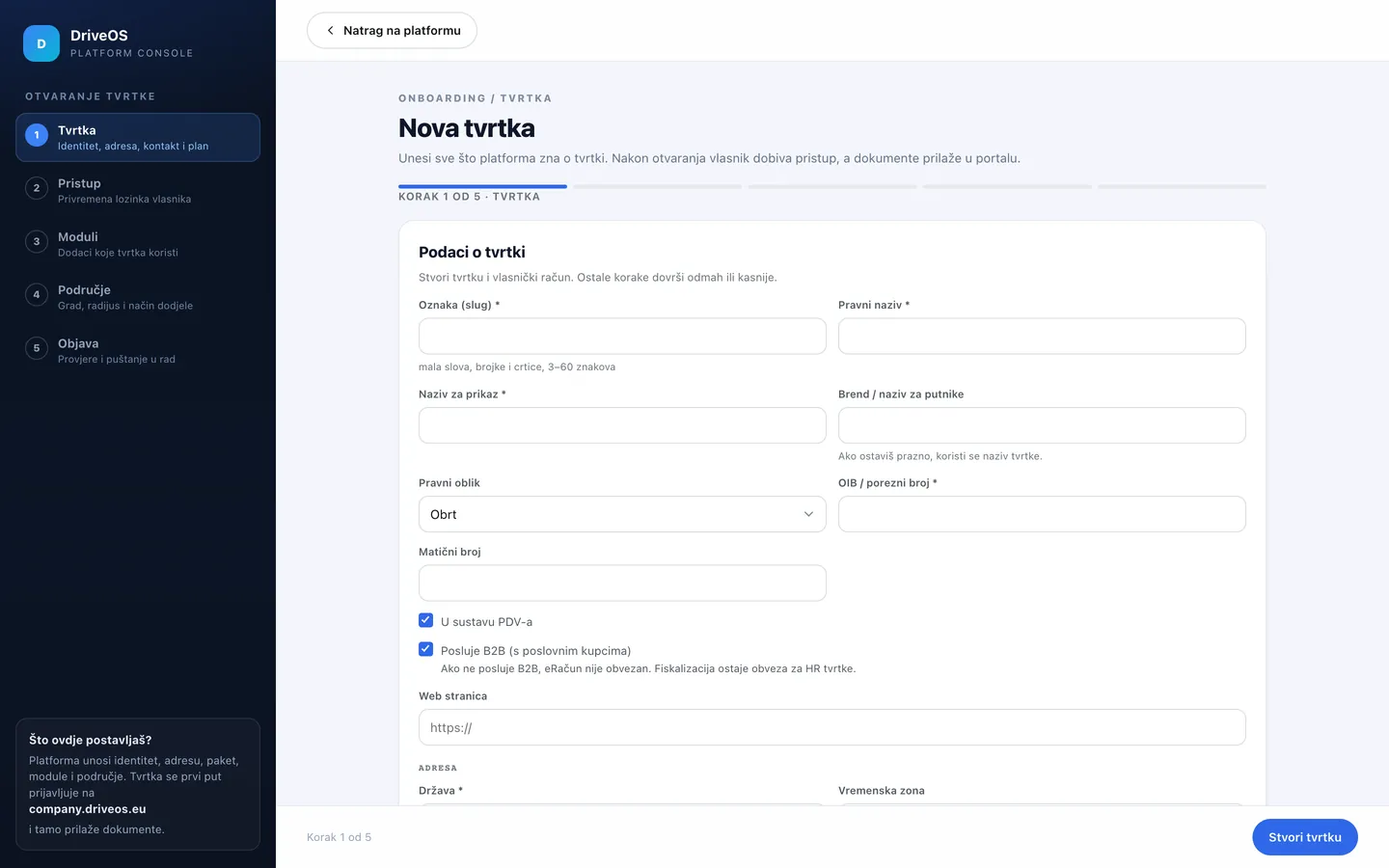
- Companies → New company: enter the slug, legal and display name, tax id, country, plan, and the owner’s e-mail and name. The wizard is its own page, so nothing is lost if the window closes by accident. This is the only way a company comes to exist — it cannot register itself.
- The console shows the owner’s temporary password once. Hand it over through a secure channel, never by plain-text e-mail.
- Company documents keep the contract, DPA and other paperwork with the company; Compliance tracks deadlines and confirmations.
Money — modules, plans and billing
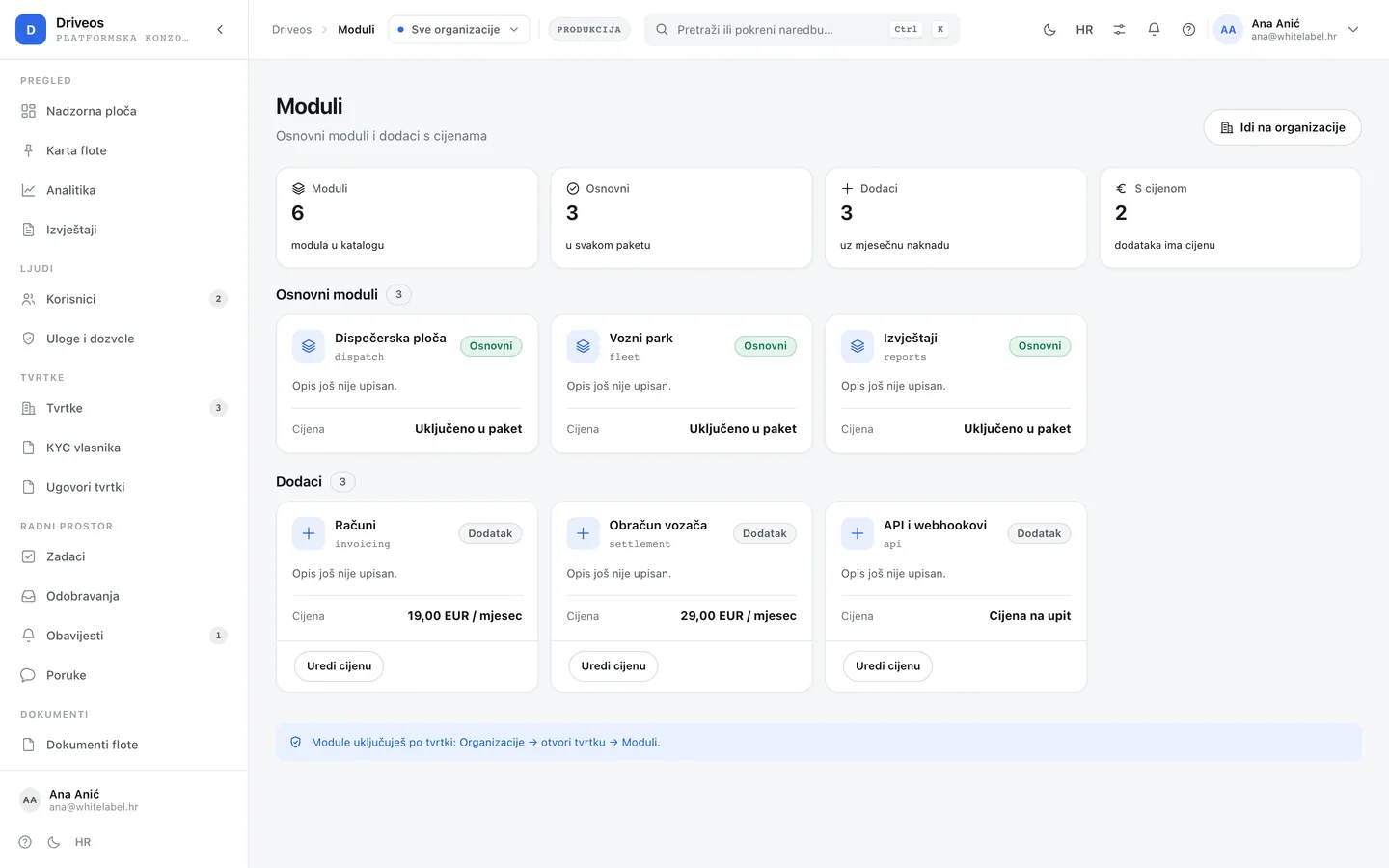
- Modules — the catalogue of everything that can be enabled: what is core, what is an add-on, what it costs and which company has it. Disabling a module does not delete data.
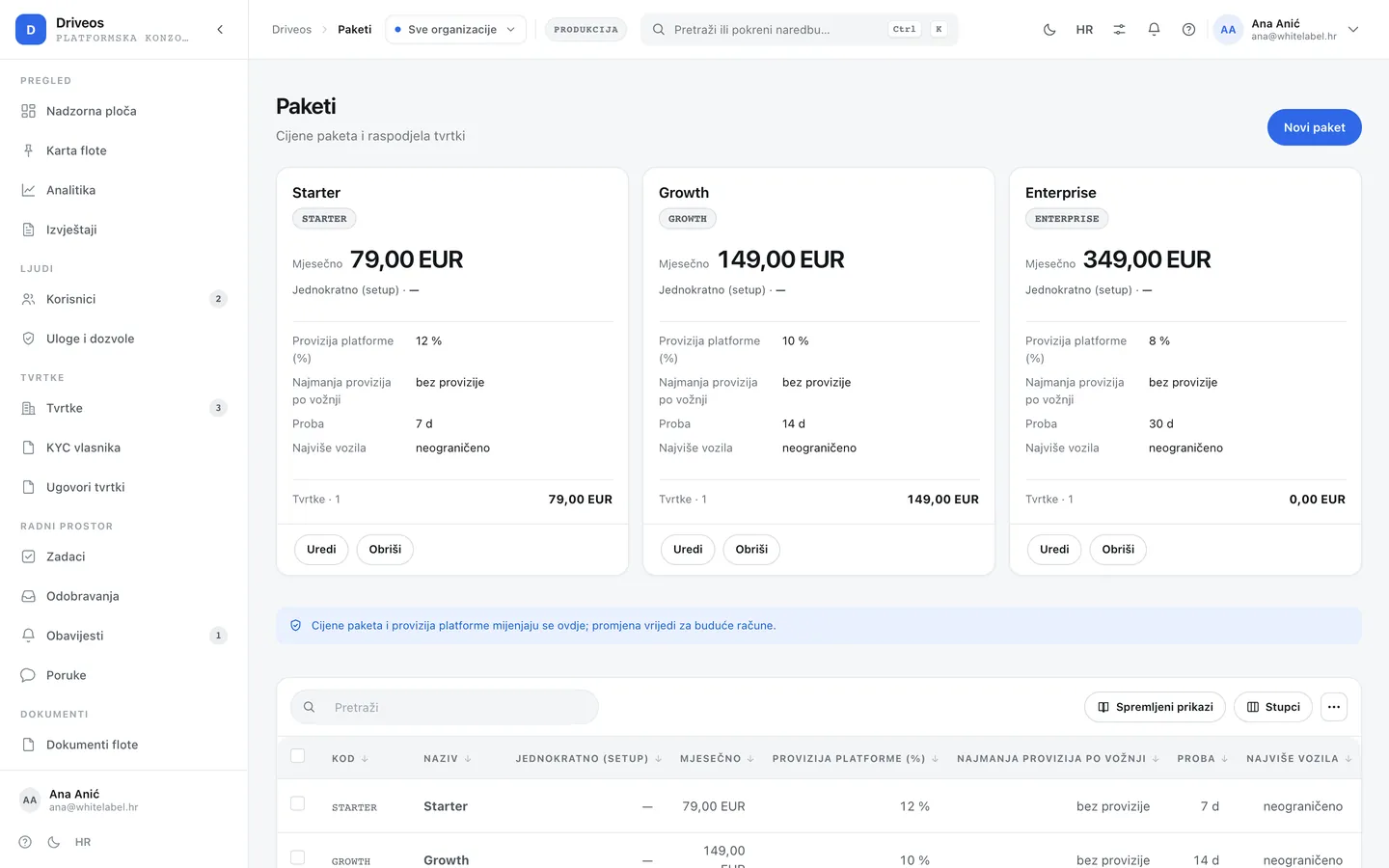
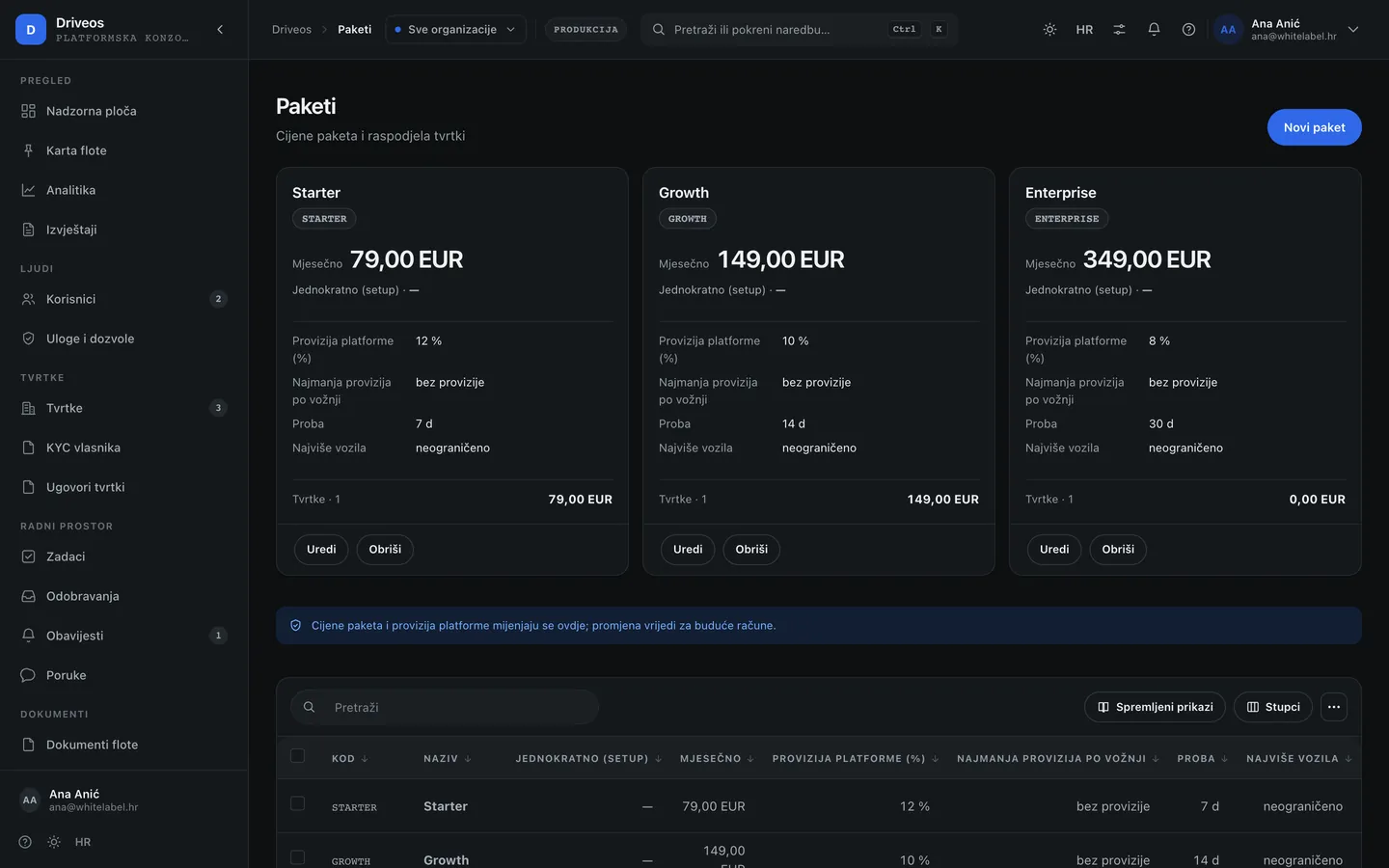
- Plans — START, STANDARD and PREMIUM: price, included modules and the maximum number of vehicles.
- Billing — invoices per company and period, from the plan and enabled modules.
People and security
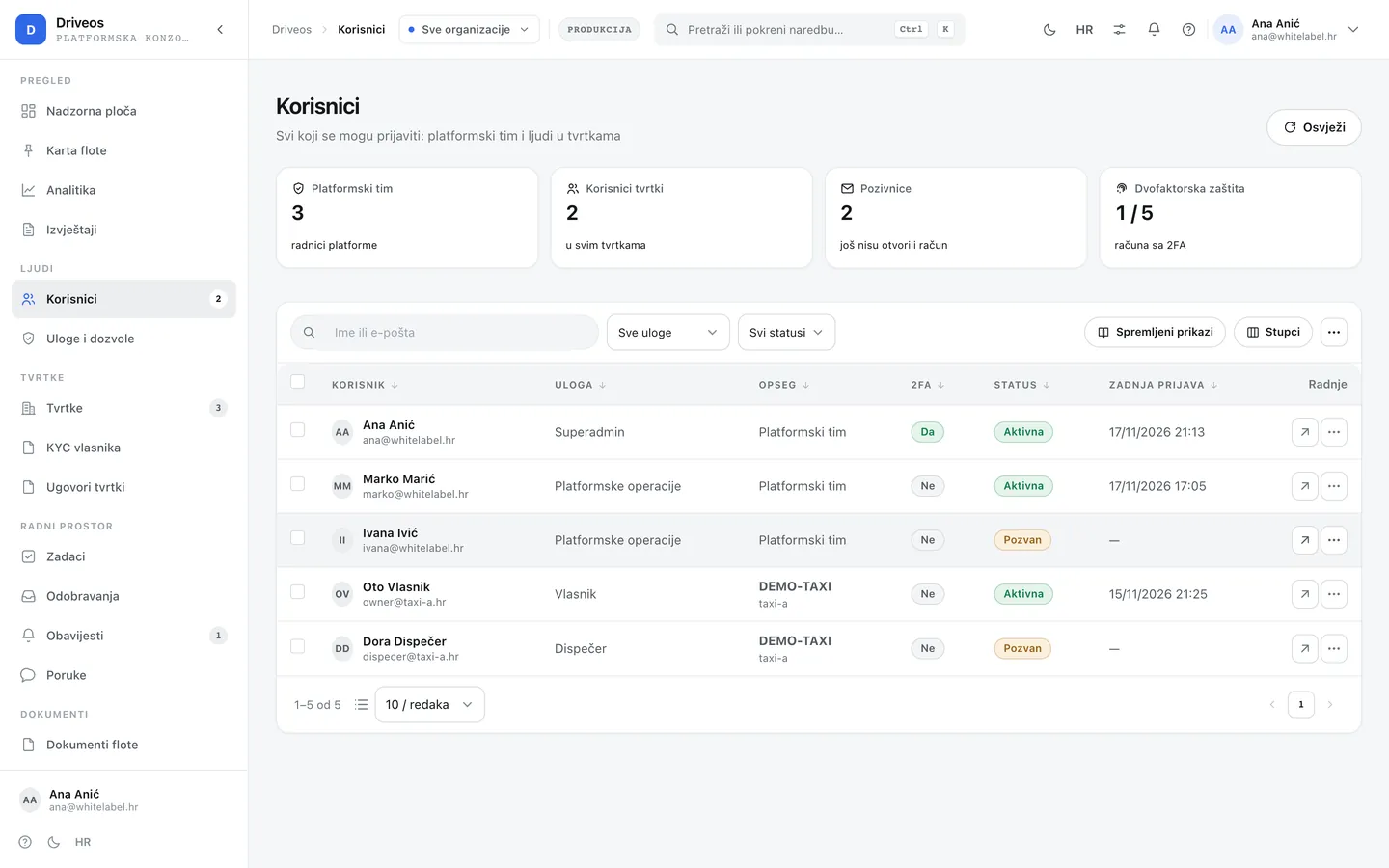
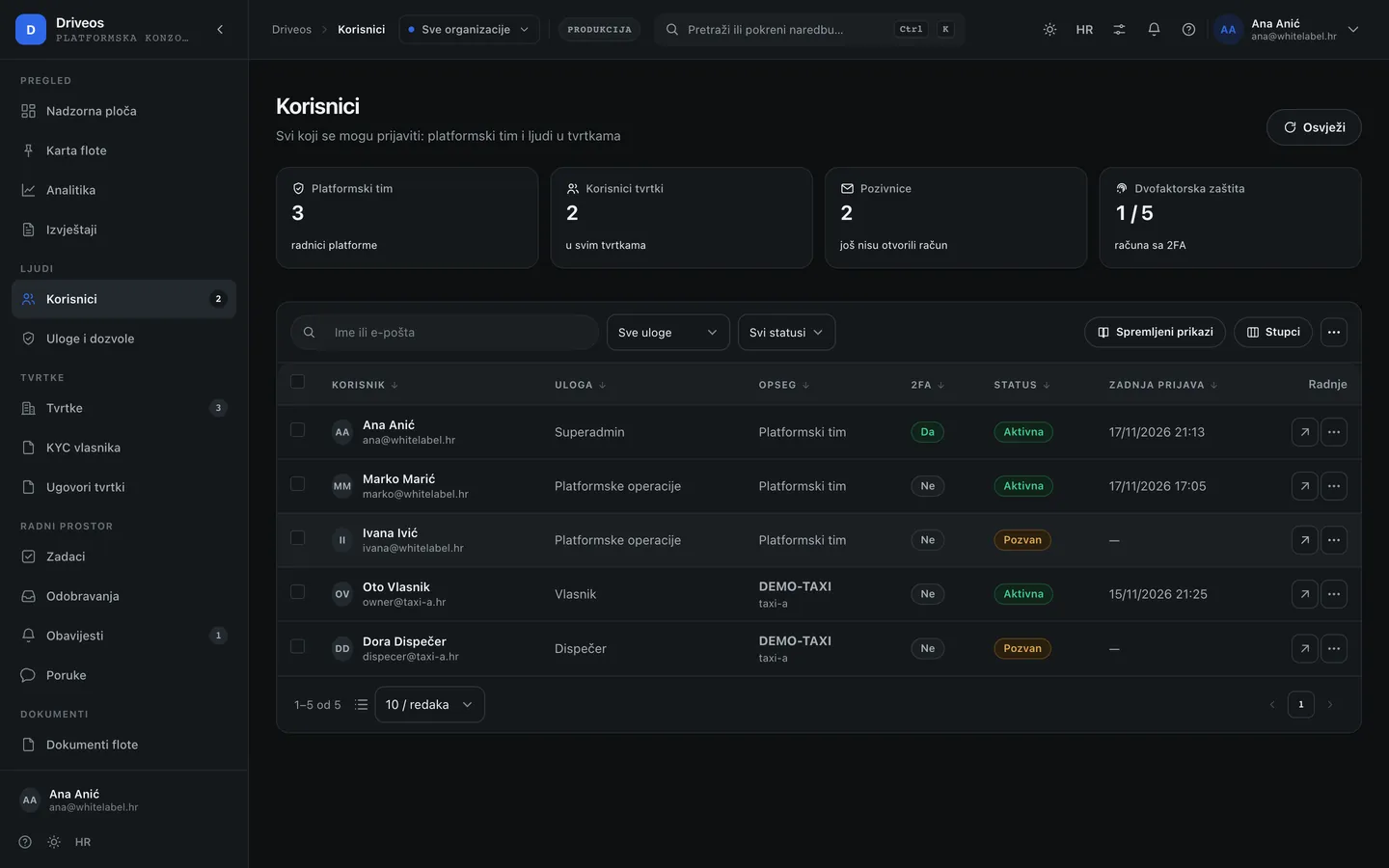
- Users — platform accounts and their roles. A platform account is not the same as a company account.
- Roles — what each role may do: support sees requests, an administrator runs companies, the owner everything.
- Security — sign-ins, two-factor protection, blocks and suspicious actions.
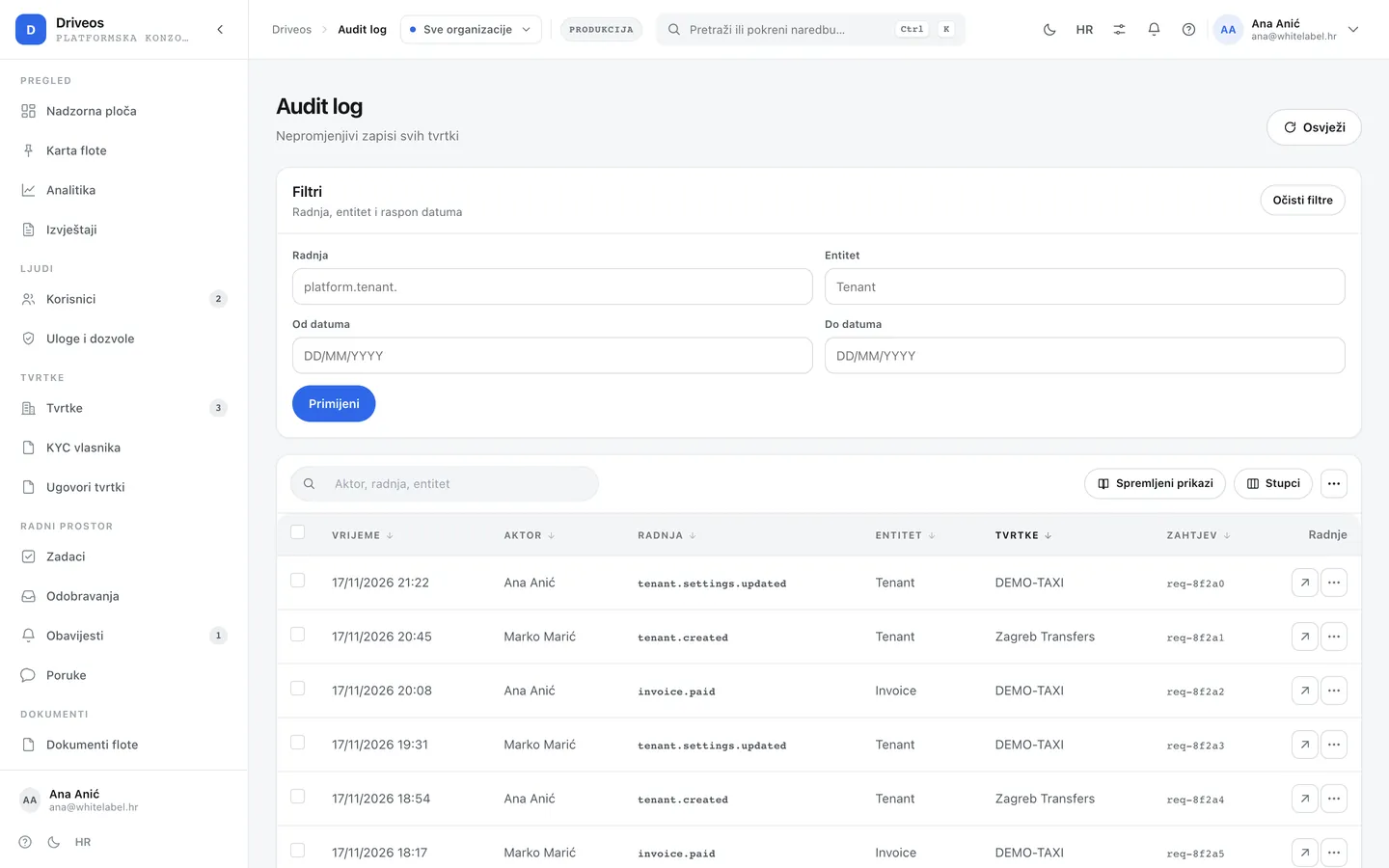
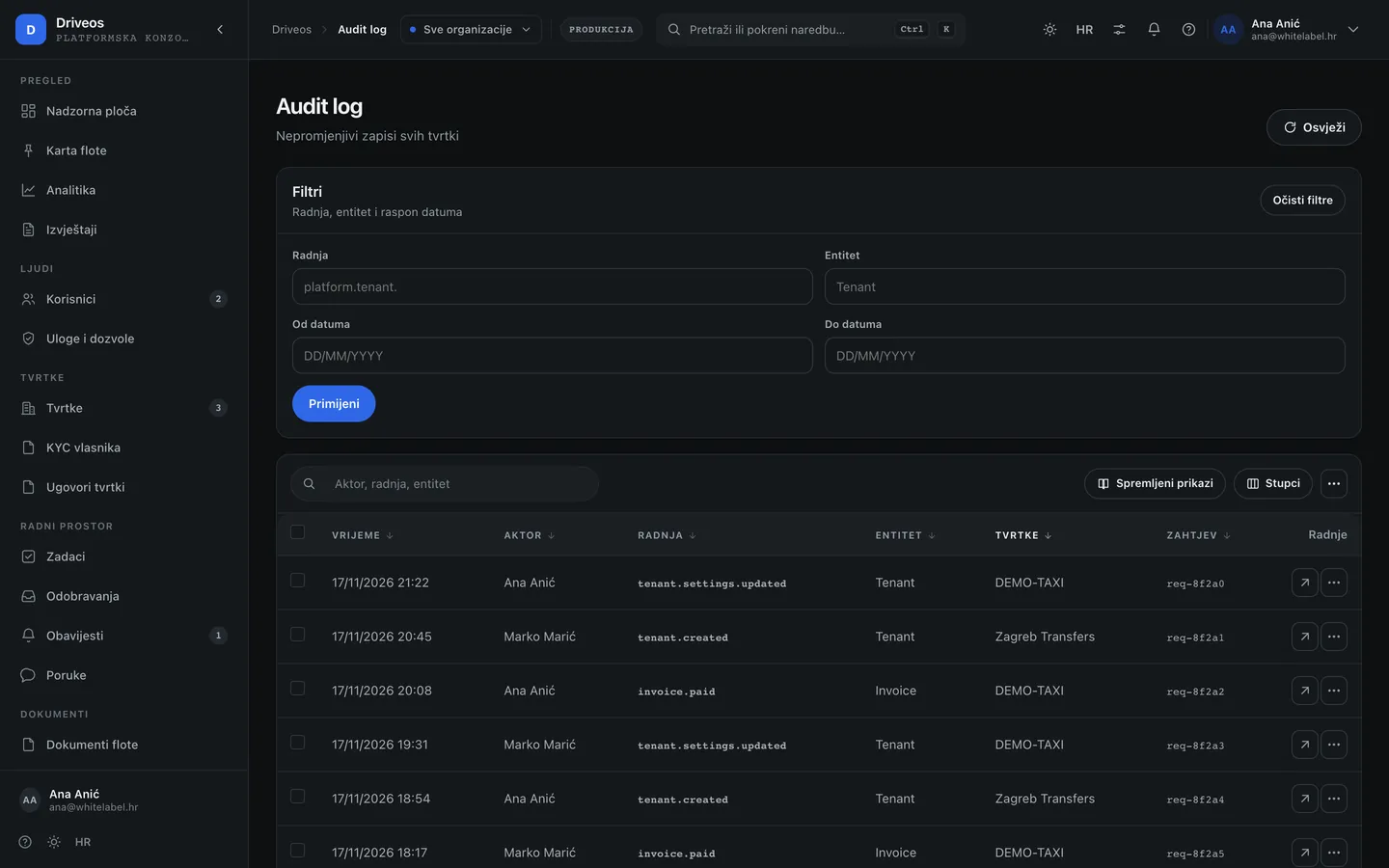
- Audit and Activity — who changed what, when and from where, including access to company data.
Work — tasks, approvals, messages
- Tasks — what someone was assigned and by when.
- Approvals — requests waiting for a decision: exceptions, discounts, extensions.
- Notifications — what the system tells the platform (expired contracts, provider outages, incidents).
- Messages — conversations with companies, tied to a company and a topic.
Documents and templates
- Documents — paperwork coming from companies and paperwork the platform issues.
- Templates — document templates the platform shares with companies.
- Document types — what can be requested at all and which fields are required.
Integrations and automations
- Integrations — which external services are connected (maps, payments, telephony, e-mail) and whether they work.
- Automations — “when this happens, do that” rules without programming: a notification, a task, a status change.
System and settings
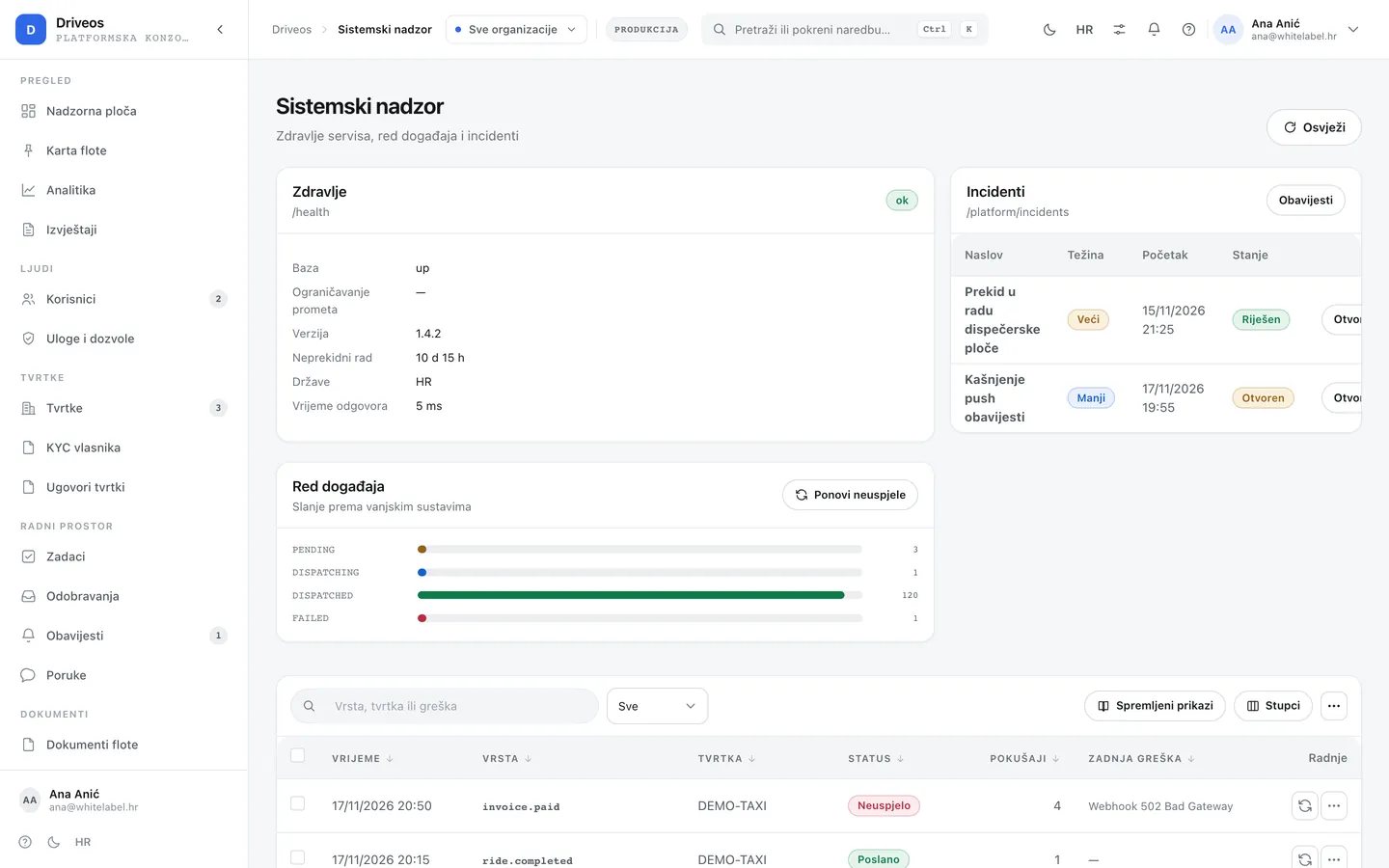
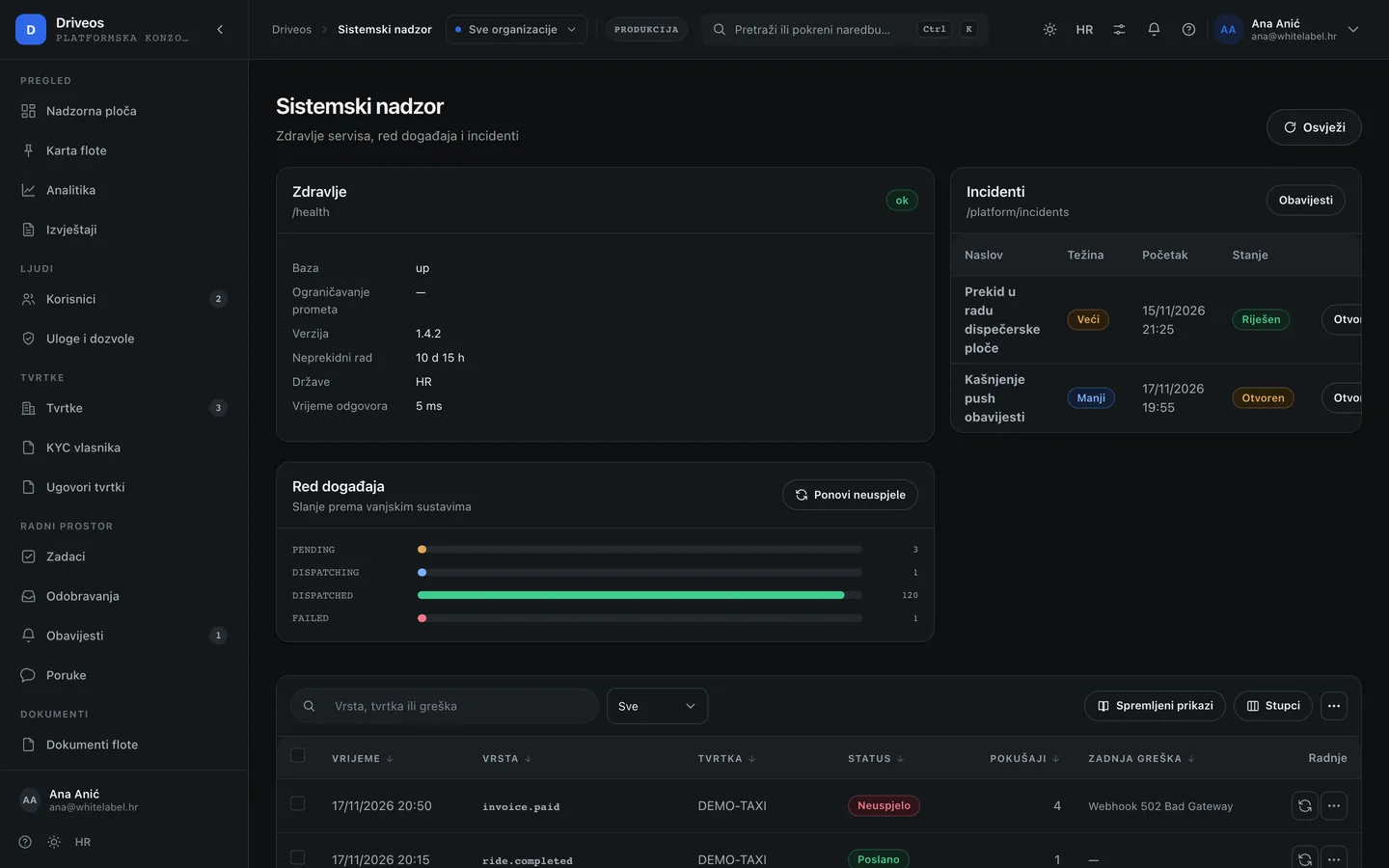
- System — server, database, rate-limit store and external providers. Here you see why something is not working before a company calls.
- Settings — rules that apply to all companies.
- E-mail — templates of platform messages to companies, in Croatian and English.
- Support — company and user requests with the conversation history.
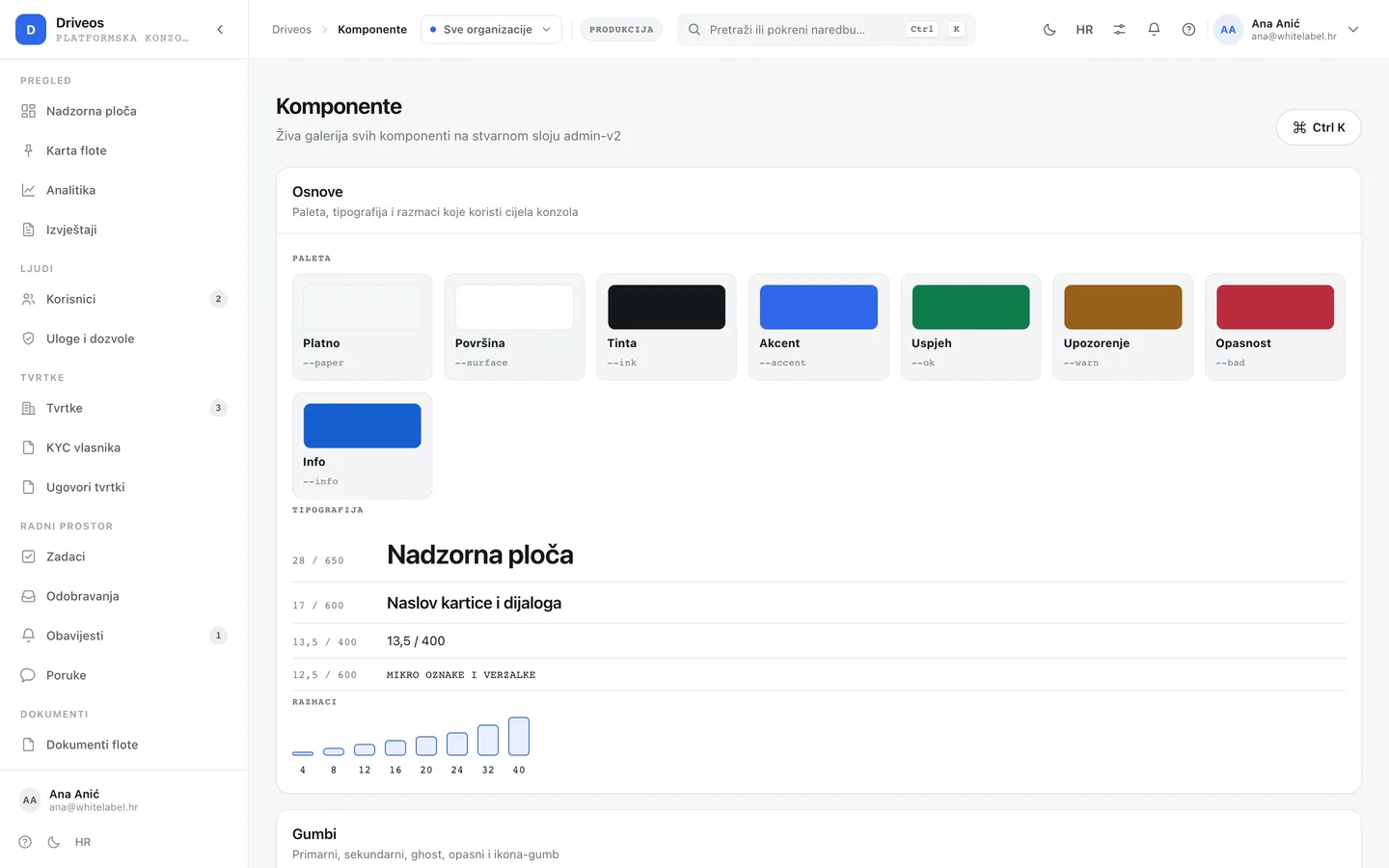
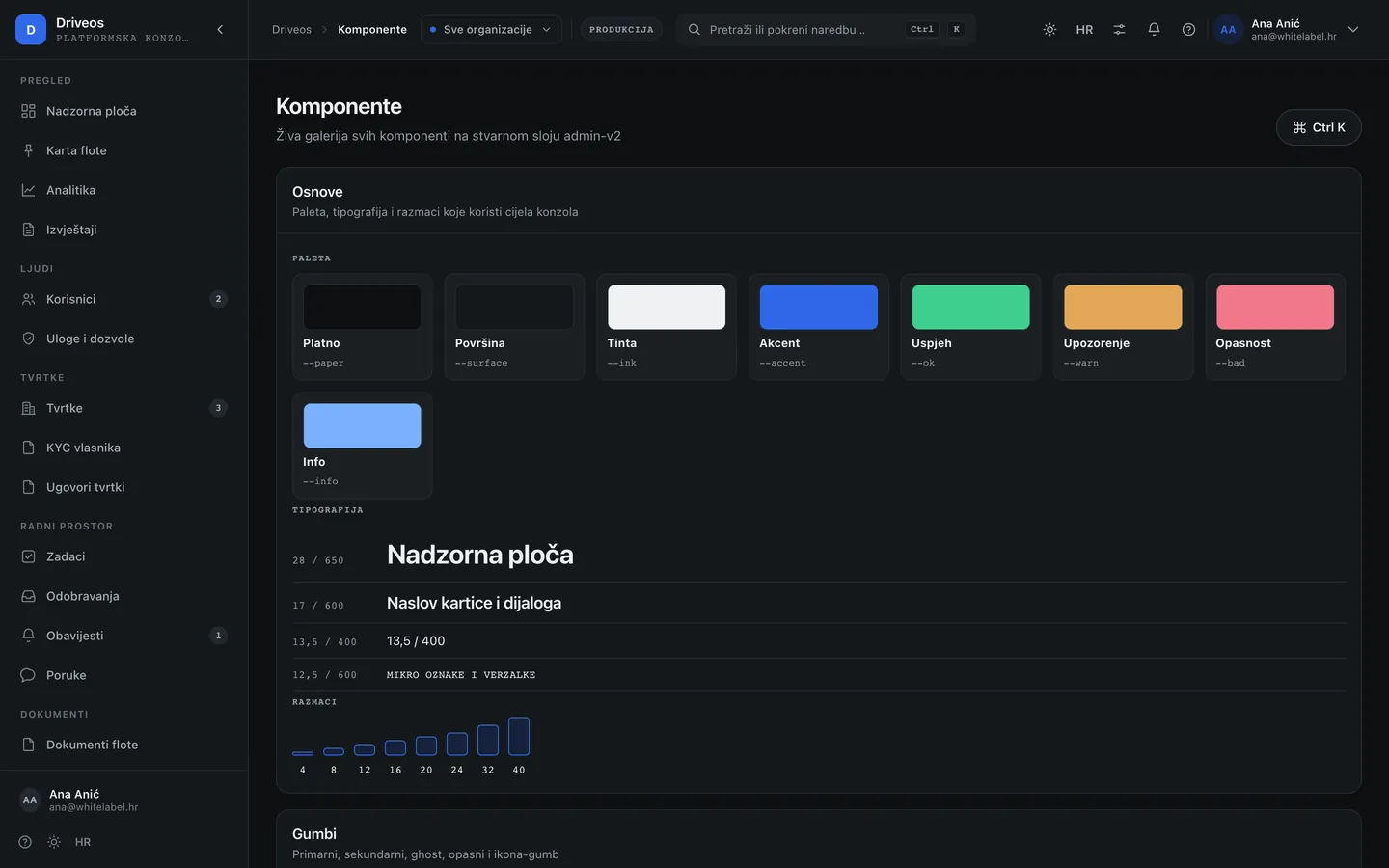
- Design system — components, colours and measures in both themes. Where a new screen is checked against the rest.
One decision, one recordEvery change the platform makes in someone else’s company — a module enabled, a plan changed, a readiness exception — stays in the audit log with a reason, a user and a time. That is not distrust of people; it is the answer to the “why is this like this” question that always comes up later.