Driver app
A driver’s day from sign-in to payout: documents, shift, offers, arrival, the ride, earnings and what happens when something gets stuck.
The driver app is made for a phone mounted in the vehicle. It works in the background, receives offers and sends location while the driver is on duty. Every decision — who gets an offer, what a ride costs, whether the driver is on duty — is made by the server; the app shows and executes it.
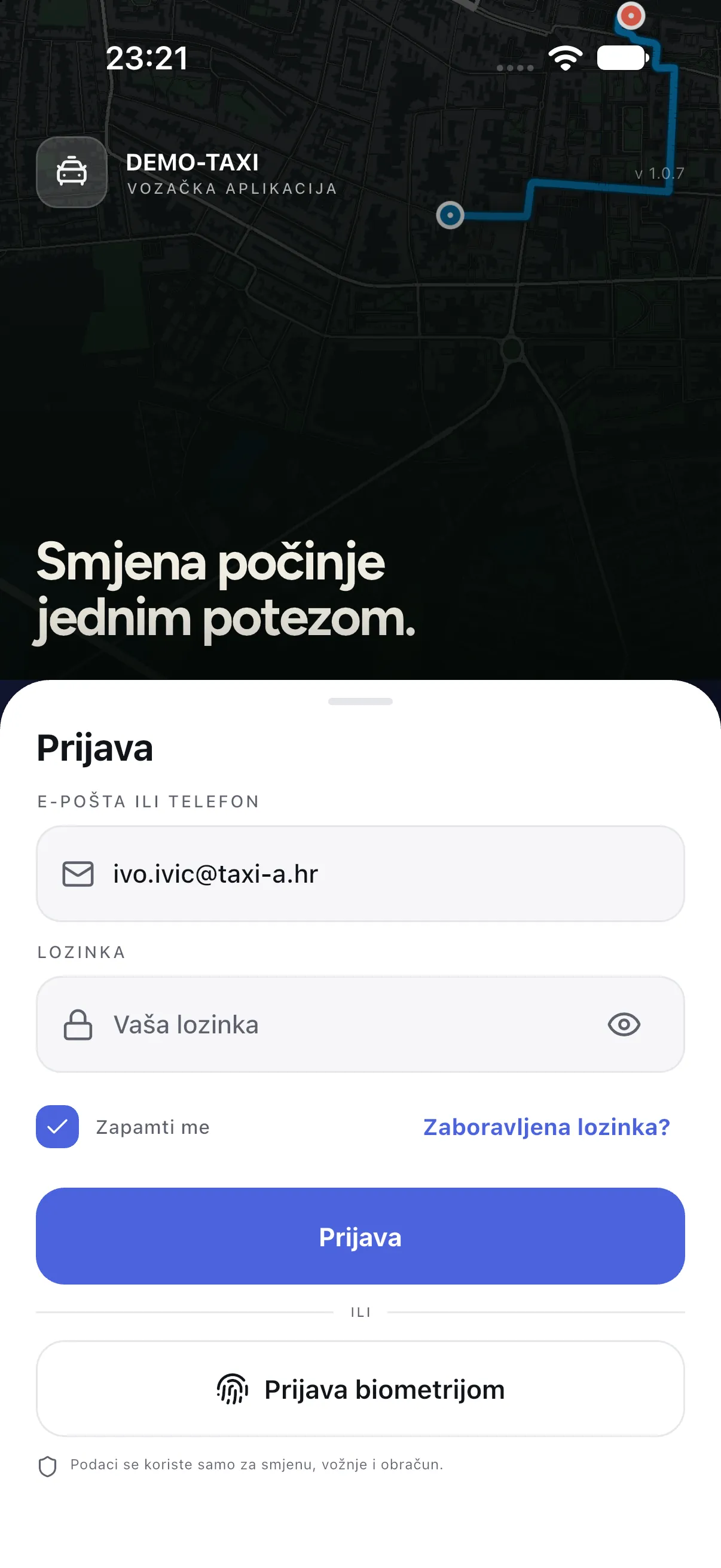
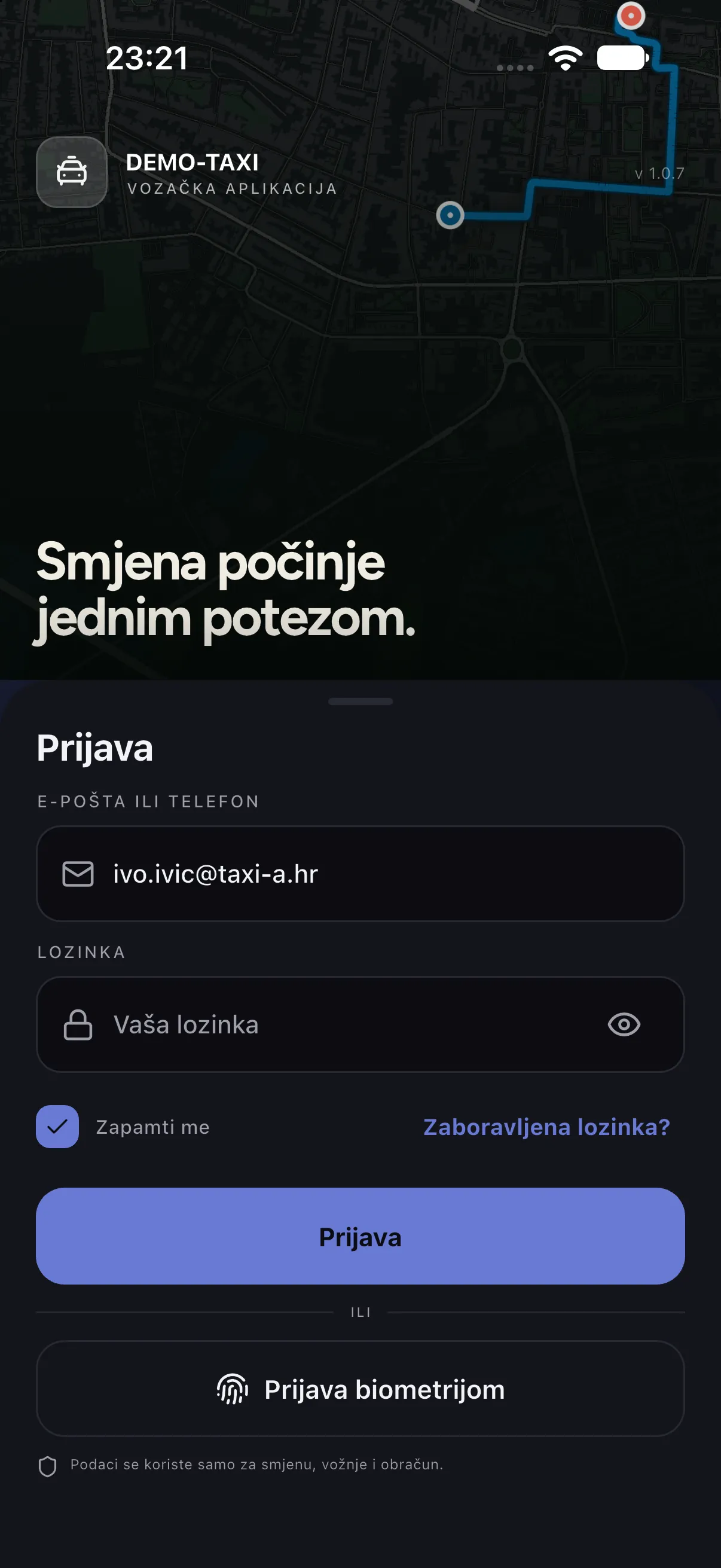
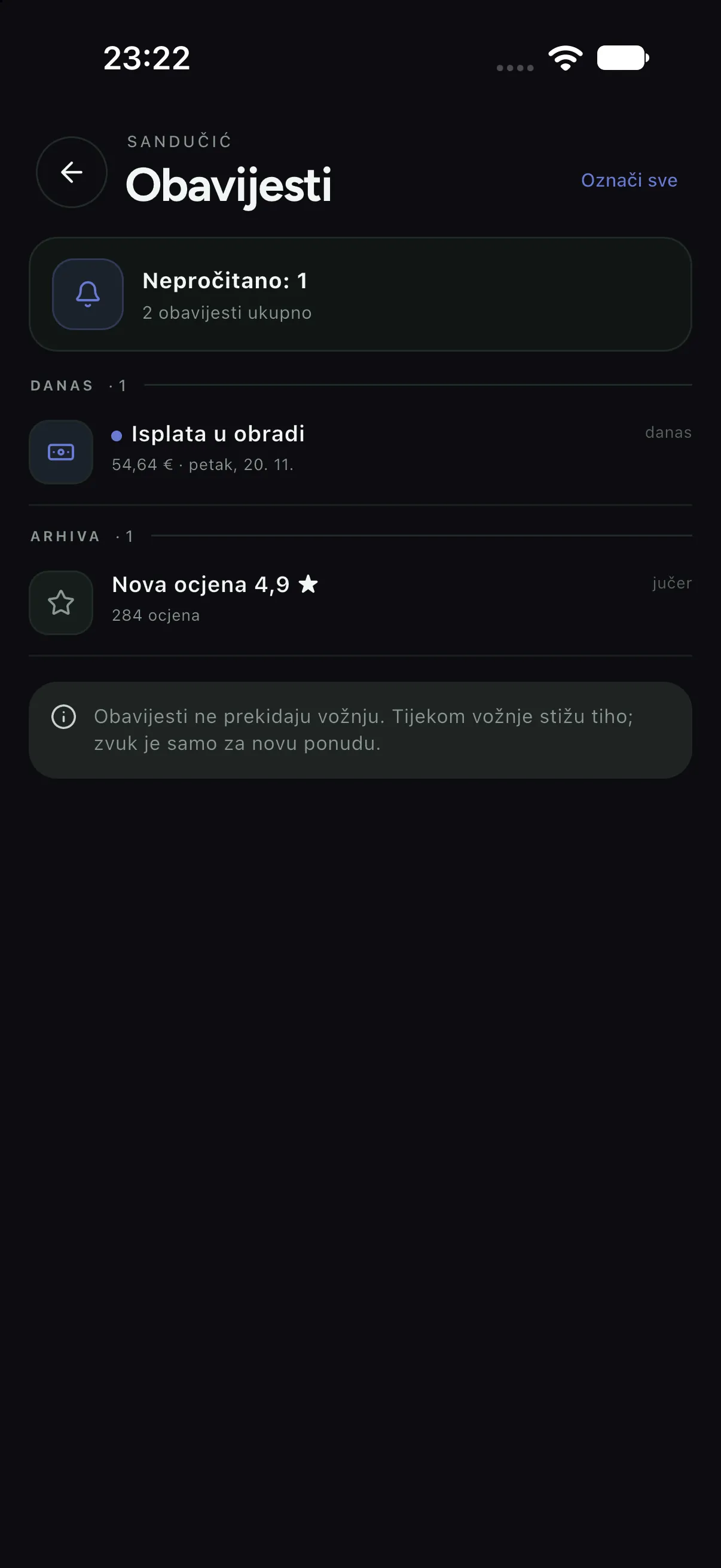
taxi-a), and the light and dark theme were captured from the same build. The app is called DEMO-TAXI — the name drivers see on their home screen.Sign-in
Sign-in carries the company name and colour. A driver signs in with the email or phone and the password the company issued; there is also biometric sign-in (Face ID or fingerprint) if the driver previously saved the account on the device.
Home and shift
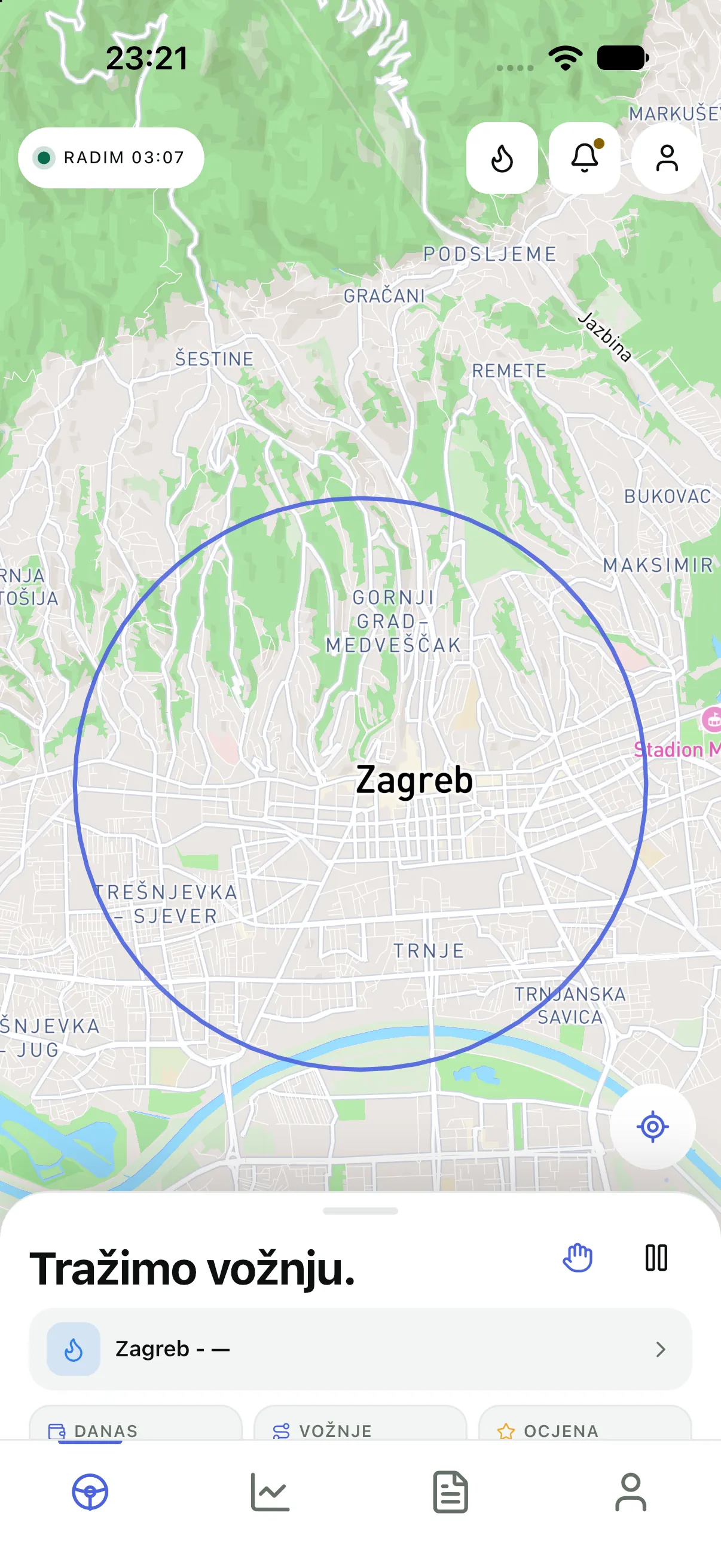
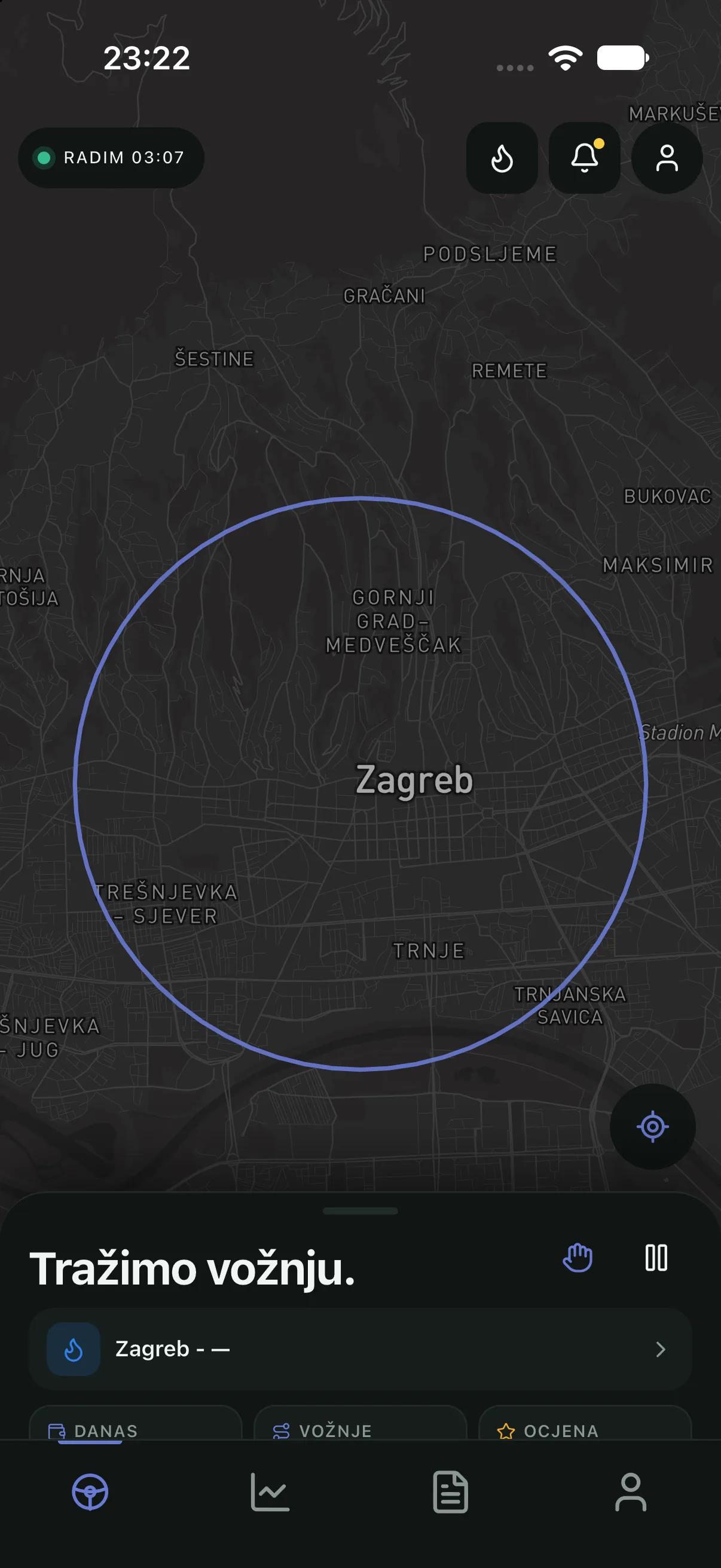
Home is a single window: the map carries the city, the sheet carries the state. At the top the shift timer and how long the driver has been “on duty”, below that the zone and demand, and at the bottom three daily figures — rides, earnings and rating. A driver is “on duty” only after starting the shift; while on duty the app sends location and receives offers.
Earnings
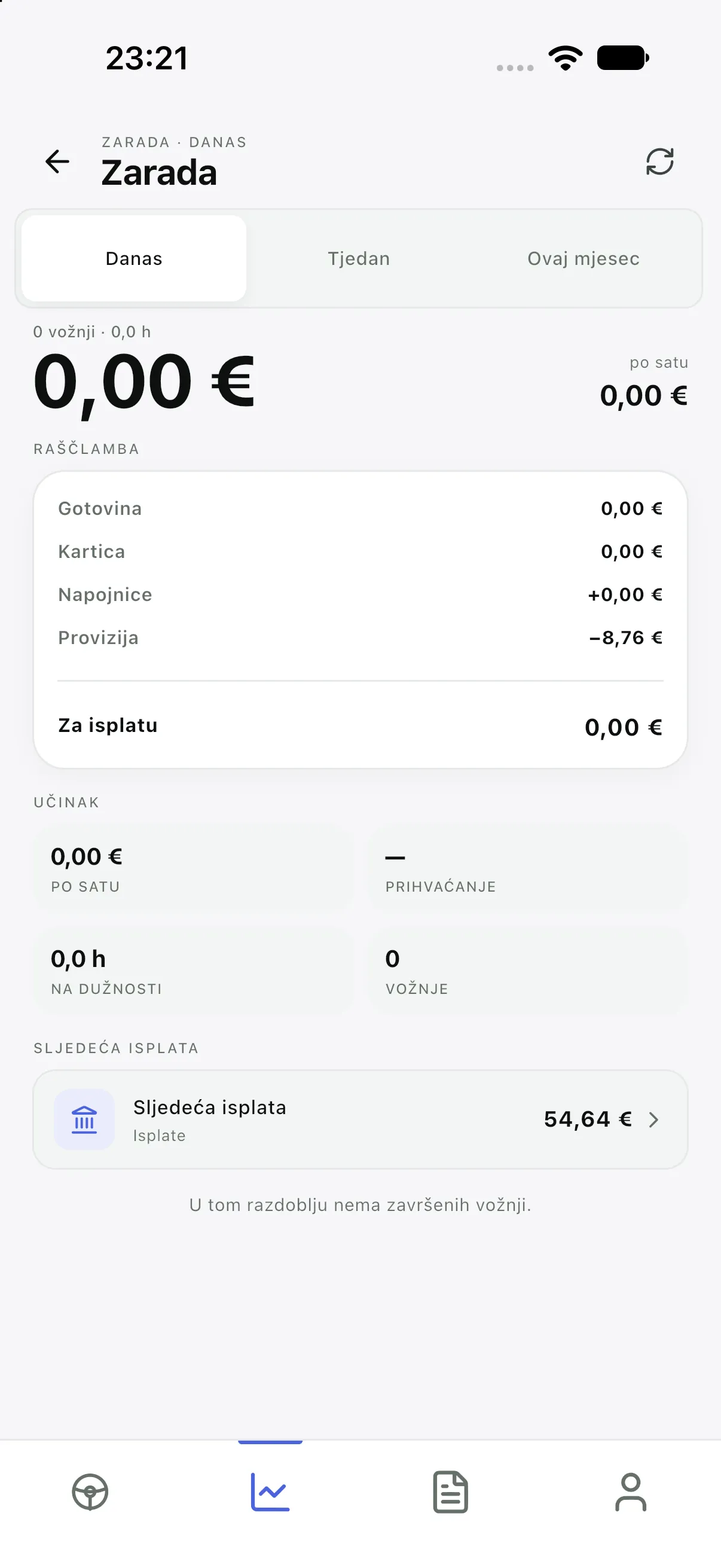
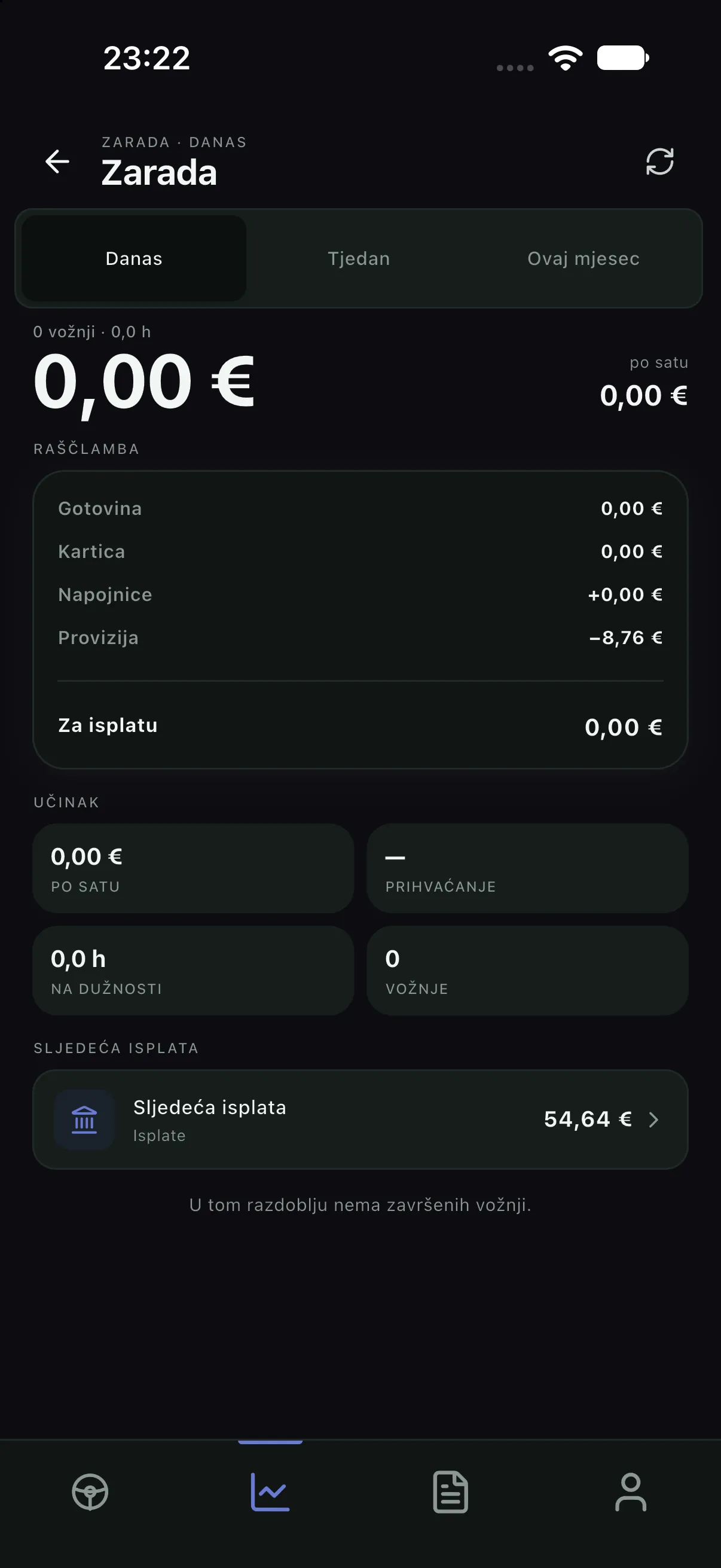
Earnings show today’s revenue, the company commission, bonuses and the amount to be paid out. The app does not compute the money: the figures come from settlement, so what the driver sees matches what the company sees in the console.
Profile
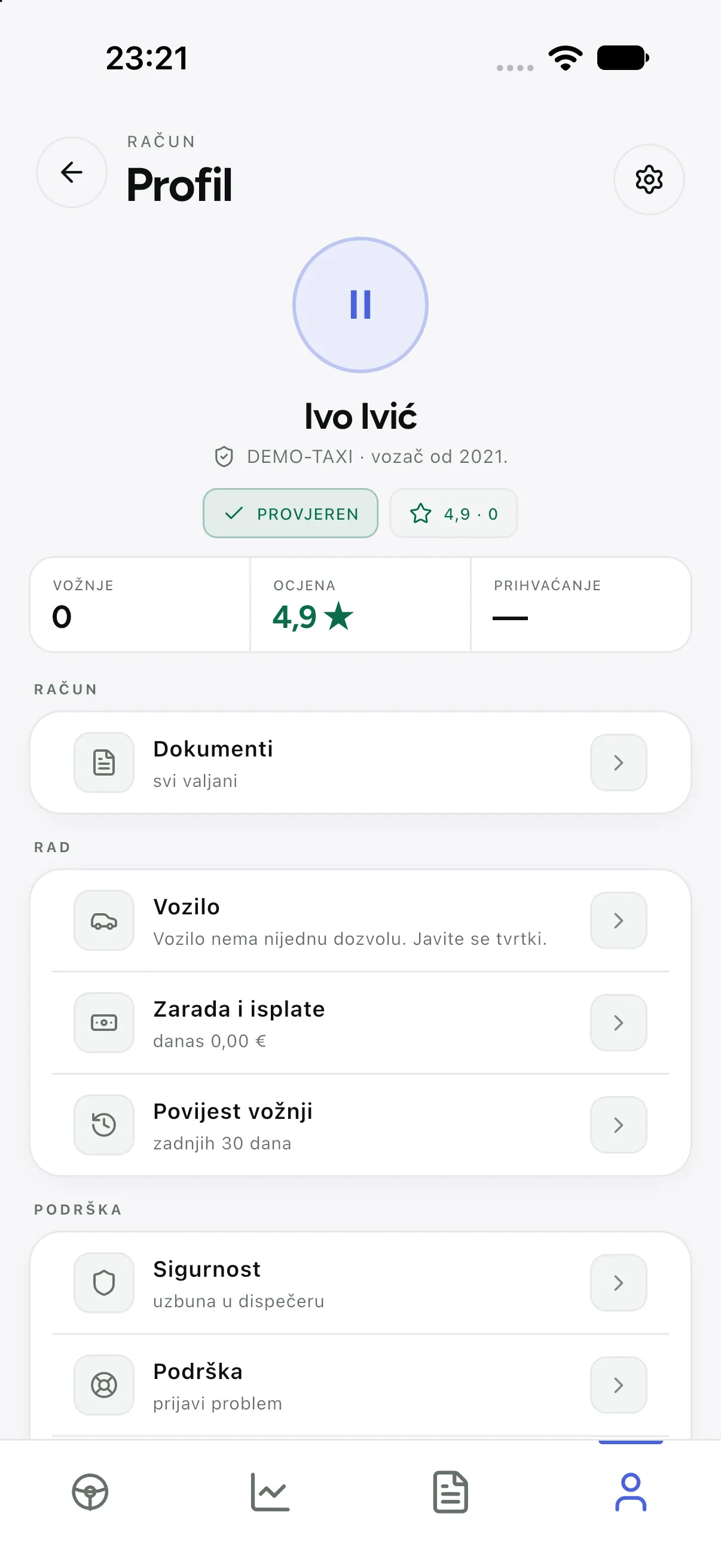
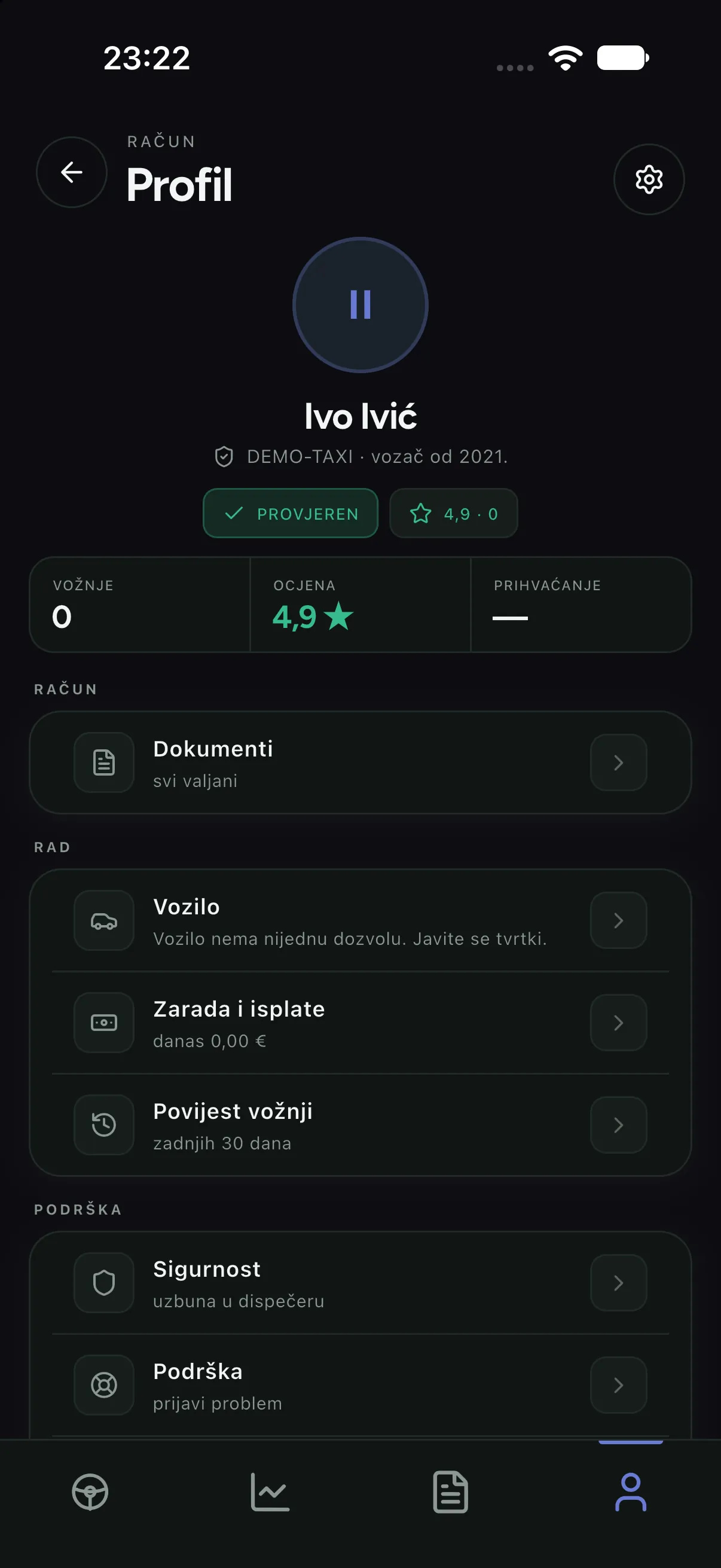
The profile carries the driver’s identity, their vehicle and documents, and the settings (language, theme, notifications). Signing out lives here too. Vehicle documents are not decoration: when something expires, the driver app does not let the shift start until it is resolved.
Notifications
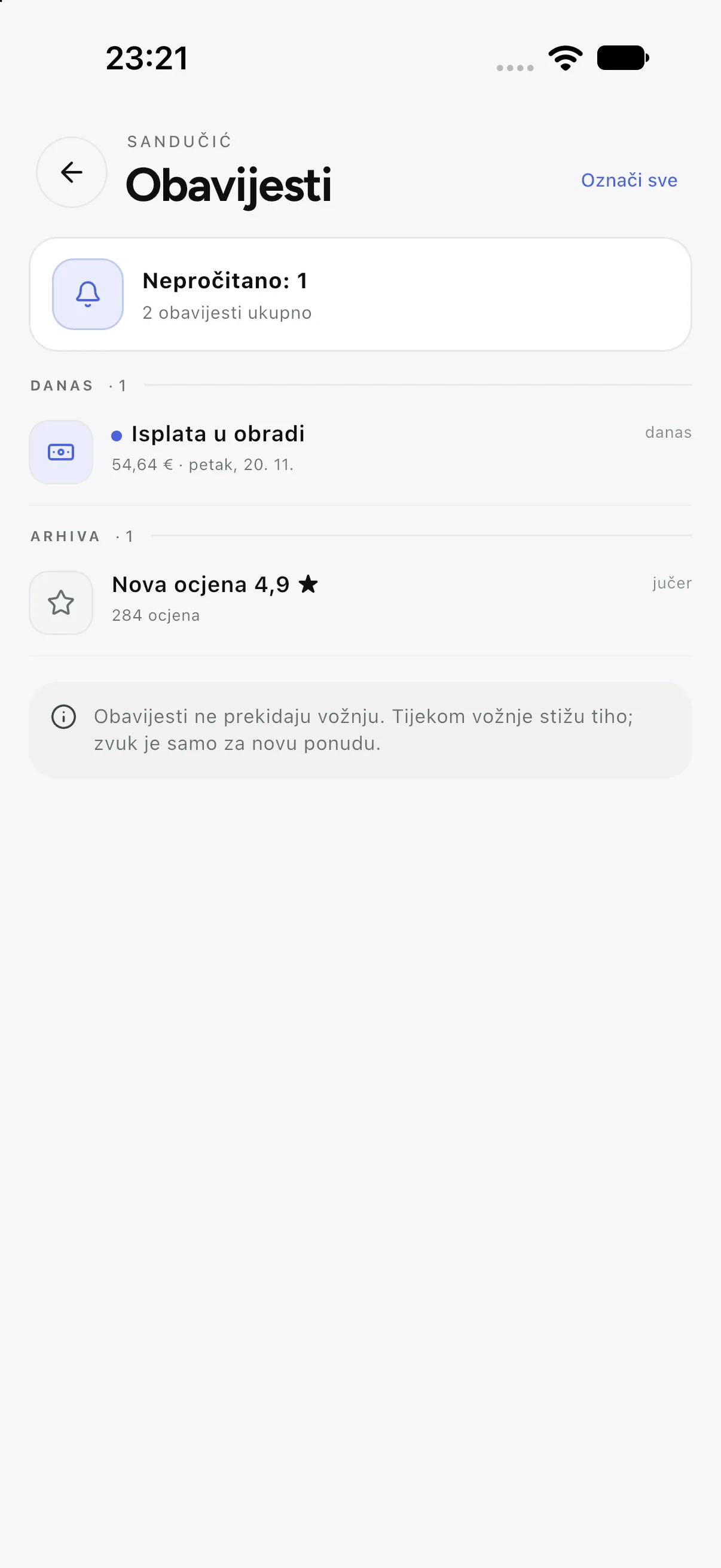
Notifications carry what a driver must know: new rides, shift changes, dispatcher messages and document reminders. Swipe-to-delete works even when the server does not have the DELETE route yet — it deletes locally at once and tells the server when it can.
What the app does in the background
- Sends location at intervals while on duty; when the shift ends, sending stops.
- Offers arrive even in the background, with sound and a notification — unless the driver paused.
- A ride survives a network loss: state is restored from the server when the connection returns.
- SOS sends position and ride data to the company and, if enabled, to the emergency number.