Guide for accounting
What is checked every day, how driver settlement is closed, how cash and card differ and what must be done before the month is closed.
Accounting (ACCOUNTANT) sees Money and Company → Documents. It does not see the dispatch board or driver data that settlement does not need.
Daily check
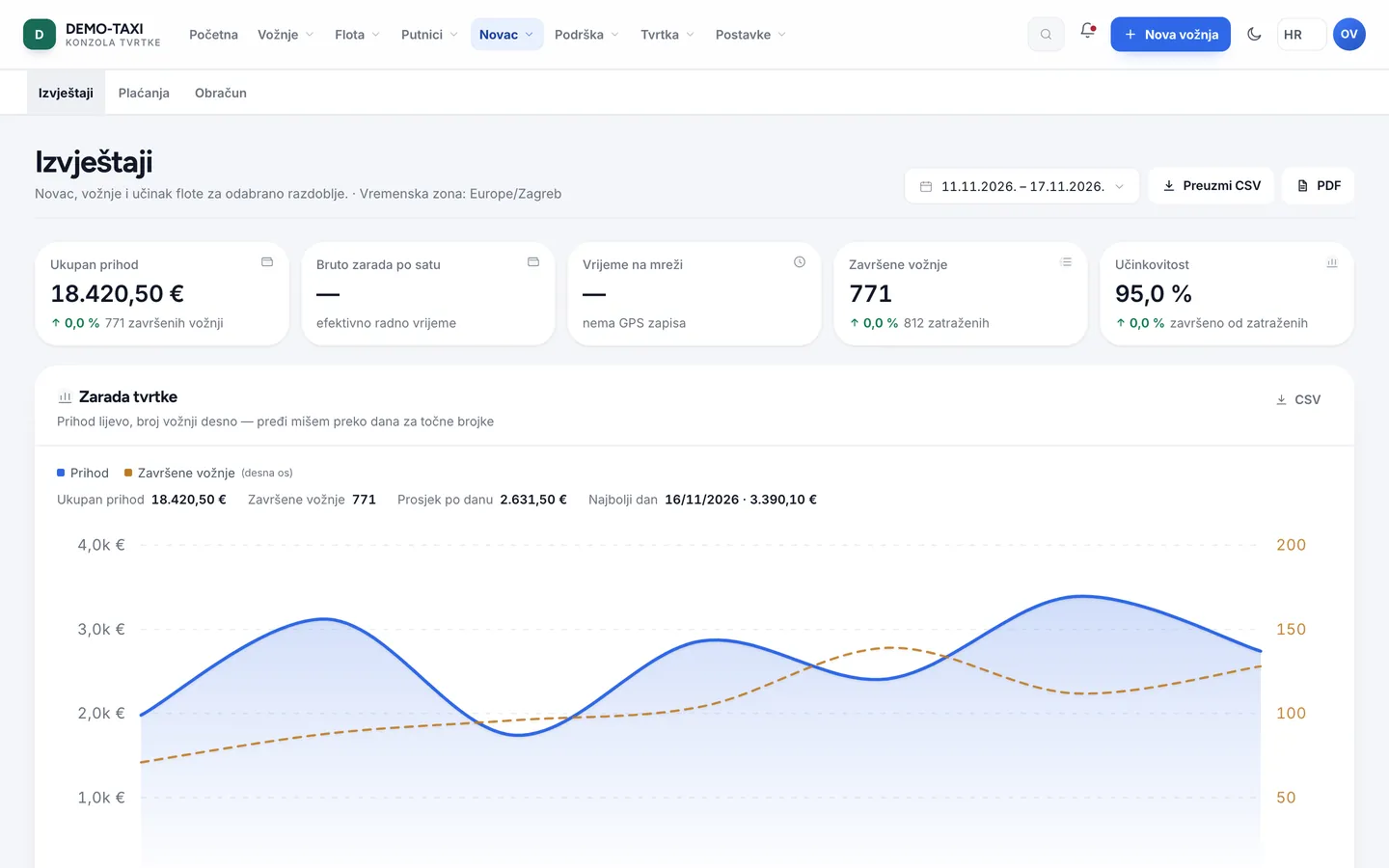
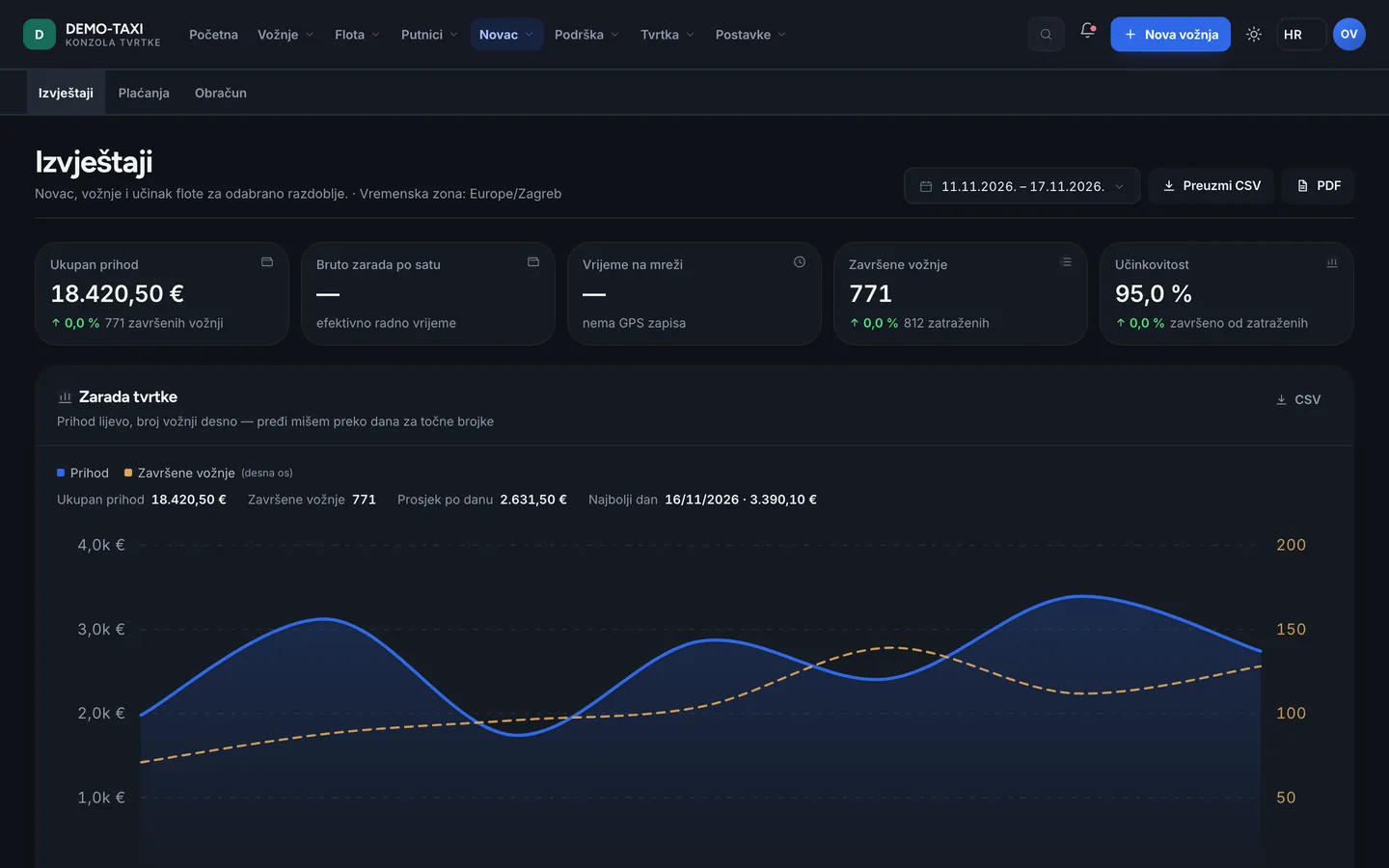
- Money → Reports: revenue by day, service type and payment method. Compare cash with what drivers report.
- Money → Payments: card transactions and refunds. Every transaction has a status; a failed one is not booked as revenue.
- Check that no ride finished without a receipt — such a ride means fiscalisation did not go through.
Driver settlement
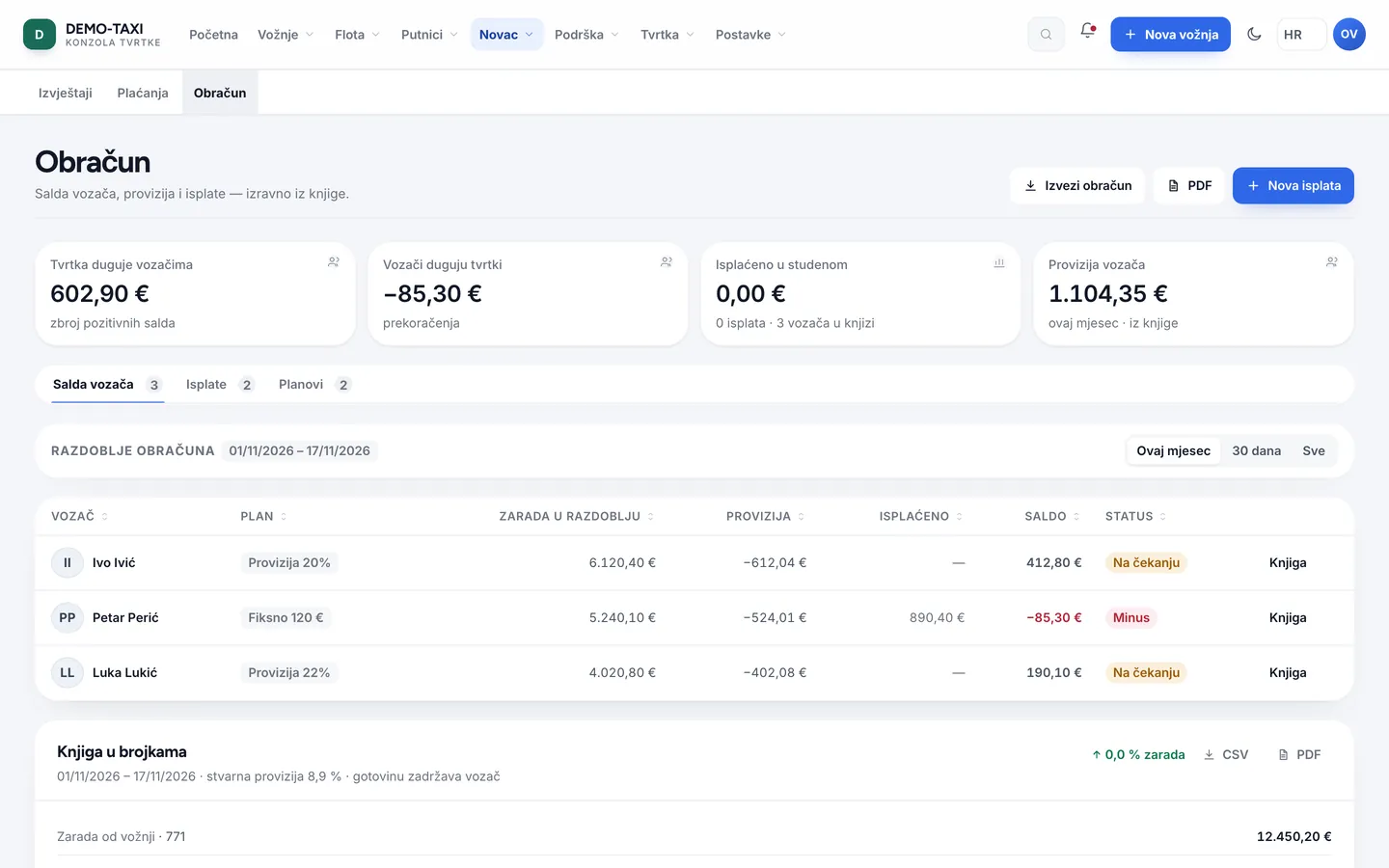
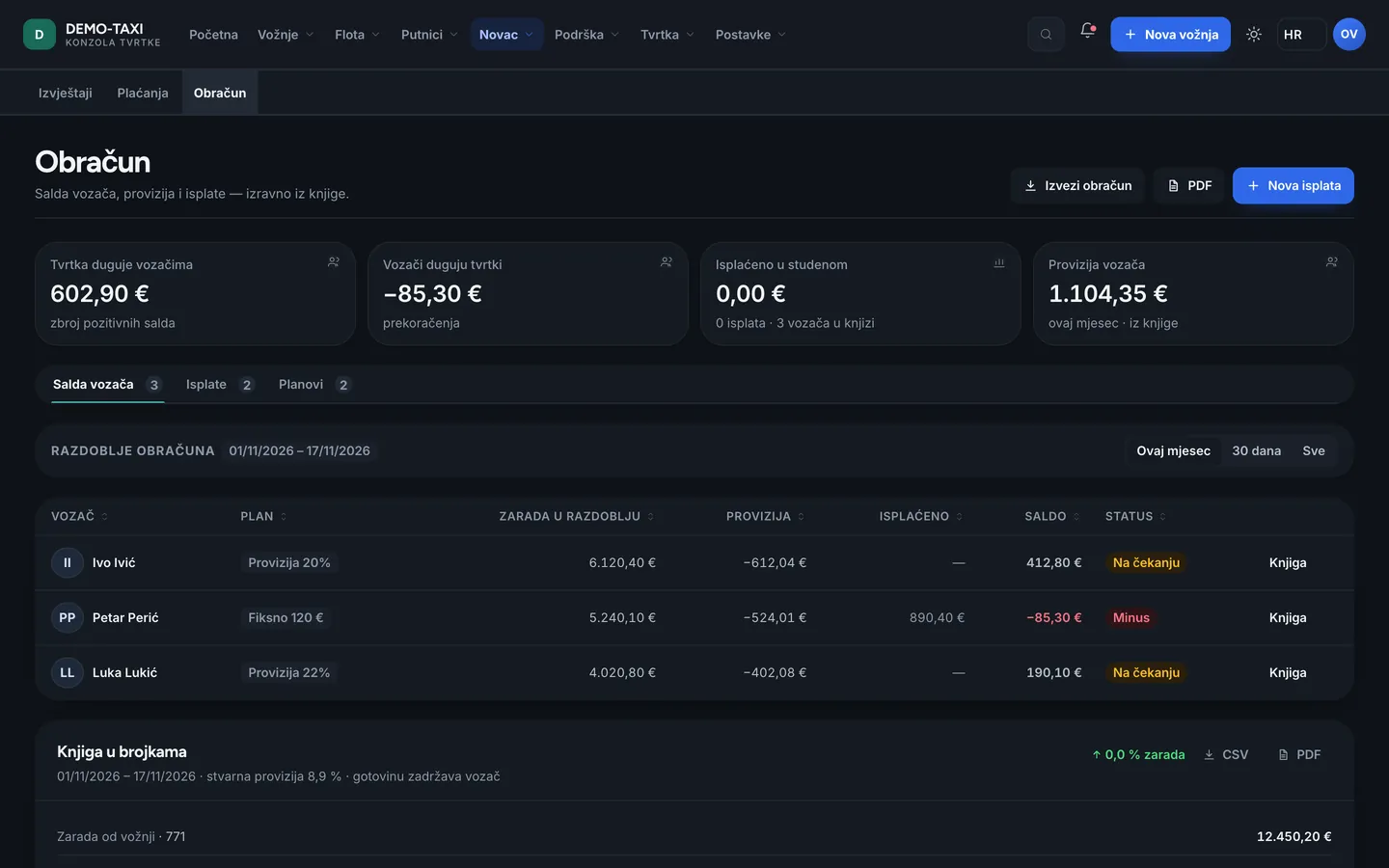
Money → Settlement is the only place where the amount the driver sees in the app is produced. If the app figure and settlement differ, the problem is the period or an unsettled ride — not the app.
| Item | Means |
|---|---|
| Revenue | Sum of final prices of completed rides in the period |
| Commission | The company’s share under the driver plan rules (addon.driver_billing) |
| Bonuses and penalties | From addon.driver_bonus, with a budget and approval; they enter the payout |
| Balance | What is owed to the driver, or what the driver owes the company |
| Payout | Recording the payout; afterwards the balance closes for that period |
Cash and card
- Cash stays with the driver: the driver confirms receipt, and the company sees it as the driver’s obligation (commission) or as their earnings.
- Card goes through a provider (Stripe, Nexi, Viva.com). The money never passes through the driver, so only the commission appears in settlement.
- If a driver reports a card that did not go through, the ride is not booked as paid — check the transaction in Payments before correcting anything.
Fiscal receipts and e-invoices
- A fiscal receipt is produced with the ride. In Settings → Fiscalisation check the mode: test or production.
- If no receipt was issued, the ride stays without a fiscal number — visible in settlement and to be resolved before closing the month.
- E-invoices (corporate accounts) are issued from Company → Company profile / Fiscalisation under the country rules; the sender is the company.
Before closing the month
- Export Reports for the whole period and check that the total matches the sum of the daily reports.
- Check that there are no open (unfinished) rides older than one day.
- Close settlement per driver and record payouts; bonuses without approval do not enter the payout.
- Check that all fiscal receipts were issued and no ride carries a fiscalisation error.
Do not correct the amount in the databaseA correction goes through settlement (a debit/credit with a note) or through a refund in Payments. A manual change in the database breaks the link between ride, receipt and audit.