Guide for the passenger
A booking in four taps, live tracking, payment, receipt, rating, history and help — everything a passenger needs, without technical words.
The passenger app carries the taxi company’s name and colour. The price you see before confirming is the maximum — the final price can be lower, never higher.
Book a ride
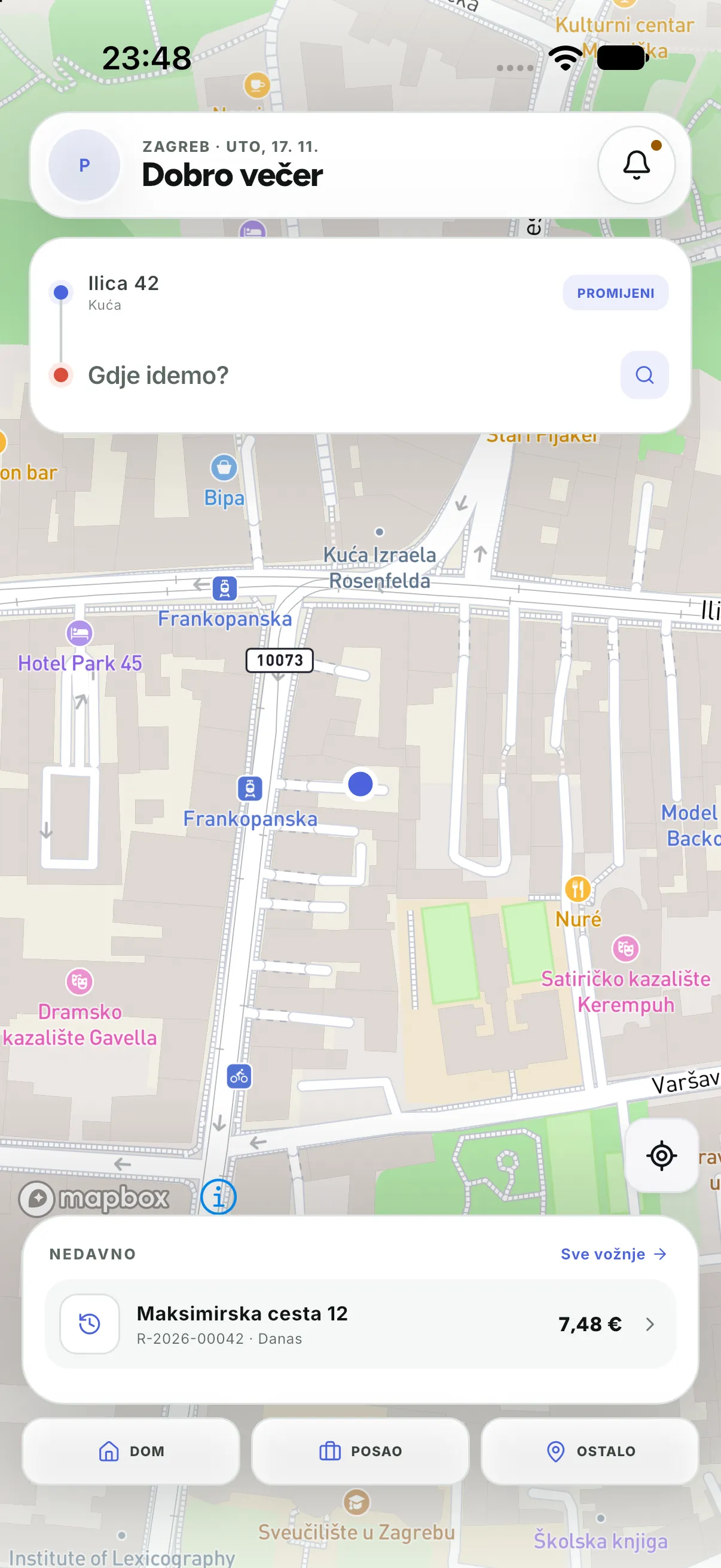
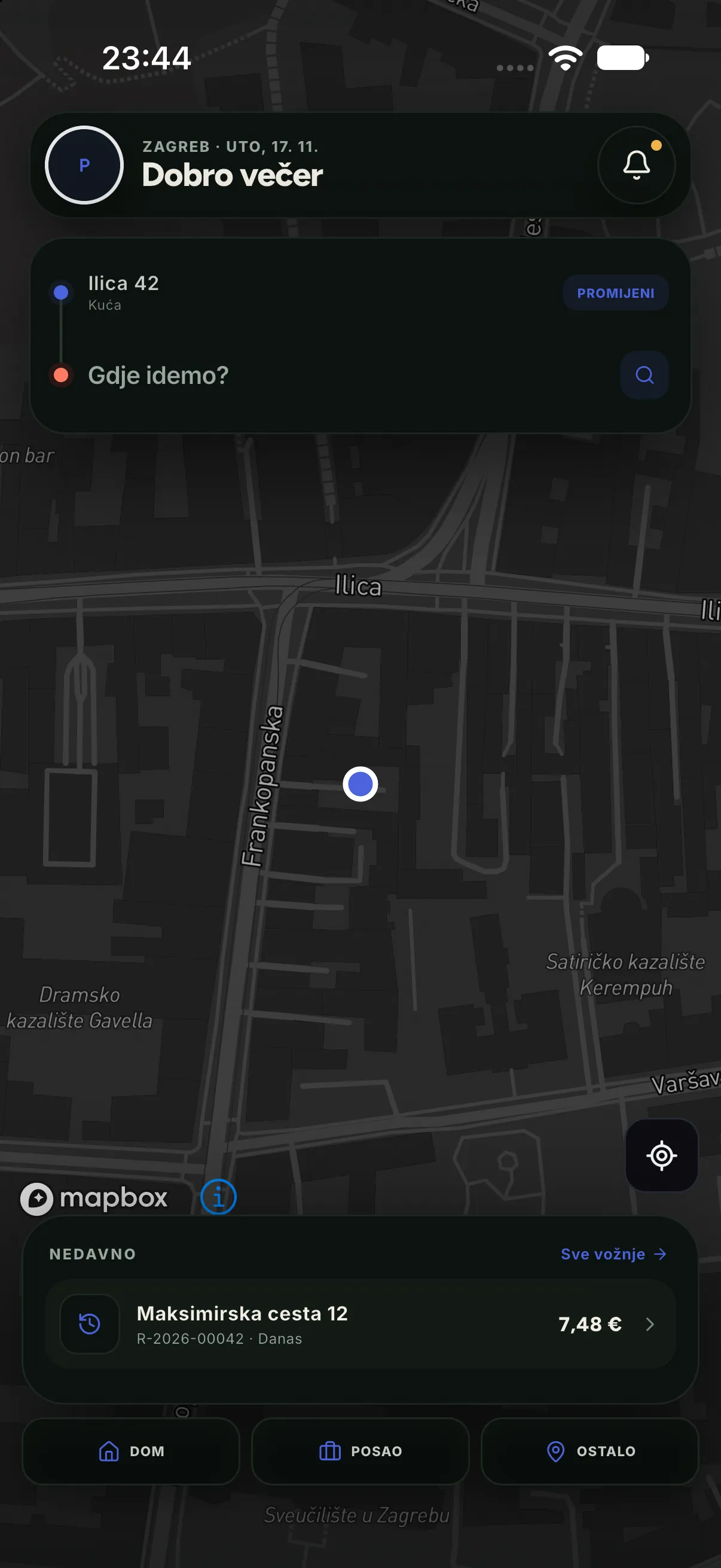
- On Home press Where to? and enter the destination (address, venue name or part of it).
- Check the pickup address — if you are not at the marked point, press Change and move the map.
- Choose the service type (Standard, Comfort, Start…). Each shows the maximum price and arrival time.
- Press to confirm. The ride gets a number and enters dispatch; finding a driver starts immediately.
Tracking the ride
| What you see | What it means |
|---|---|
| “Finding a driver” | The ride waits for a driver; cancellation is available all along |
| Vehicle details | A driver accepted; you see the name, model and plate |
| Vehicle on the map | The driver is on the way; the map updates by itself |
| “Ride in progress” | You are on board; a receipt follows at the end |
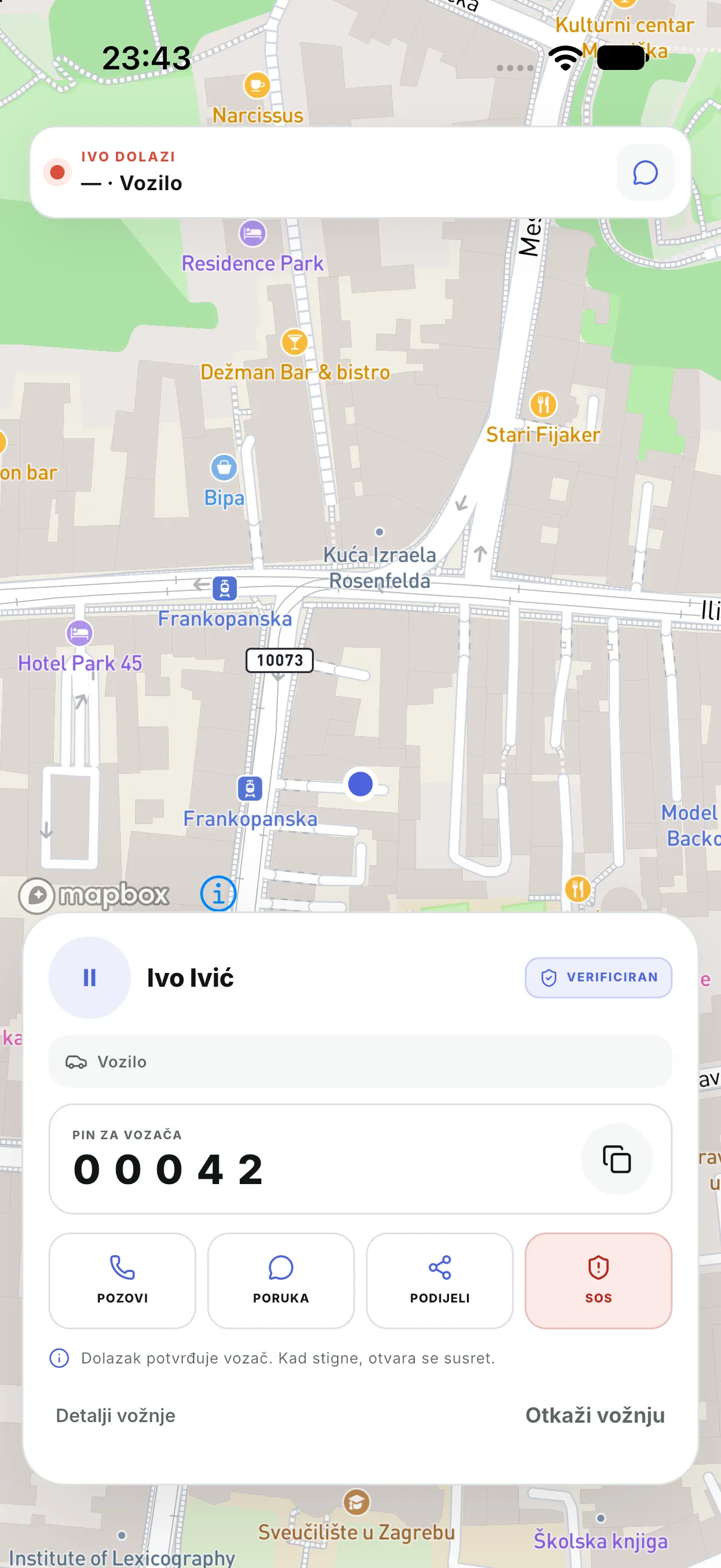
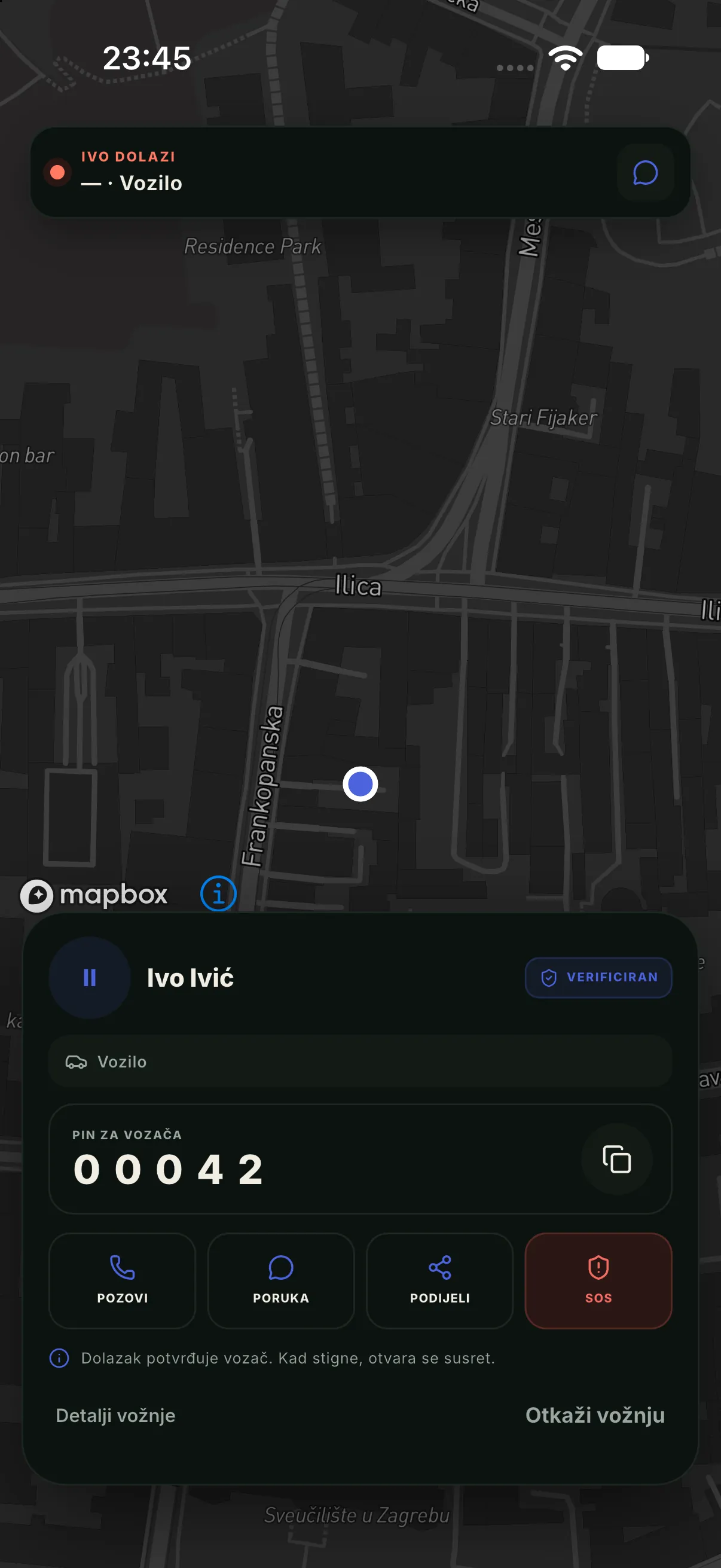
The driver PINBefore getting in, check the plate and tell the driver your PIN. If the PIN does not match, do not get in — contact the company through Support or SOS.
Payment
- Cash: you pay the driver at the end; the app shows the amount.
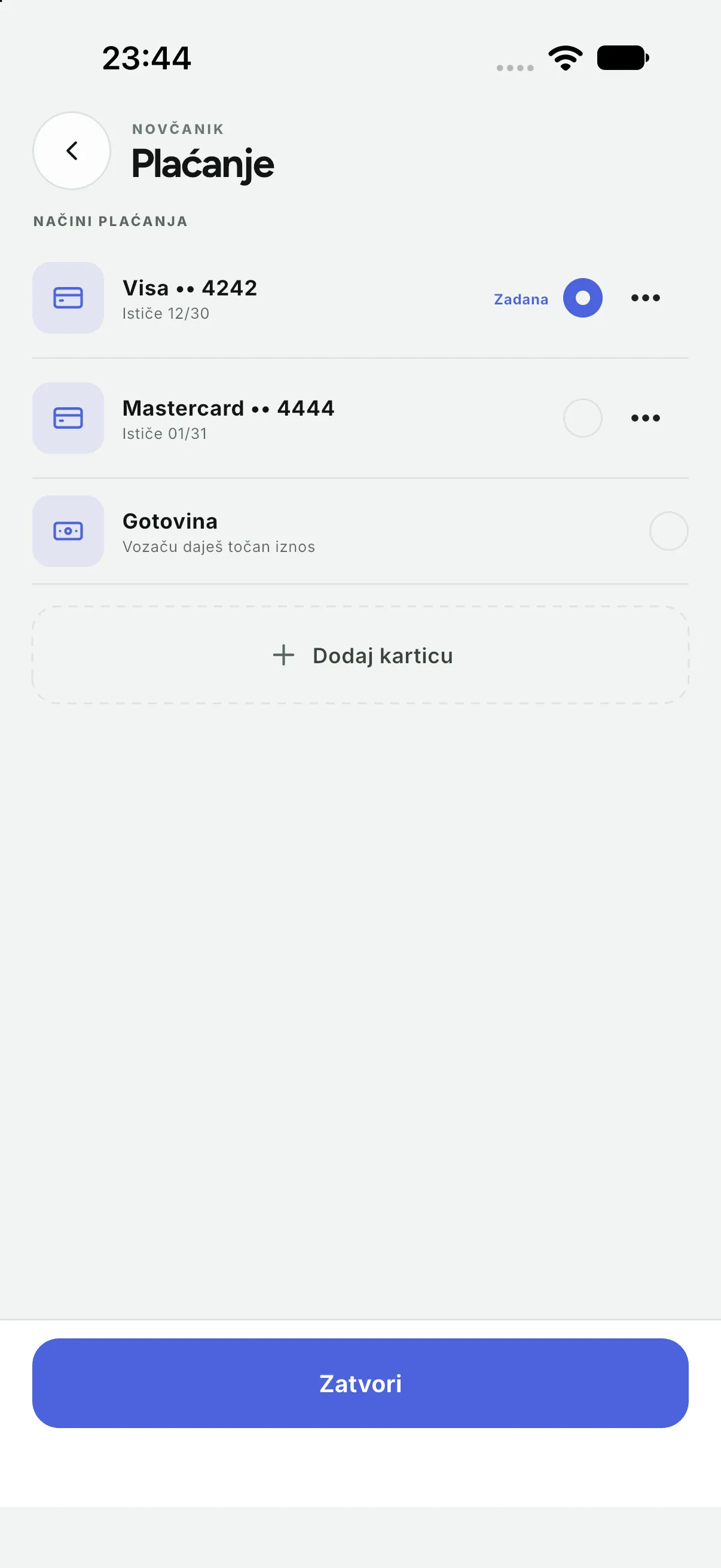
- Card: the card is charged automatically; in Payment you add and remove cards and pick the default.
- Wallet (if enabled): credit, top-ups and paying from the wallet.
- Promo code (if enabled): entered before confirming; the discount shows in the price.
Receipt and rating
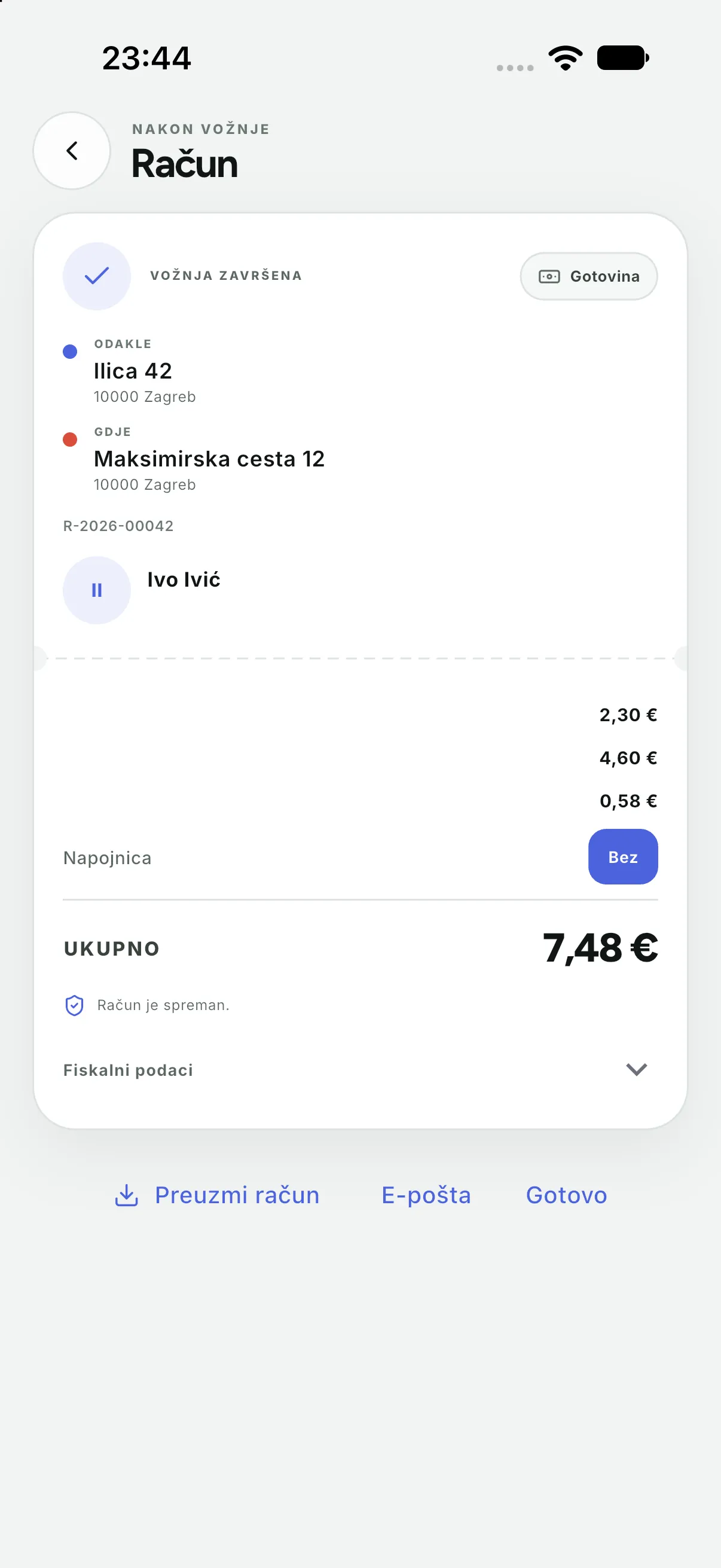
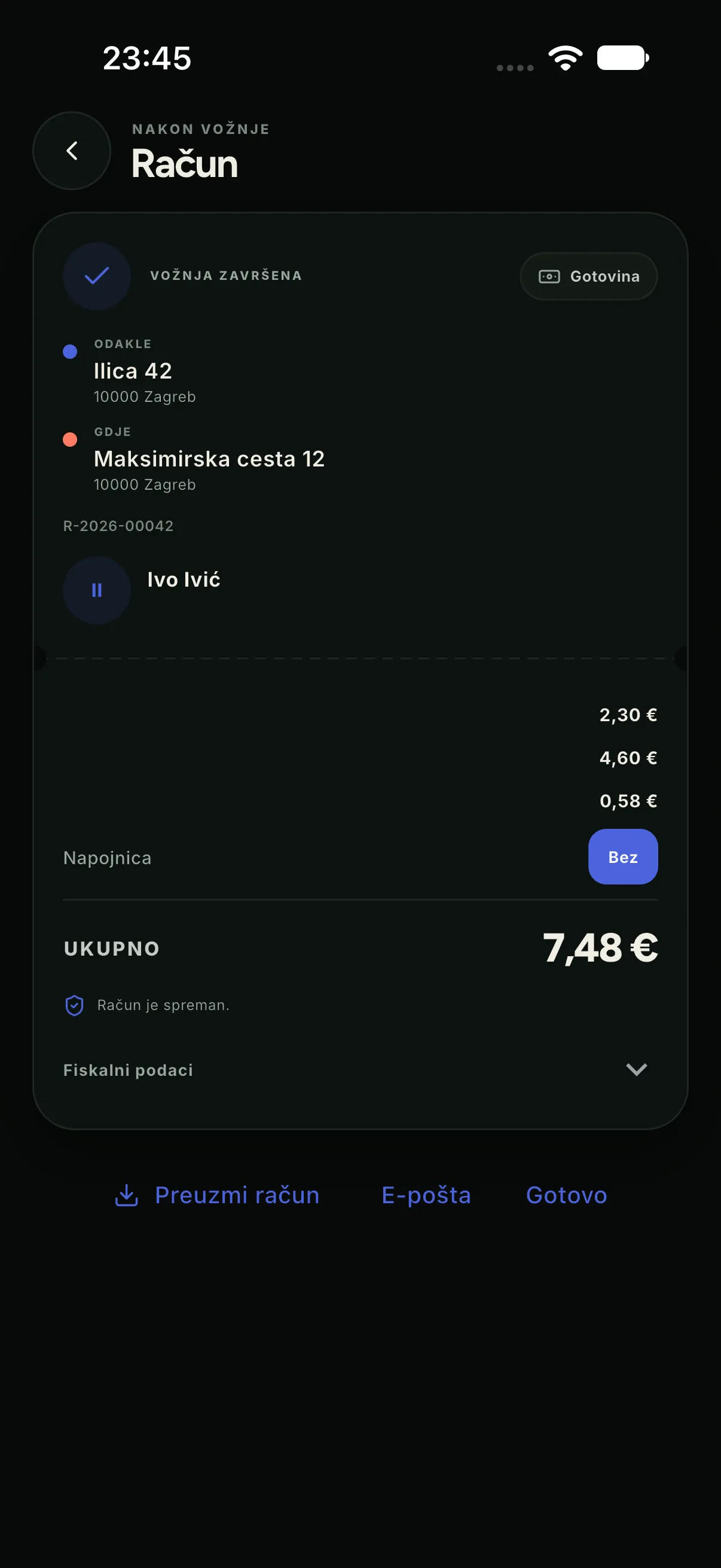
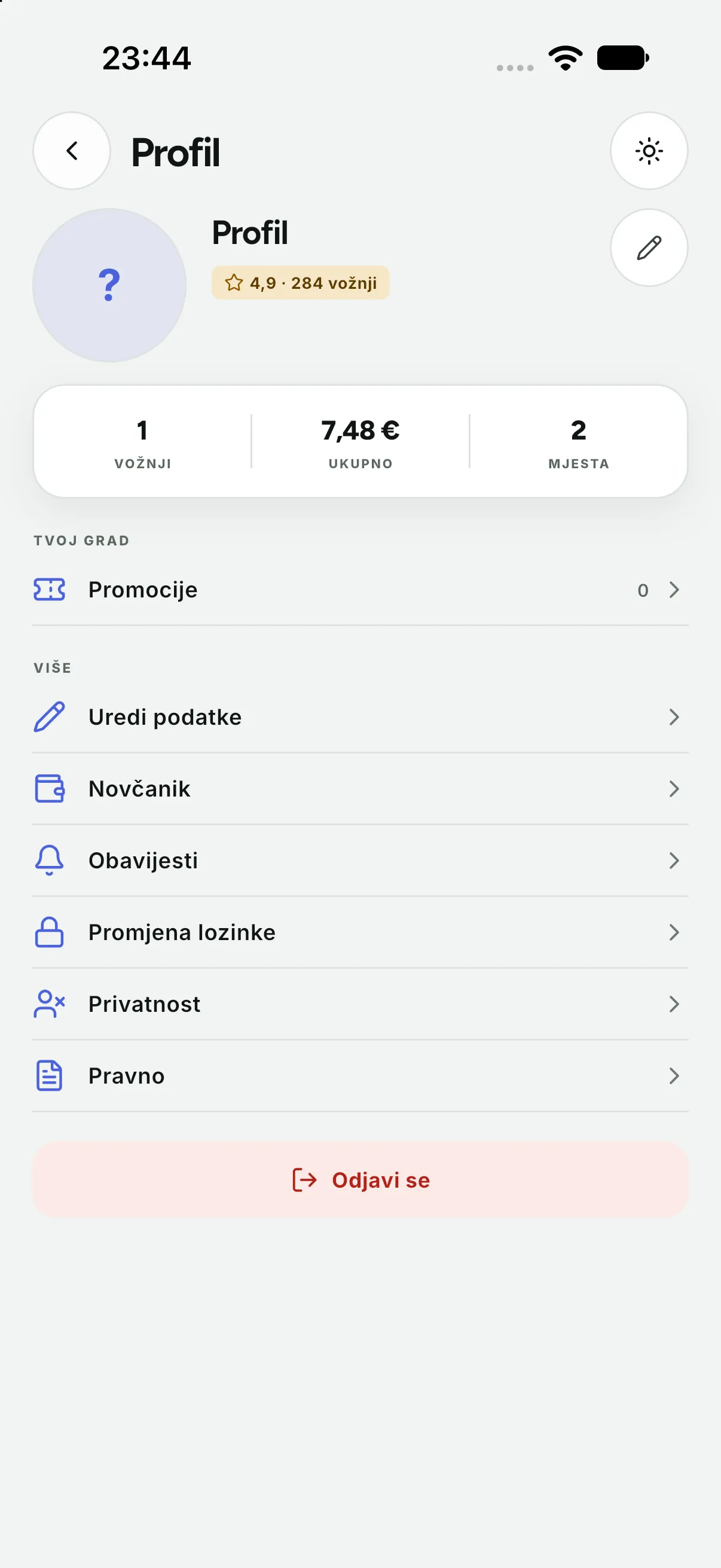
- After the ride the receipt opens. You can e-mail it or share it as a PDF.
- Rating is optional: stars and tags help the company, do not change the price and cannot “cancel” a ride.
- Every ride stays in History, with its receipt and detail.


Support and safety
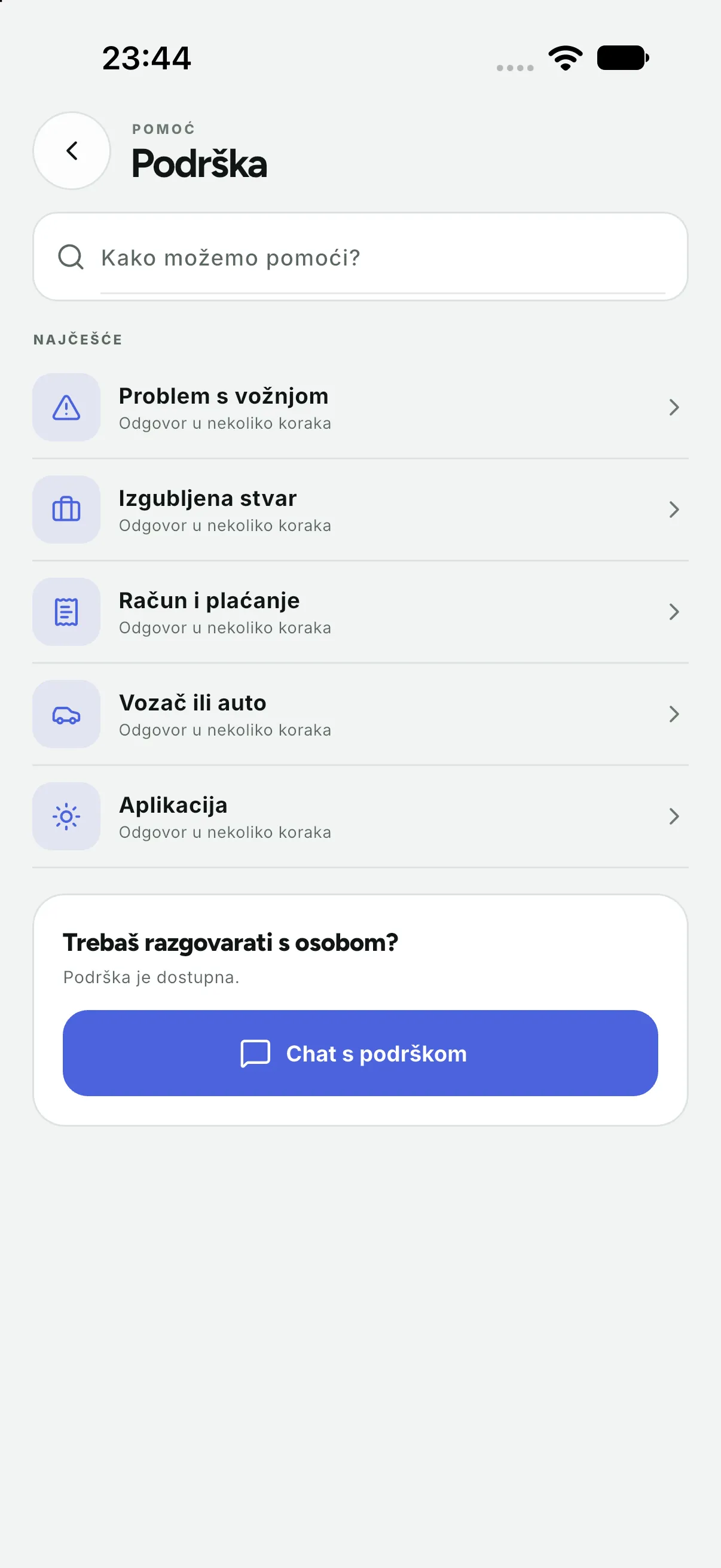
- Support: pick a type (ride, lost item, payment, driver, app) and describe the problem. The answer arrives in the app and by e-mail.
- SOS during a ride sends the company your position and ride data.
- Share ride gives someone close a tracking link without access to your account.
- Privacy: you can export your data and request account deletion; deletion is irreversible.
Quick answers
| Question | Answer |
|---|---|
| Why is the final price lower? | A shorter route or less waiting; it cannot exceed the maximum price |
| Can I book ahead? | Yes, if the company enables scheduled rides; pick the time before confirming |
| The driver is not at the marked point | Check the plate, call the driver and send a message; if there is no answer, cancel and contact support |
| The card was declined | Check the card in Payment, add another or choose cash; the ride is not lost |