Passenger app
How a passenger books, what they see while waiting, how they pay and what they get at the end — every screen described and captured, in the light and dark theme.
The passenger app is the most visible part of the brand: the passenger sees the company name, colour and logo, the price before confirming, and the ride on a map. The price is not computed in the app — it arrives from the server together with the rules that apply to that company.
taxi-a) and both themes come from the same build.Home
Home immediately shows where the passenger is, nearby saved addresses (home, work) and how many vehicles are close. The destination field is the first booking step, and the arrival estimate arrives before the passenger confirms anything.
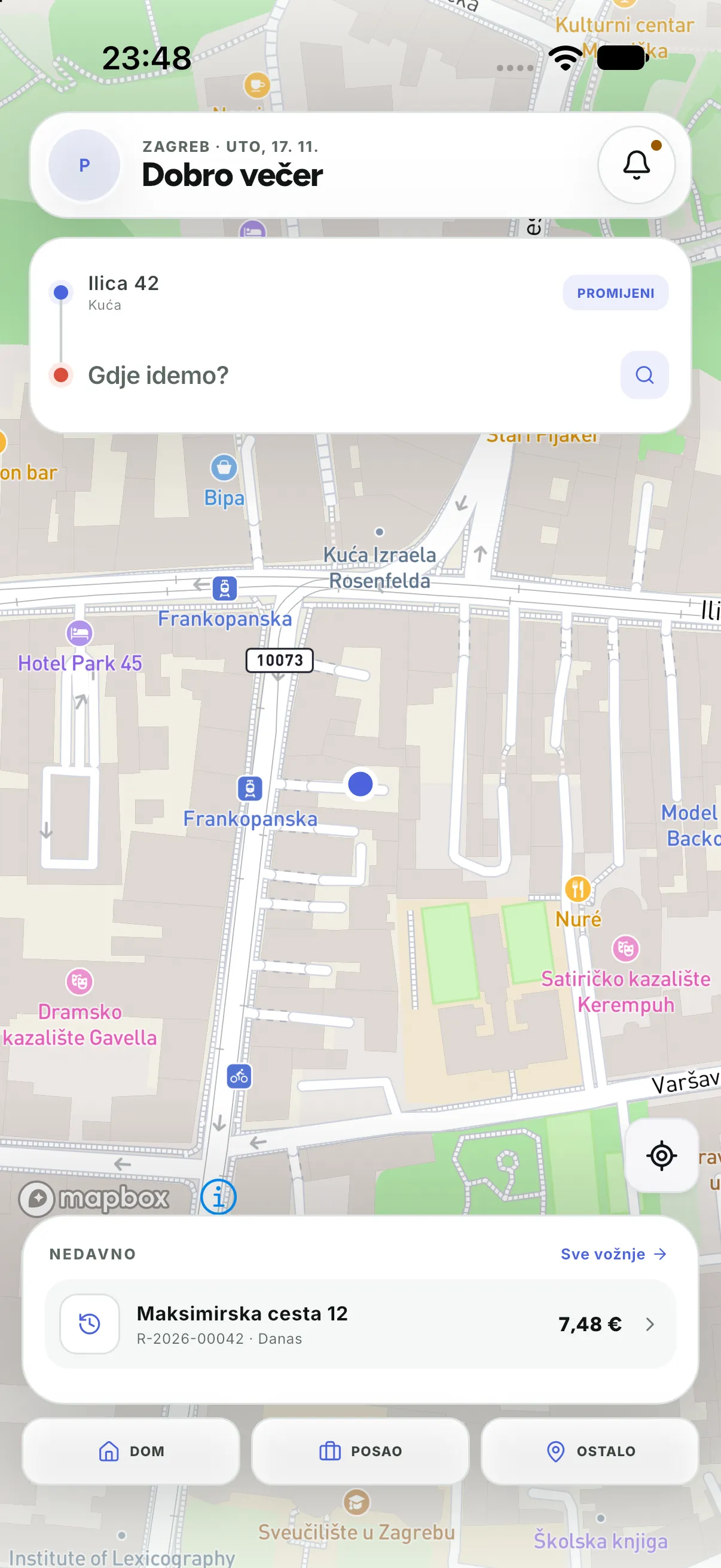
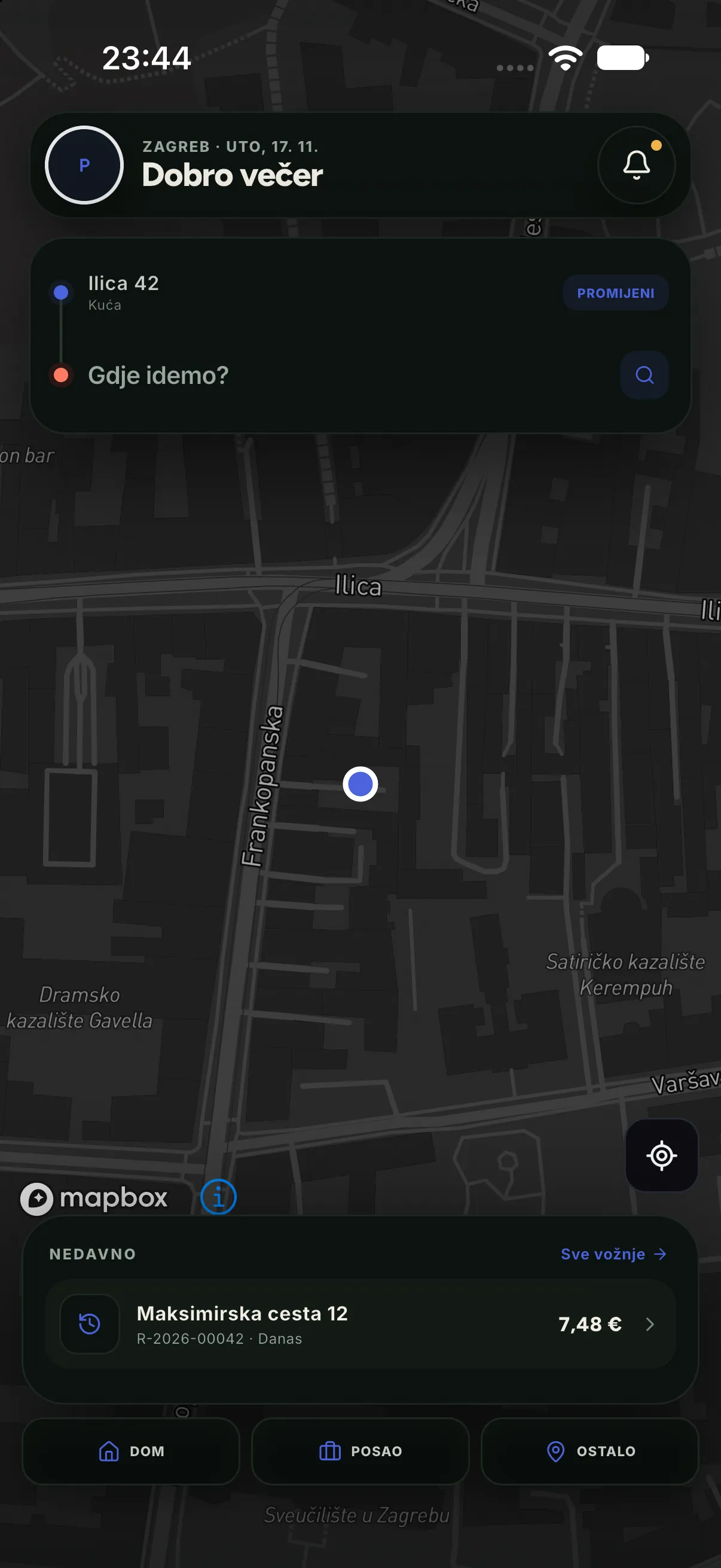
Service choice and price
After choosing a destination the passenger sees every service type with its maximum price and arrival time. The range is deliberate: the final price depends on the actual route and waiting, and the passenger never pays more than the maximum shown.
| Service type | Maximum price | Arrival |
|---|---|---|
| Standard | 7,48 EUR | 3 min |
| Comfort | 9,80 EUR | 4 min |
| Start | 14,58 EUR | 6 min |
Finding a driver
After confirmation the ride enters the REQUESTED status. The app does not guess: it shows the exact status the server sent, and the card changes as soon as a driver accepts (ACCEPTED), moves (ARRIVING) and arrives (ARRIVED).
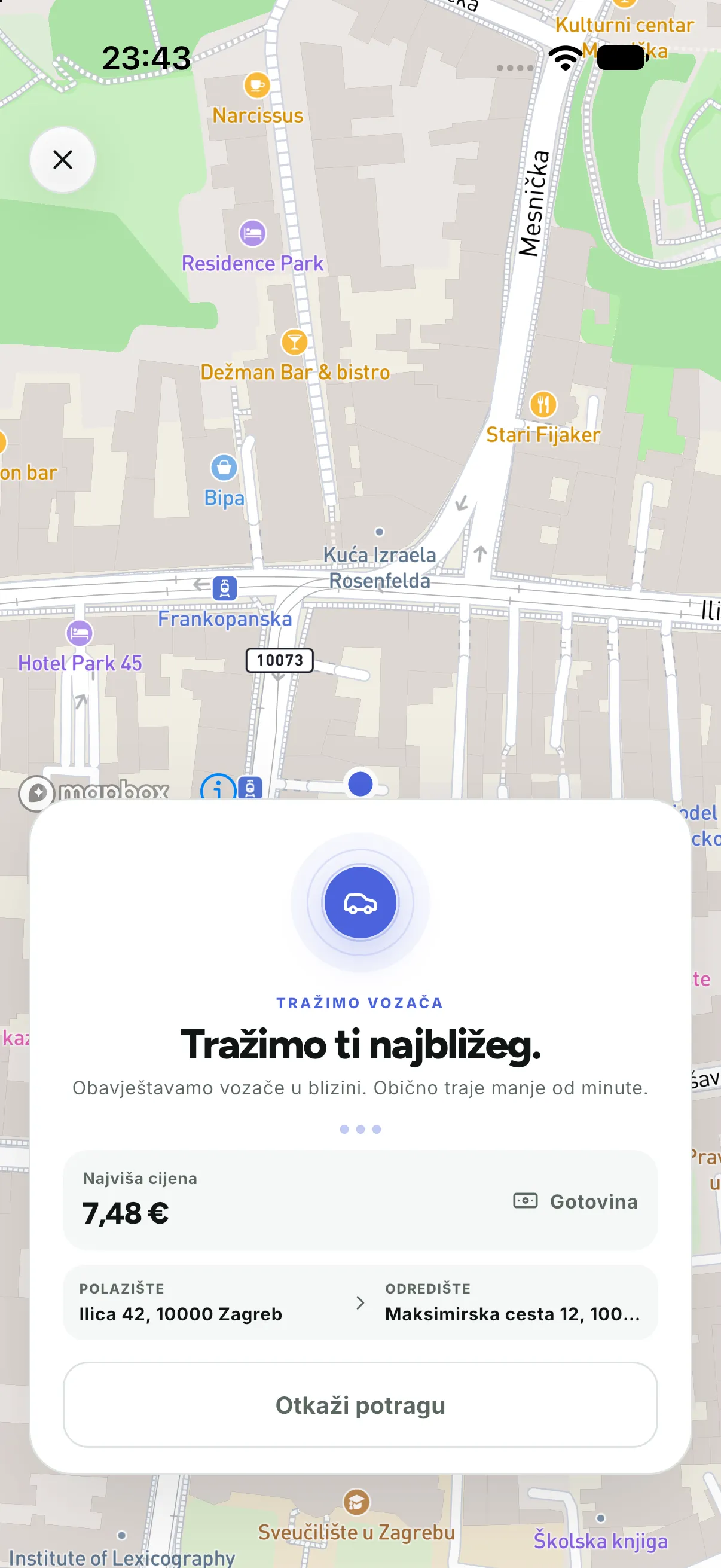
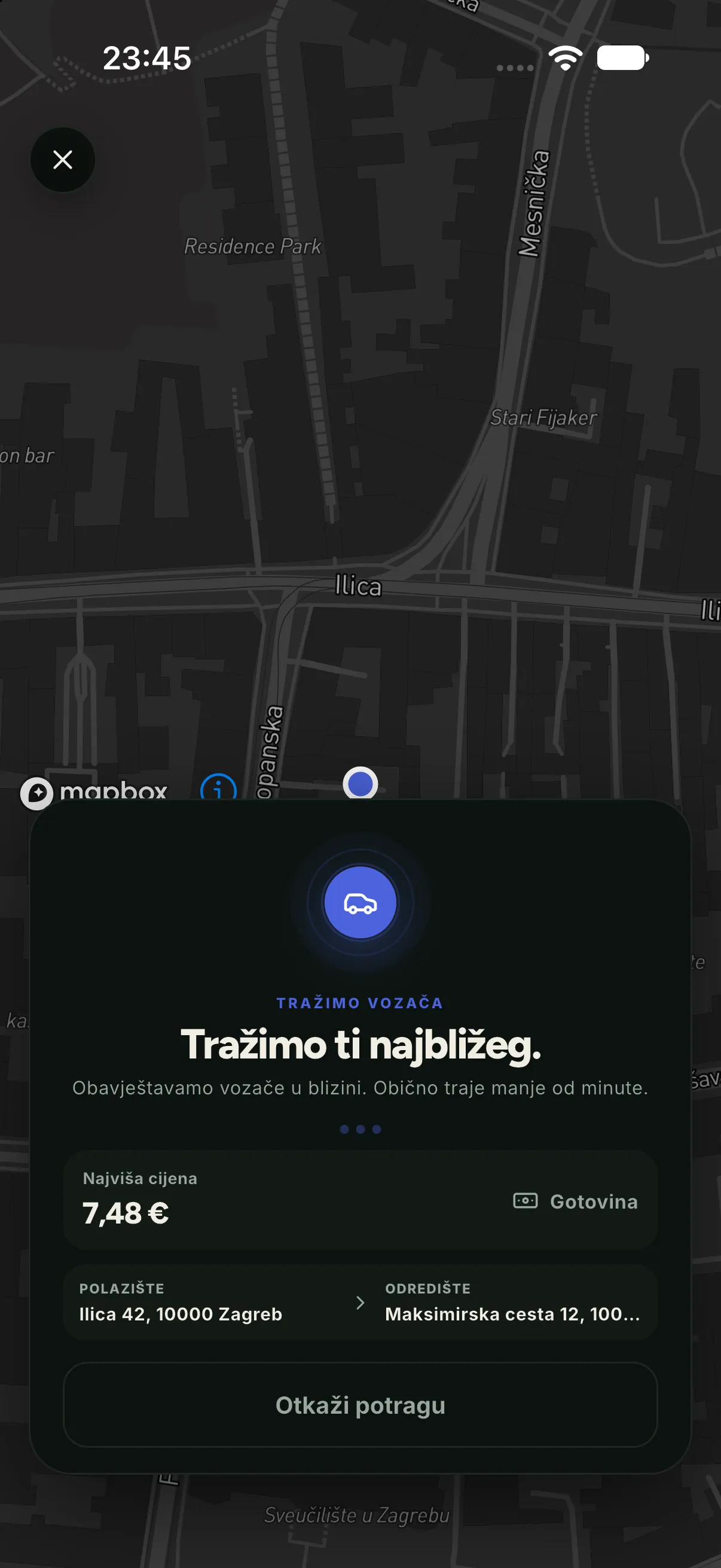
The driver is coming
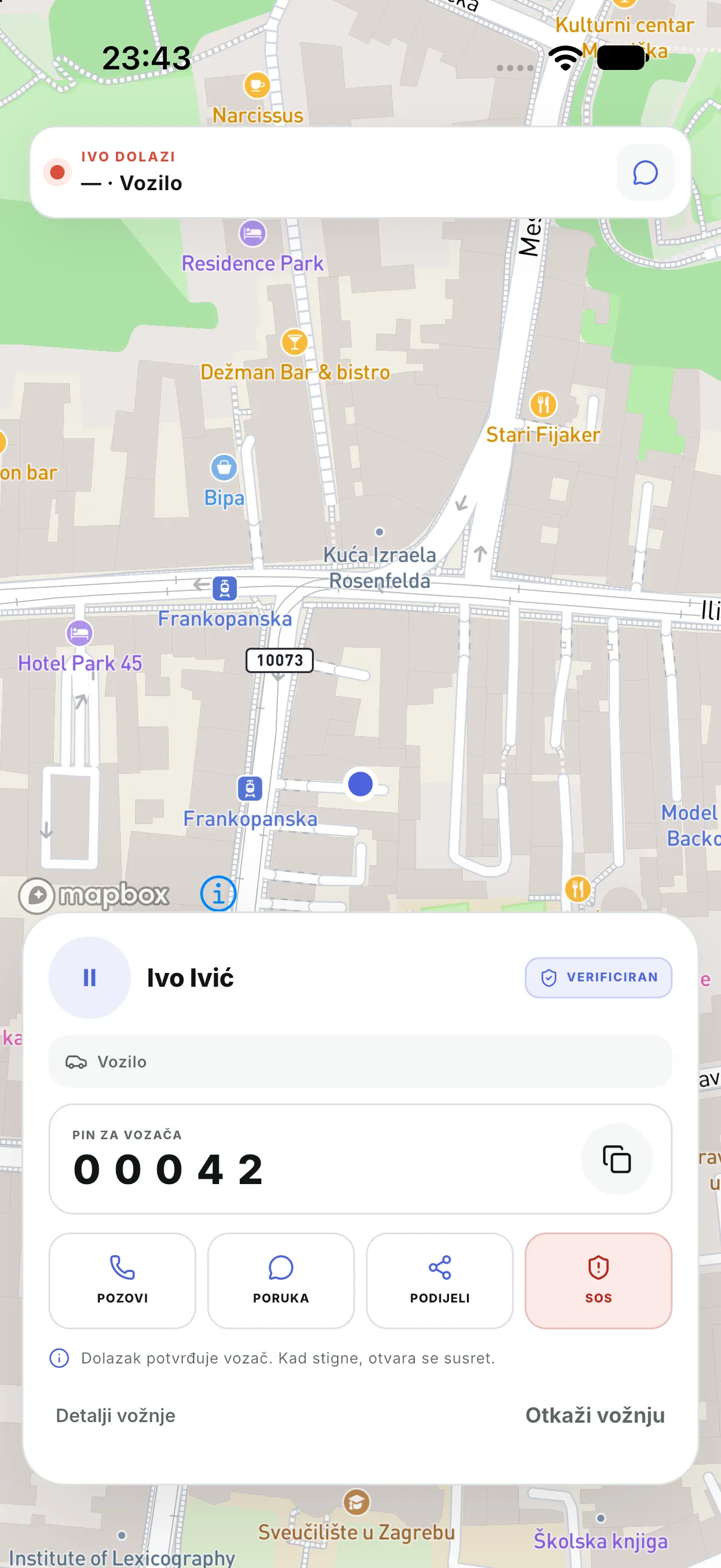
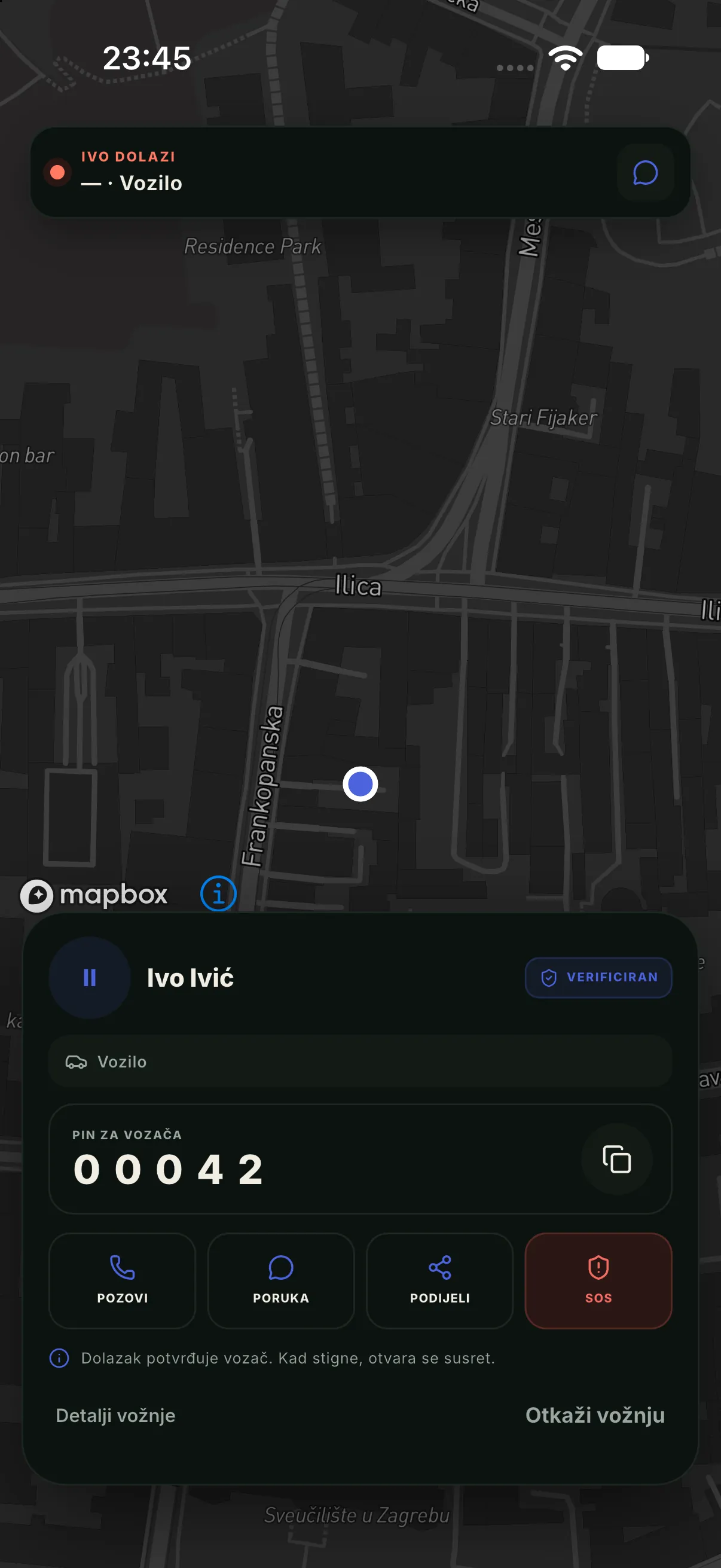
When the driver sets off, the passenger sees the vehicle on the map, its plate, model and arrival time. From the same screen they can call the driver (the number is masked) or send a message.
The ride
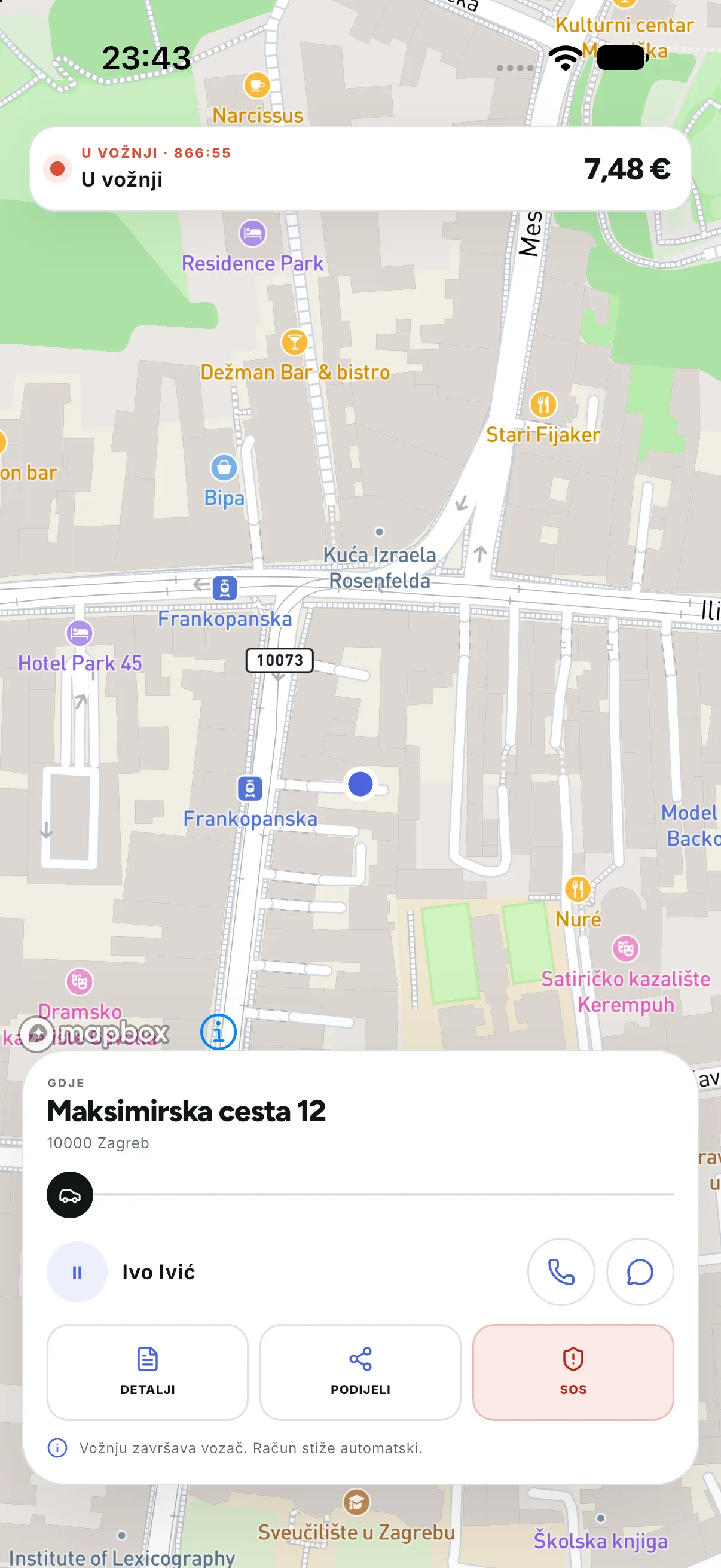
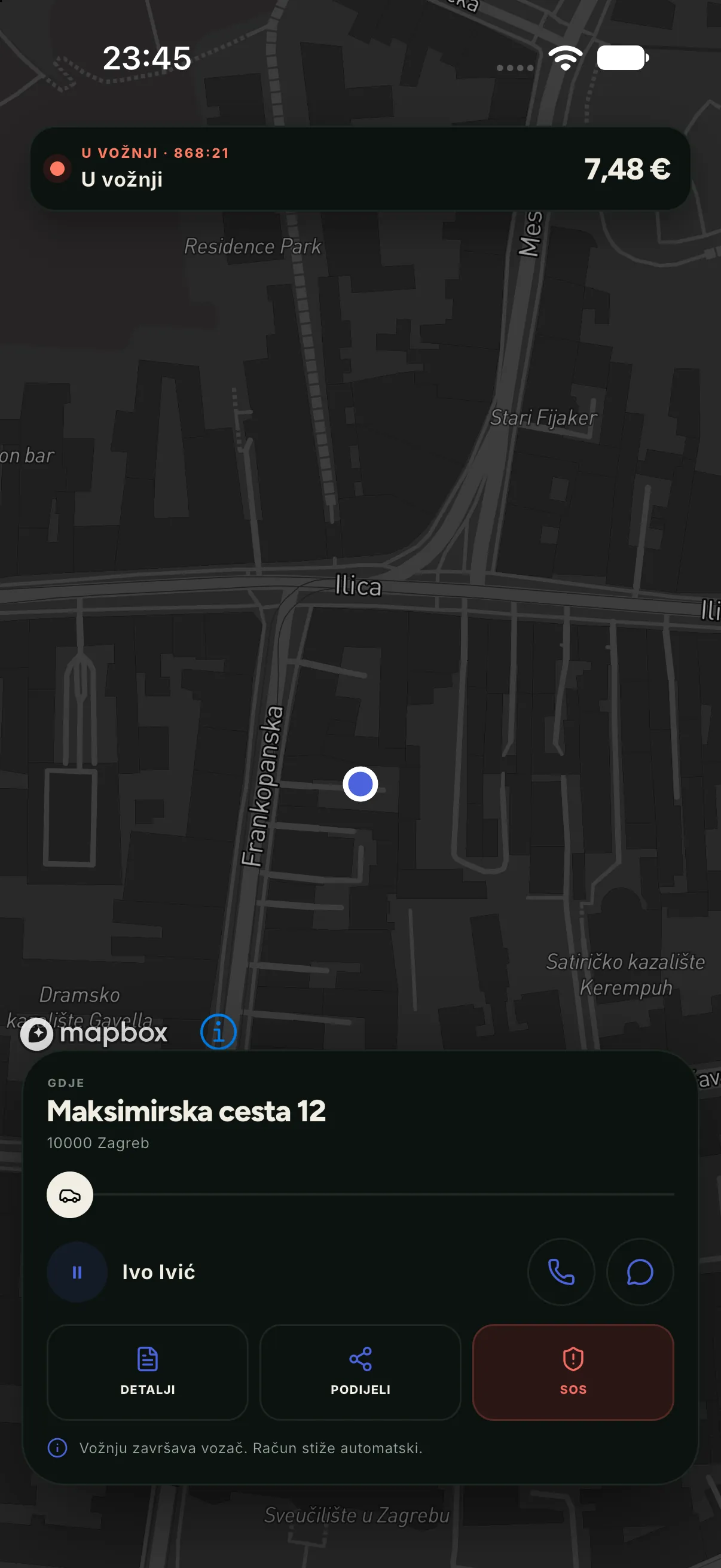
During the ride the map follows the vehicle’s real position through the event channel. The passenger can share the ride with someone else and, if enabled, use SOS.
Receipt
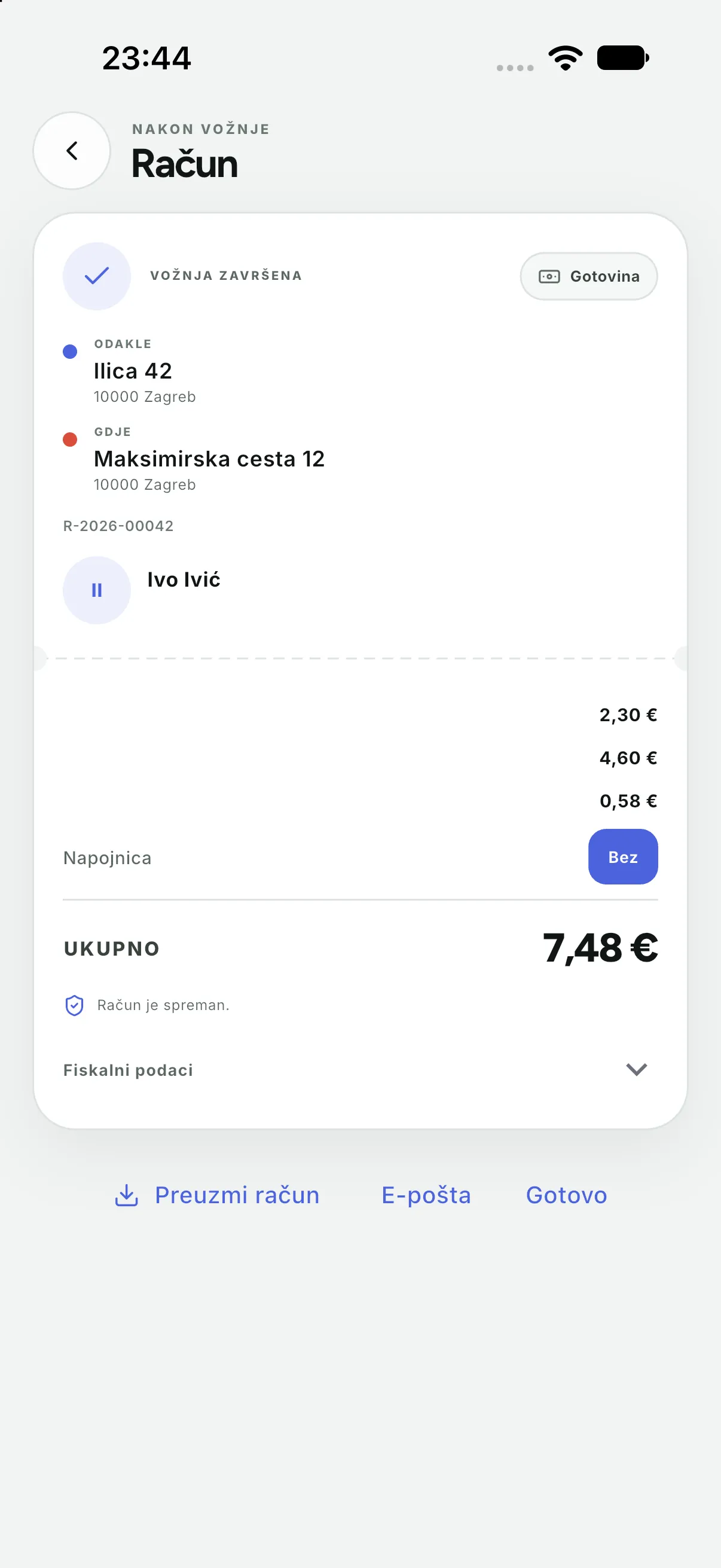
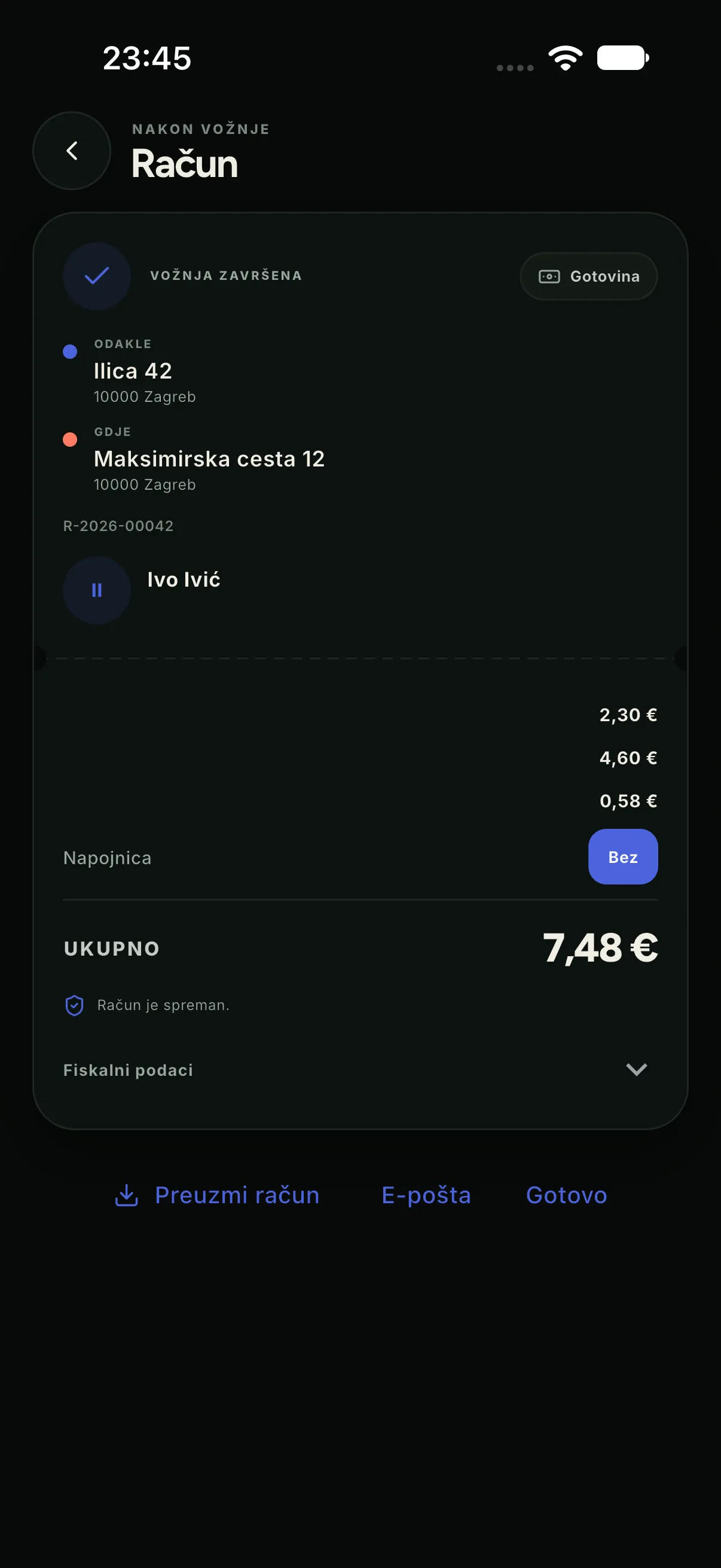
The receipt comes from the server and, where the country requires it, carries fiscal data (JIR, ZKI). The lines are visible: base fare, distance, waiting and tip. The passenger can email the same receipt or share it as a PDF.
Rating
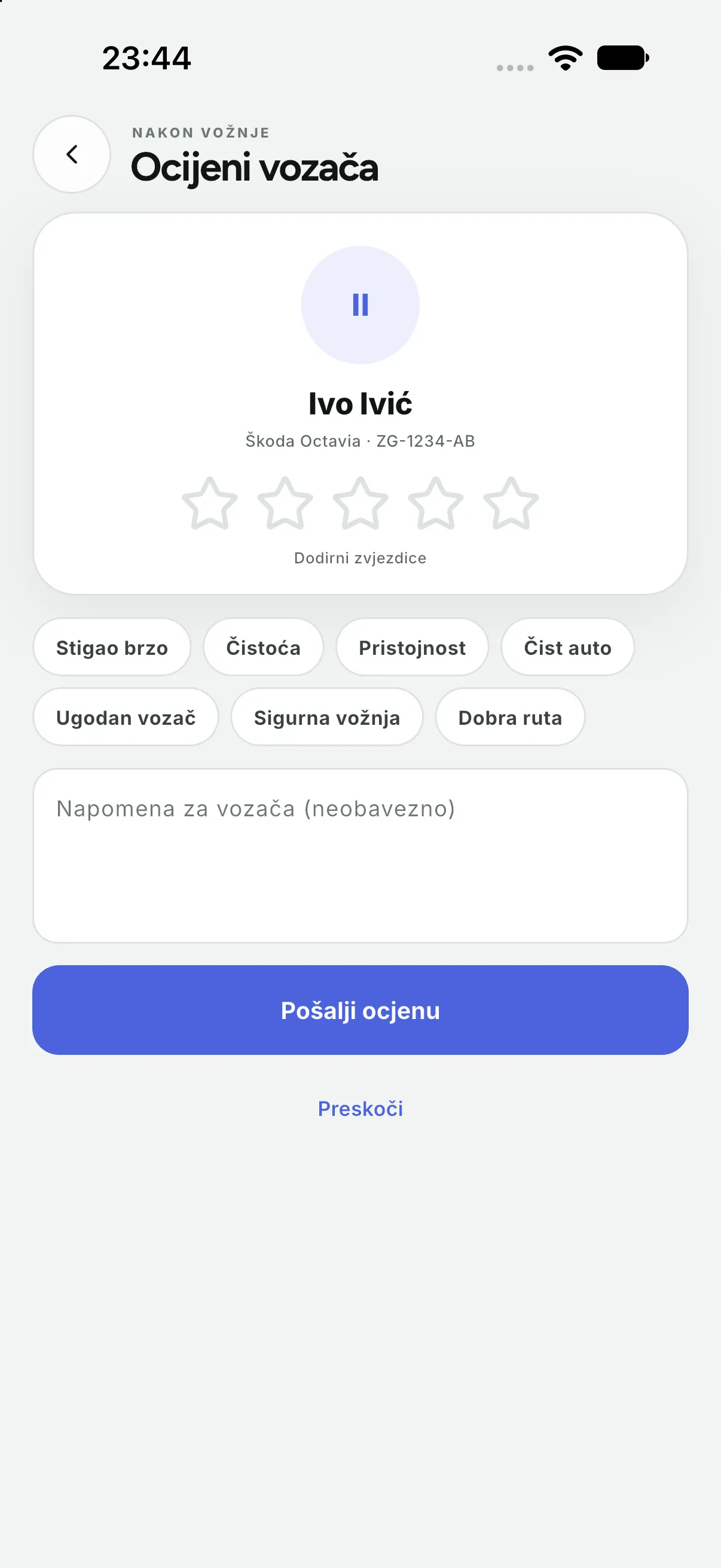
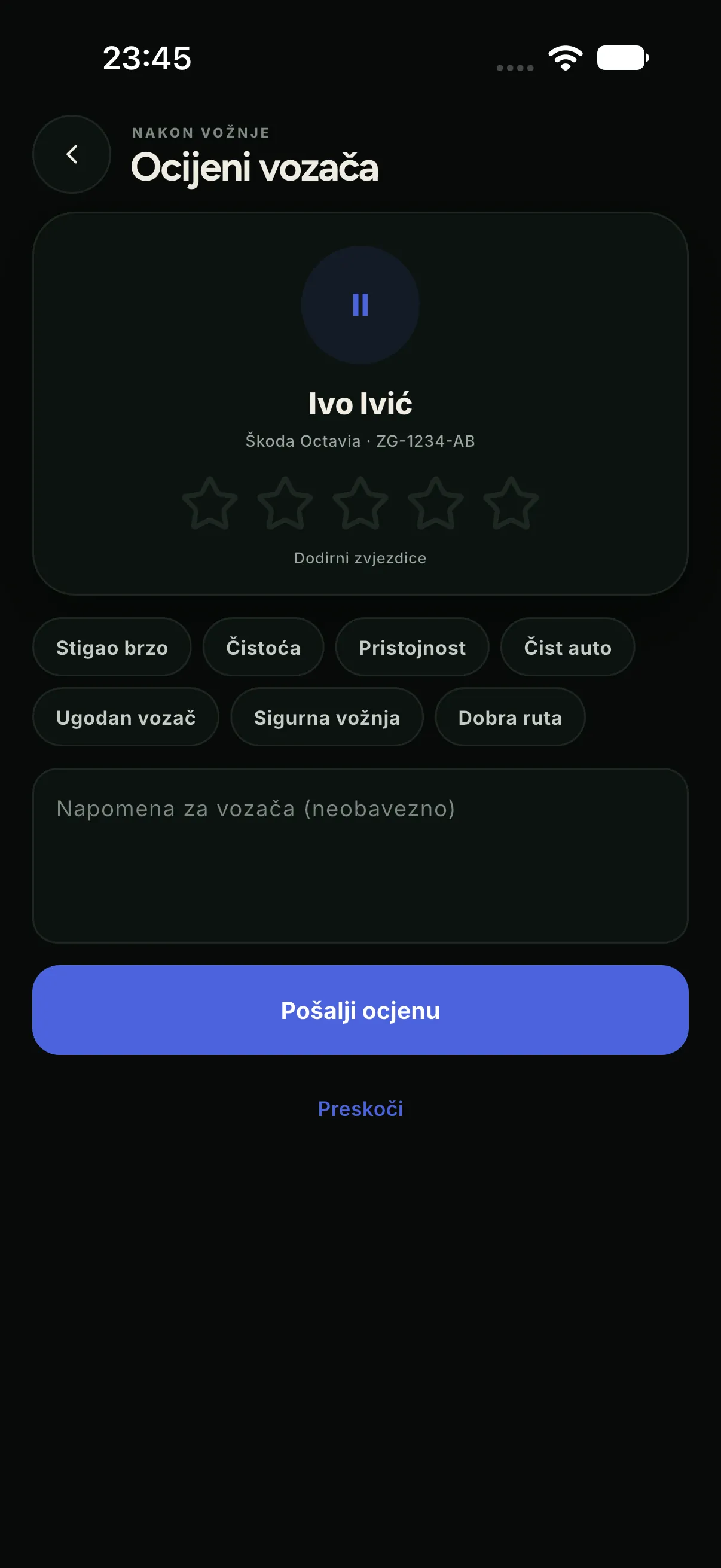
Rating is optional and does not change the price. Stars and tags feed the company’s quality view, where a dispatcher sees them next to the ride; a poor rating does not remove the ride from settlement.
History, profile and payment
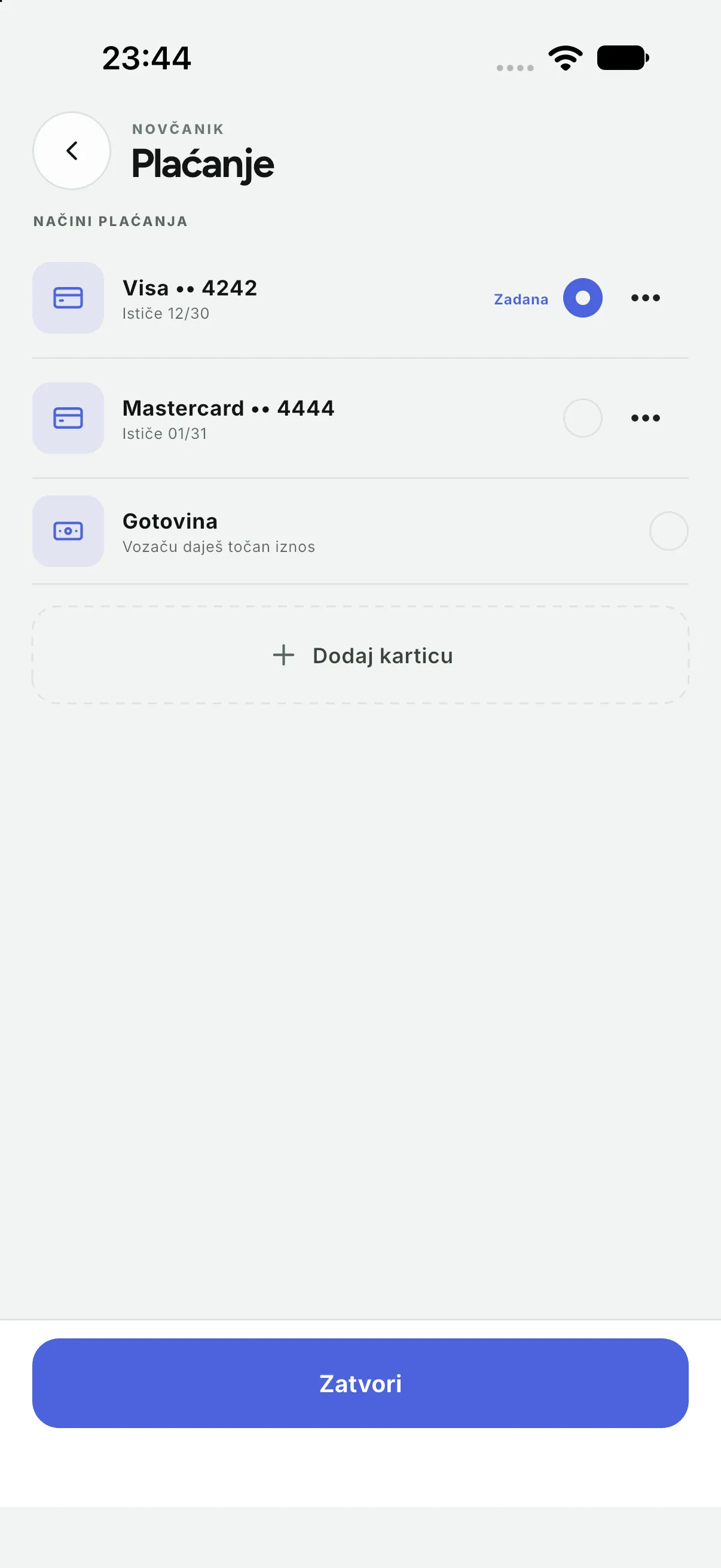
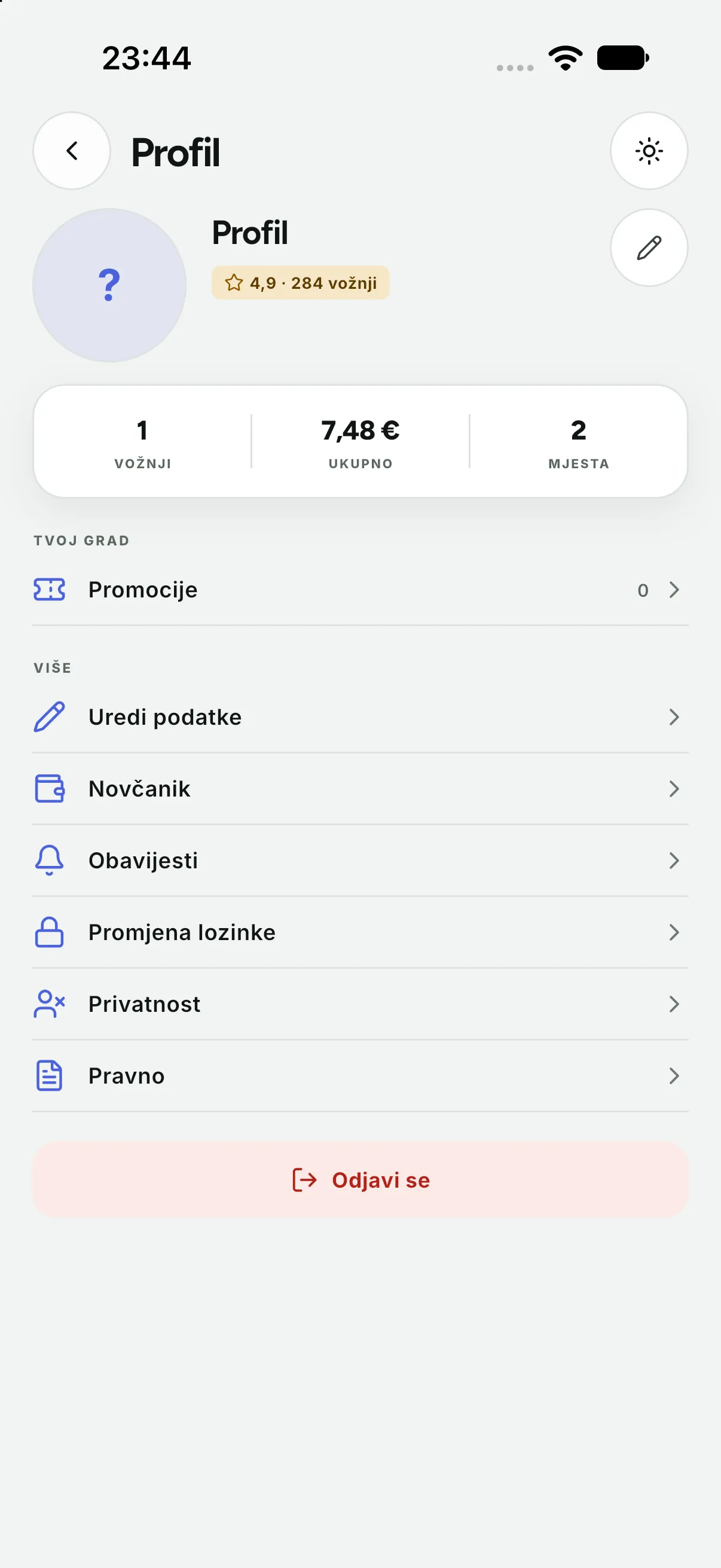
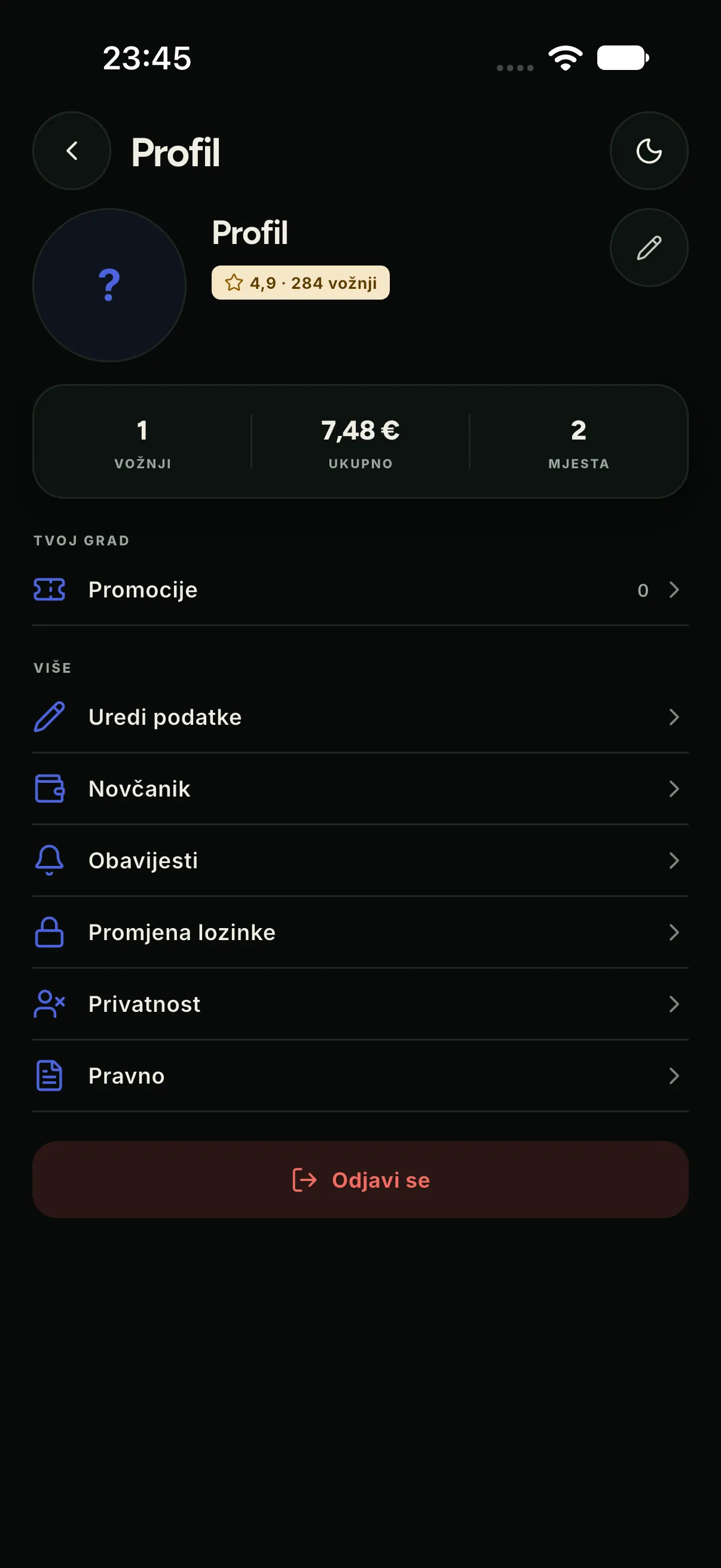
History keeps rides on the device and fetches details from the server when a connection is available. The profile holds account data, language and the company’s legal texts. Payment shows cards and the wallet, if that module is enabled.


What the passenger never sees
- The platform name — except in the app version line.
- Other companies’ data, other drivers, rides outside their company.
- The internal price, the driver commission and settlement.
- Driver personal data beyond the name, photo and plate needed to identify the vehicle.