Guide for the driver
A driver’s day from start to finish: sign-in, paperwork, shift, offers, arrival, the ride, earnings, payout and working without a network.
The driver app runs on Android and iOS and carries your company’s name and colour. Everything you see comes from the company server — price, offers, documents and earnings.
Sign-in
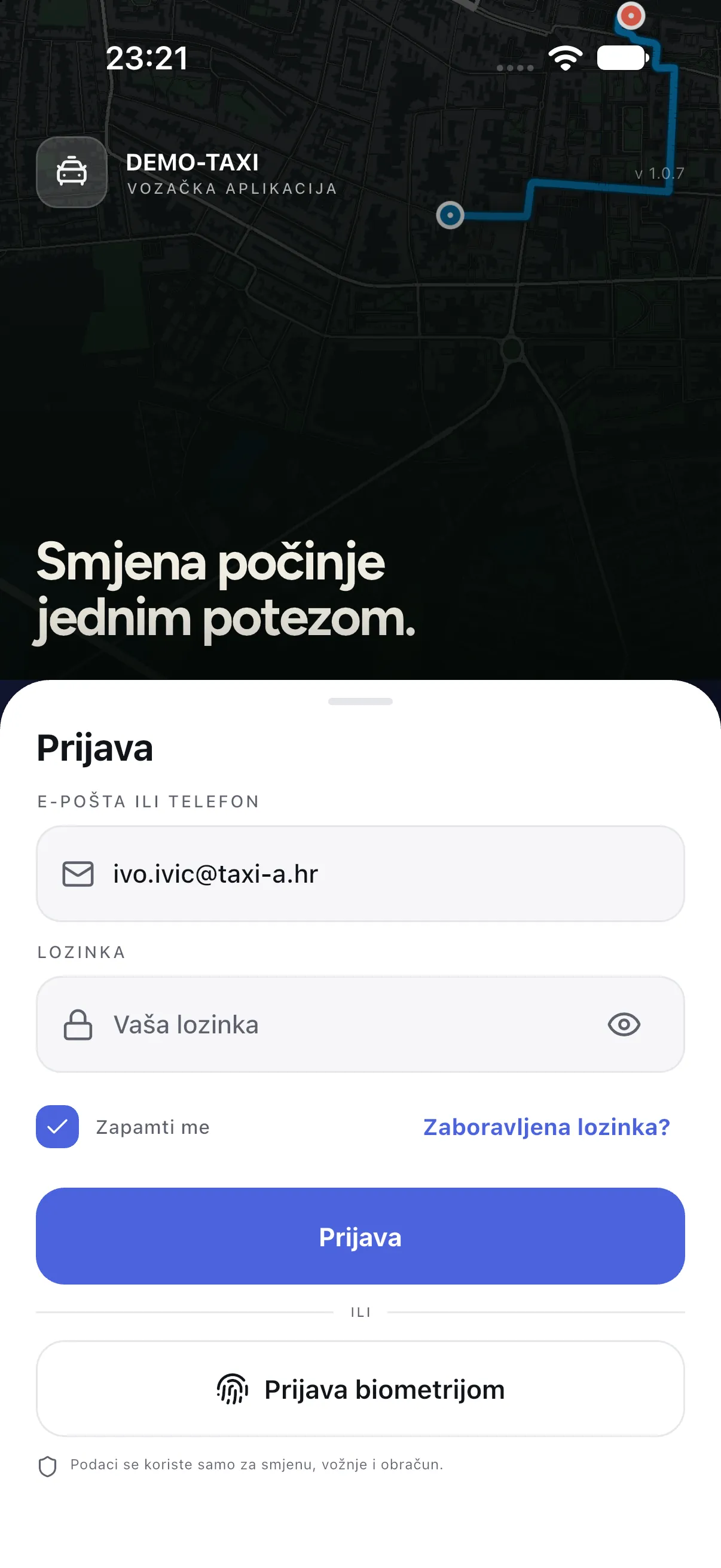
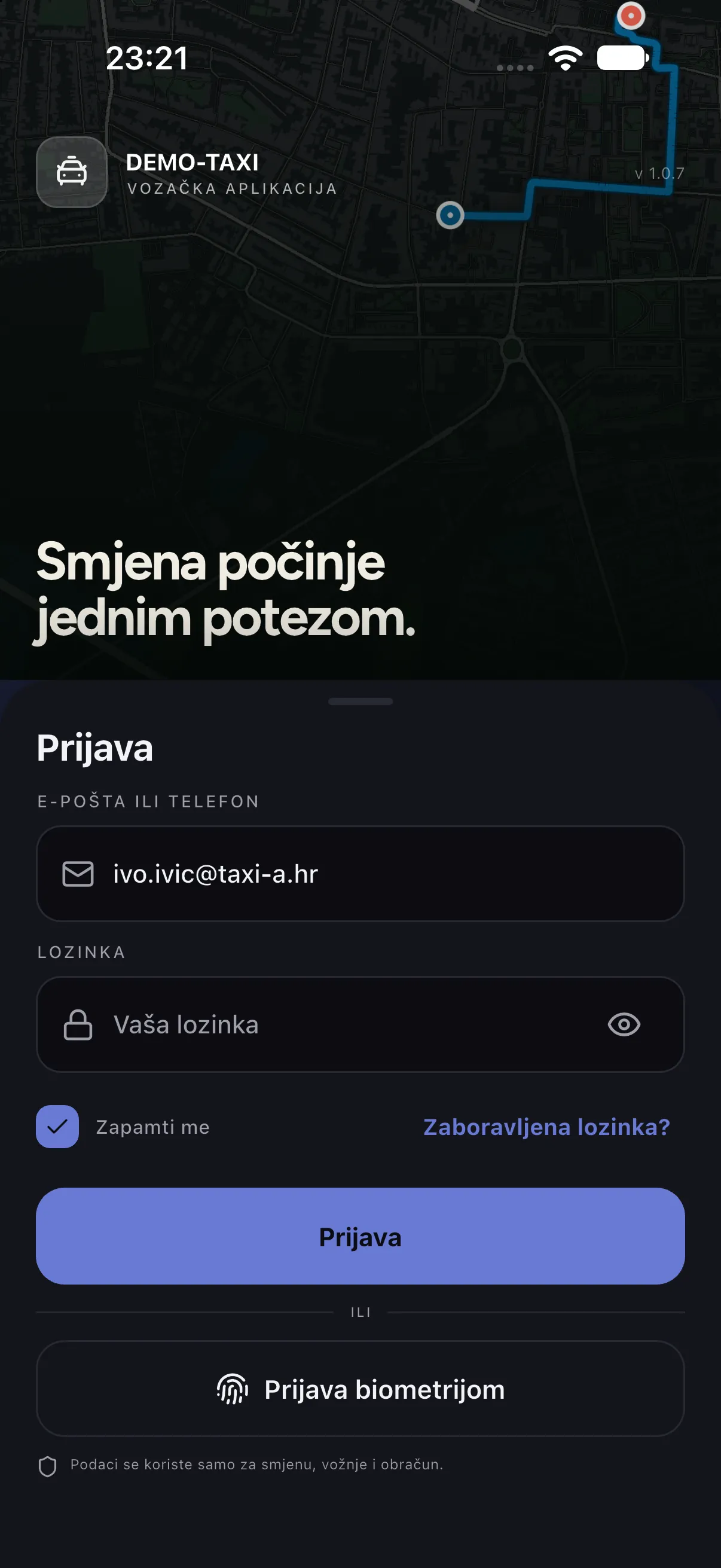
- Open the app and sign in with the e-mail or phone and the password the company gave you.
- Tick Remember me if the phone is yours alone; next time you can sign in with biometrics (Face ID or fingerprint).
- If the password expired, press Forgot password? and follow the e-mail you receive.
Before the shift
- Permissions: location must be allowed while using the app (and “always” if the company requires background work); notifications must be allowed, otherwise offers do not arrive.
- Documents: in the Documents menu check that registration, insurance, inspection and taxi permit are valid. An expired document blocks the shift start.
- Vehicle: if the company has several vehicles, pick the one you are driving. If you do not, the system uses the remembered one.
Starting the shift
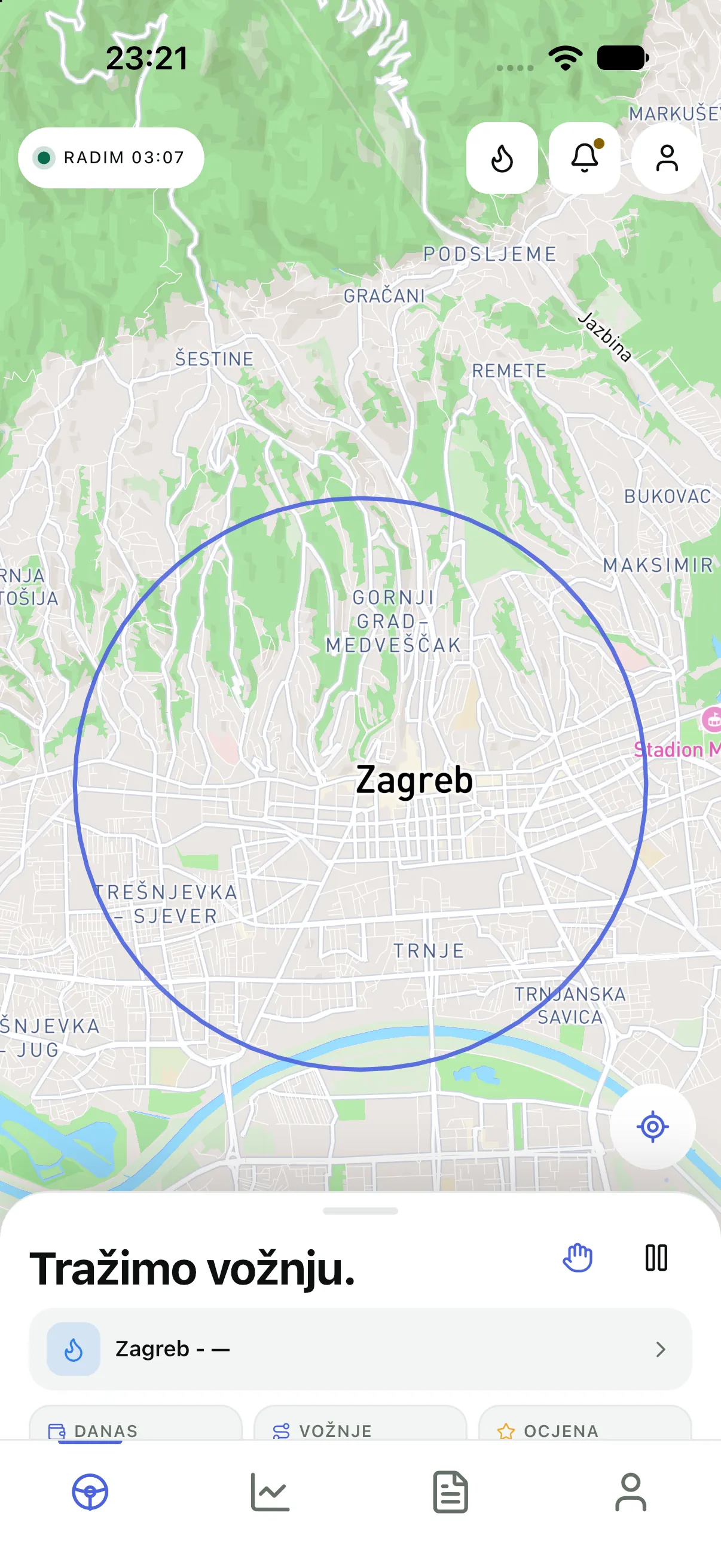
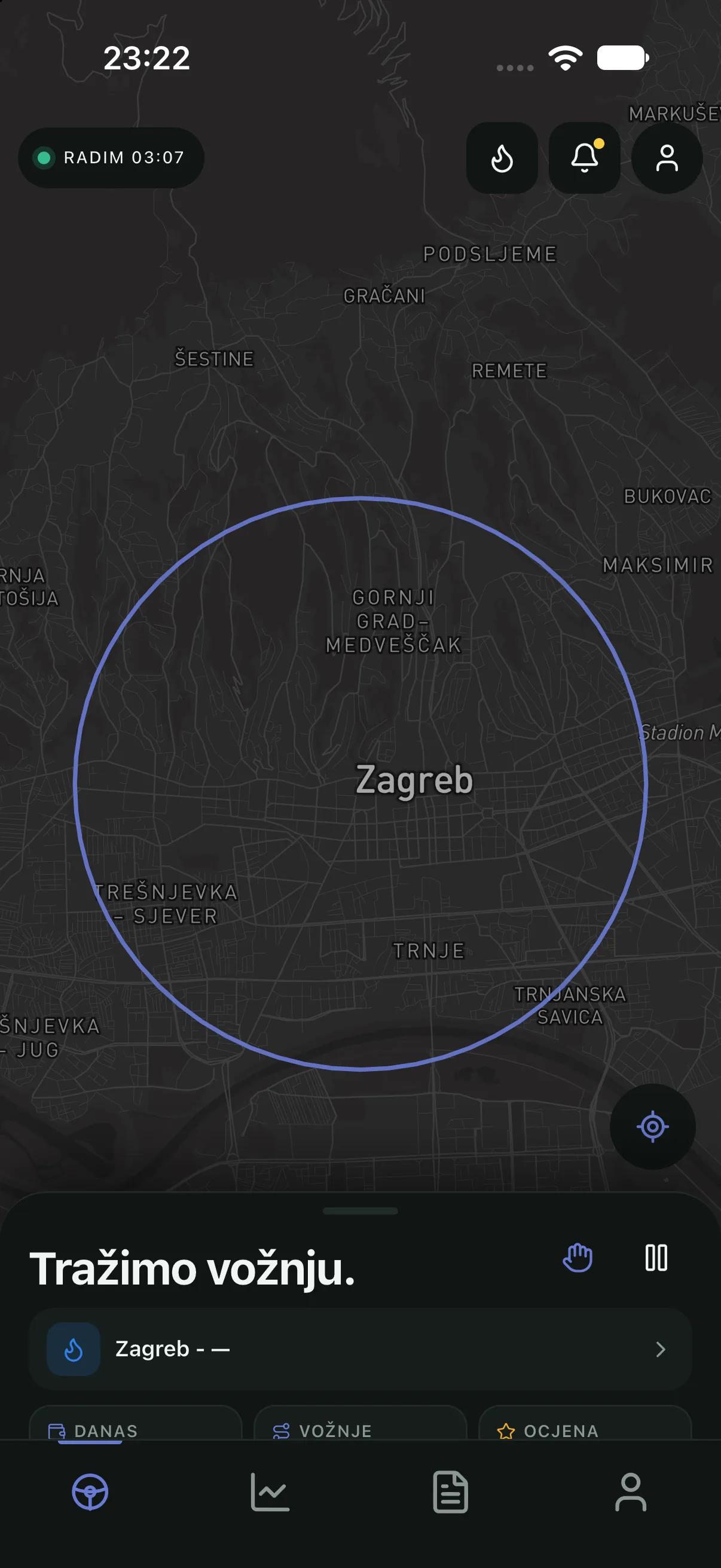
- Press that you are starting the shift. Only then are you on duty, and only then do offers arrive.
- The top of Home shows how long the shift has lasted. Below are the zone and demand (low, medium, high) — it shows where work is, it does not promise a ride.
- Daily figures (rides, earnings, rating) are always in the same place, so the state is visible at a glance.
Offer and accepting
| What it shows | What it means |
|---|---|
| Price | The amount the passenger pays; the maximum price they saw |
| Time and distance | To pickup and the total ride duration |
| Payment method | Cash (you collect) or Card (charged automatically) |
| Passenger rating | Average rating; a new passenger has none |
- An offer is accepted by swiping — deliberately, so it cannot be accepted accidentally while driving.
- An offer has a deadline. When it expires it disappears and goes to the next driver; that is not a penalty and does not affect your rating.
- If you cannot take a ride, press Pause. While paused, no offers arrive.
Arrival and the ride
- Navigation takes you to the pickup. Reach the passenger with Call (the number is masked) or Message.
- When you arrive, press I have arrived. The passenger is notified and waiting time starts.
- If the passenger is not there, after waiting expires press Passenger not here. The ride closes as
NO_SHOWand stays in the record. - During the ride you see progress to the destination. SOS is always within reach and sends your position and ride data to the company.
Completion and earnings
- You finish the ride when the passenger gets out. Then you see the final price, the payment method and your share.
- For cash you confirm that you received the money; for card the confirmation comes from the server.
- Rating the passenger is optional and does not change the price. Tags help the company, not you personally.
Payout
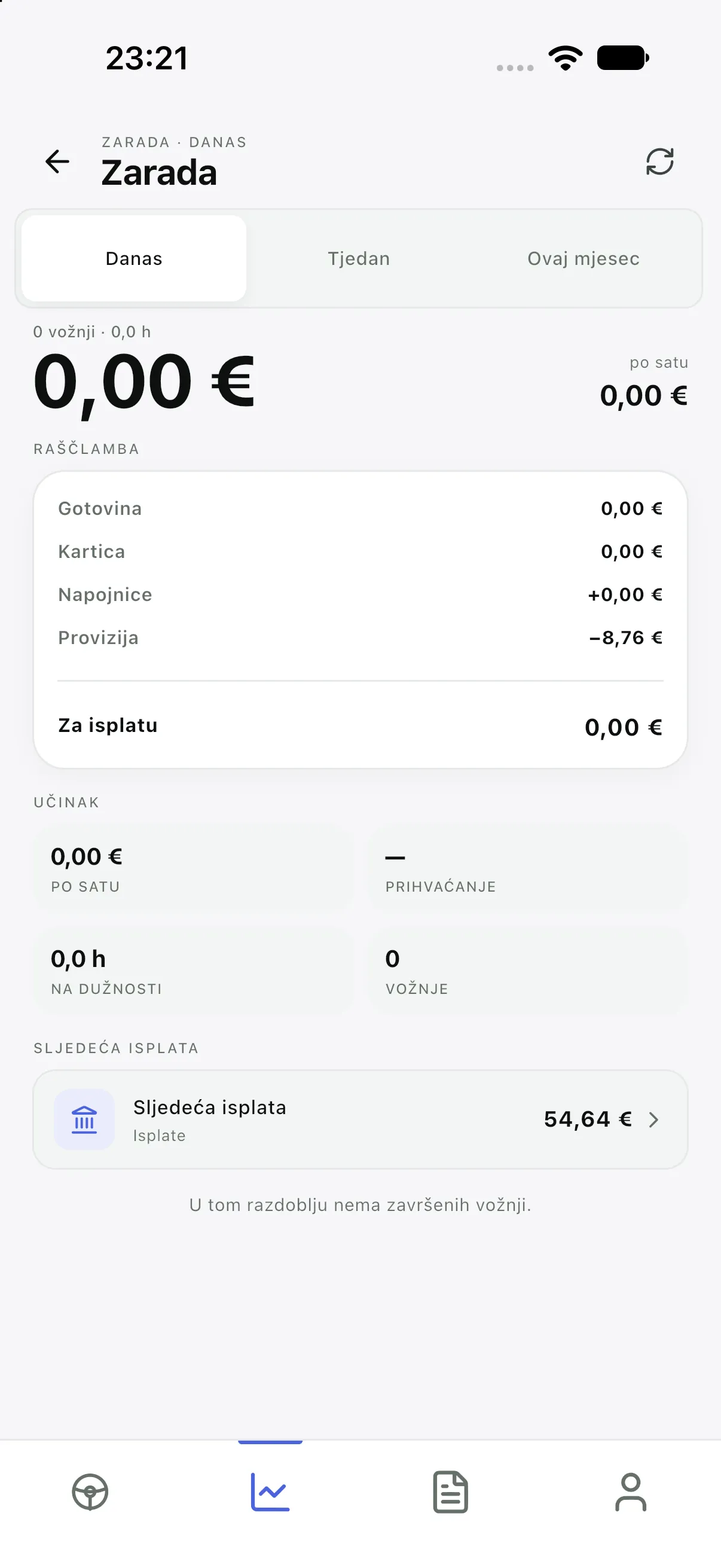
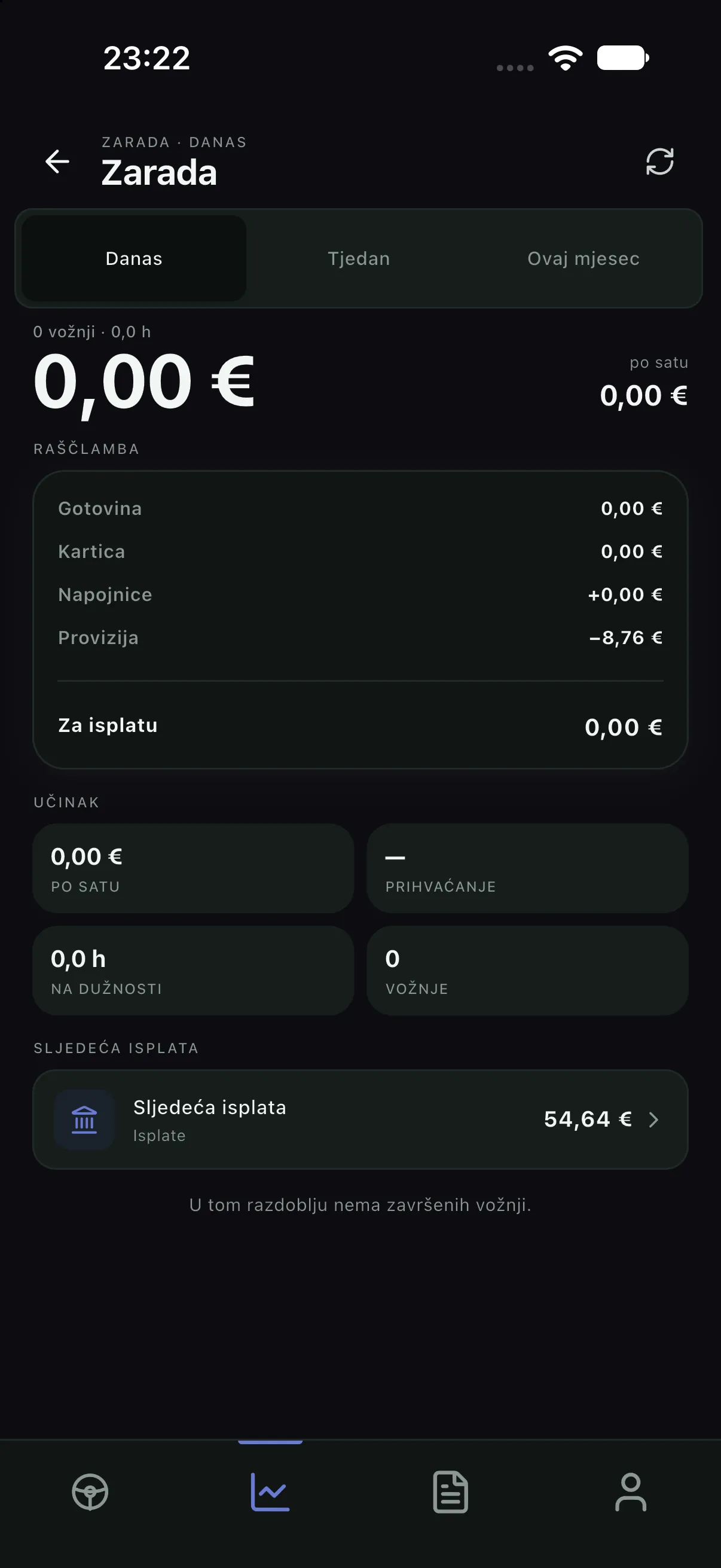
A payout is not started from the app. The company records it in Settlement, and you see the amount in Earnings. If the figure does not match, first check the period (today, week, month), then contact the company.
Documents and profile
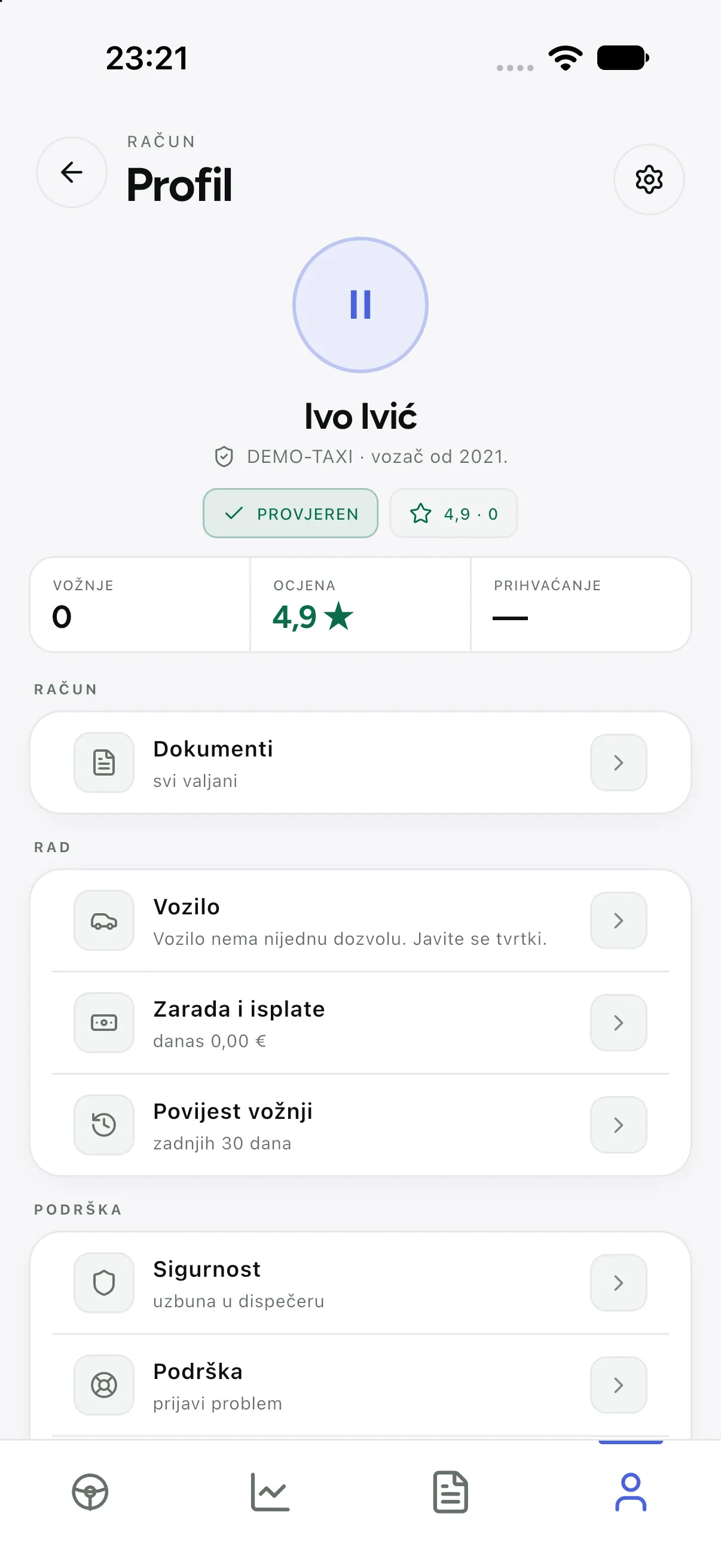
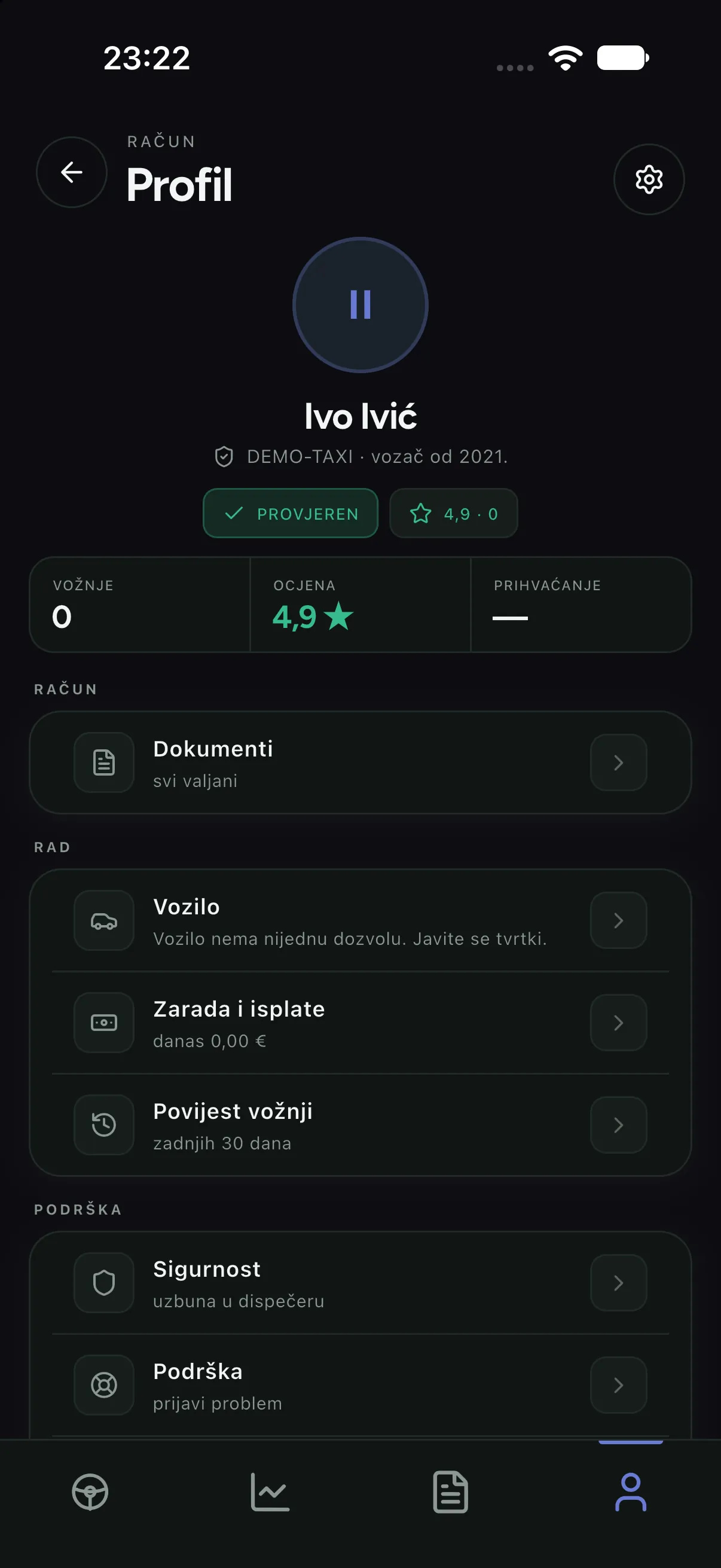
- Upload documents as a photo from the Documents menu. The company reviews them; until approved a document is not valid.
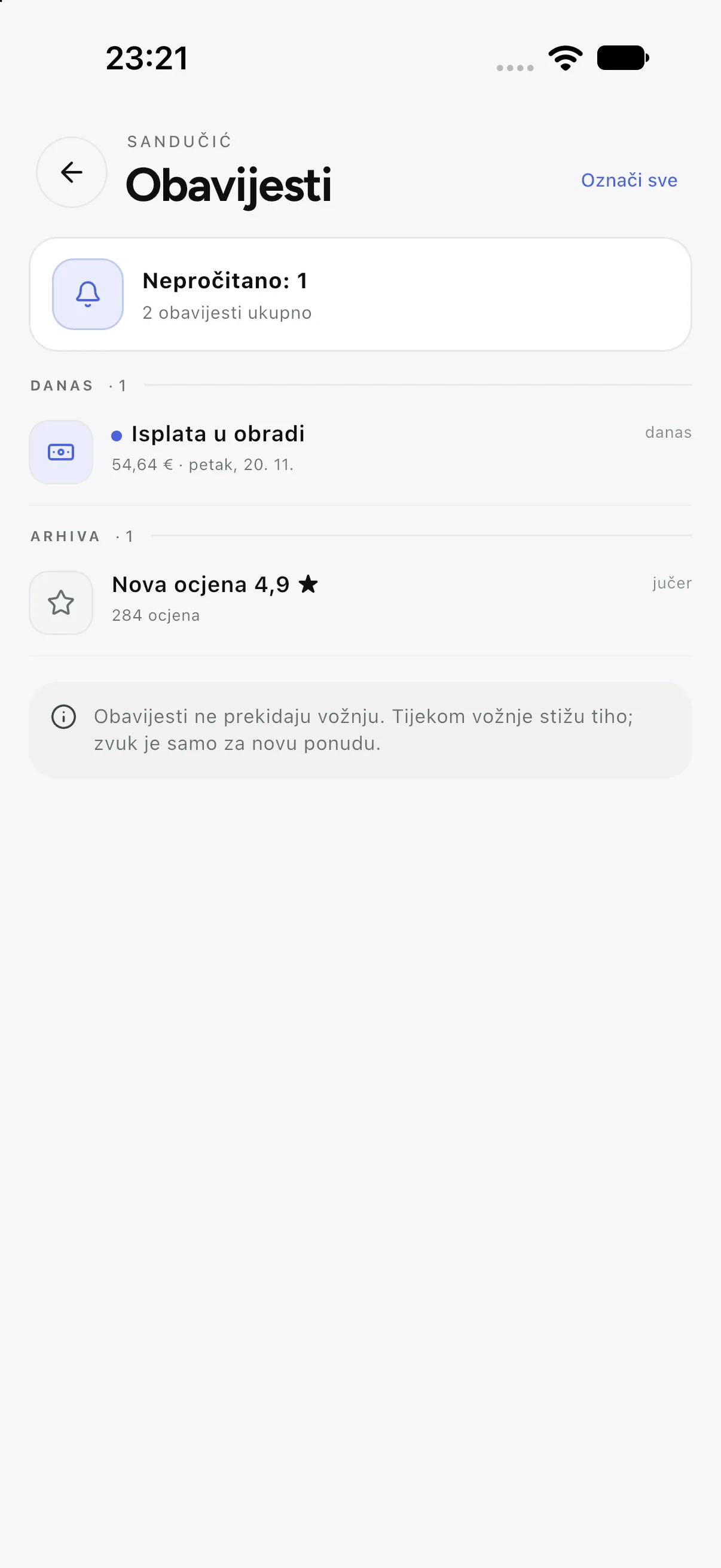
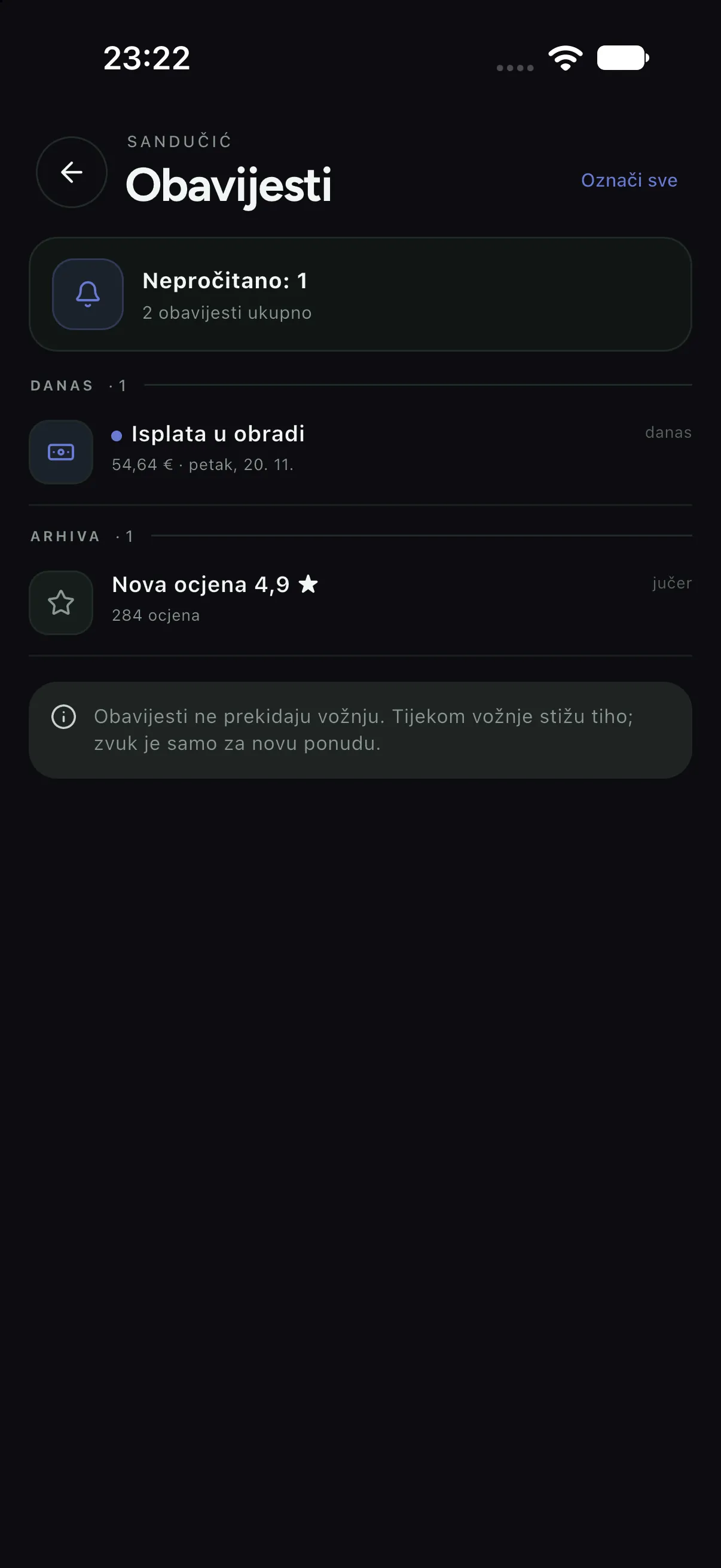
- Language and theme are phone or app settings — they do not change company data.
- If you sign out on someone else’s phone, press Sign out and do not leave “Remember me” on.
When something does not work
| Symptom | Cause and fix |
|---|---|
| No offers arrive | You are not on duty, you are paused, a document expired, or notifications are off; check all four |
| I cannot start the shift | A document or the vehicle is not in order; the app states the exact reason and the company sees it in Alerts |
| The map is blank | No network or location permission denied; check permissions and reopen the app |
| A ride “disappears” after a connection drop | Open Rides and refresh; the state is restored from the server, nothing is lost |