Moving to Driveos
How to bring drivers, vehicles, prices and history over from another system — step by step, without stopping operations.
A move does not have to mean downtime. The company is opened alongside the existing system, data is entered and checked, and the switch happens only after the first rides have run through Driveos.
Steps
- Inventory — drivers, vehicles, documents, prices and zones from the old system.
- Entry — data goes into the console or through the API; documents are checked.
- Test rides — a few rides through the apps and console, with receipt checks.
- Cutover — the old system is turned off once payouts and receipts reconcile.
What moves over
| Data | How | Note |
|---|---|---|
| Drivers and vehicles | Manual or CSV | Documents with deadlines |
| Prices and zones | Console | Checked on test rides |
| Ride history | Export from the old system | For reports and comparison |
| Balances and payouts | Reconciliation | Before cutover |
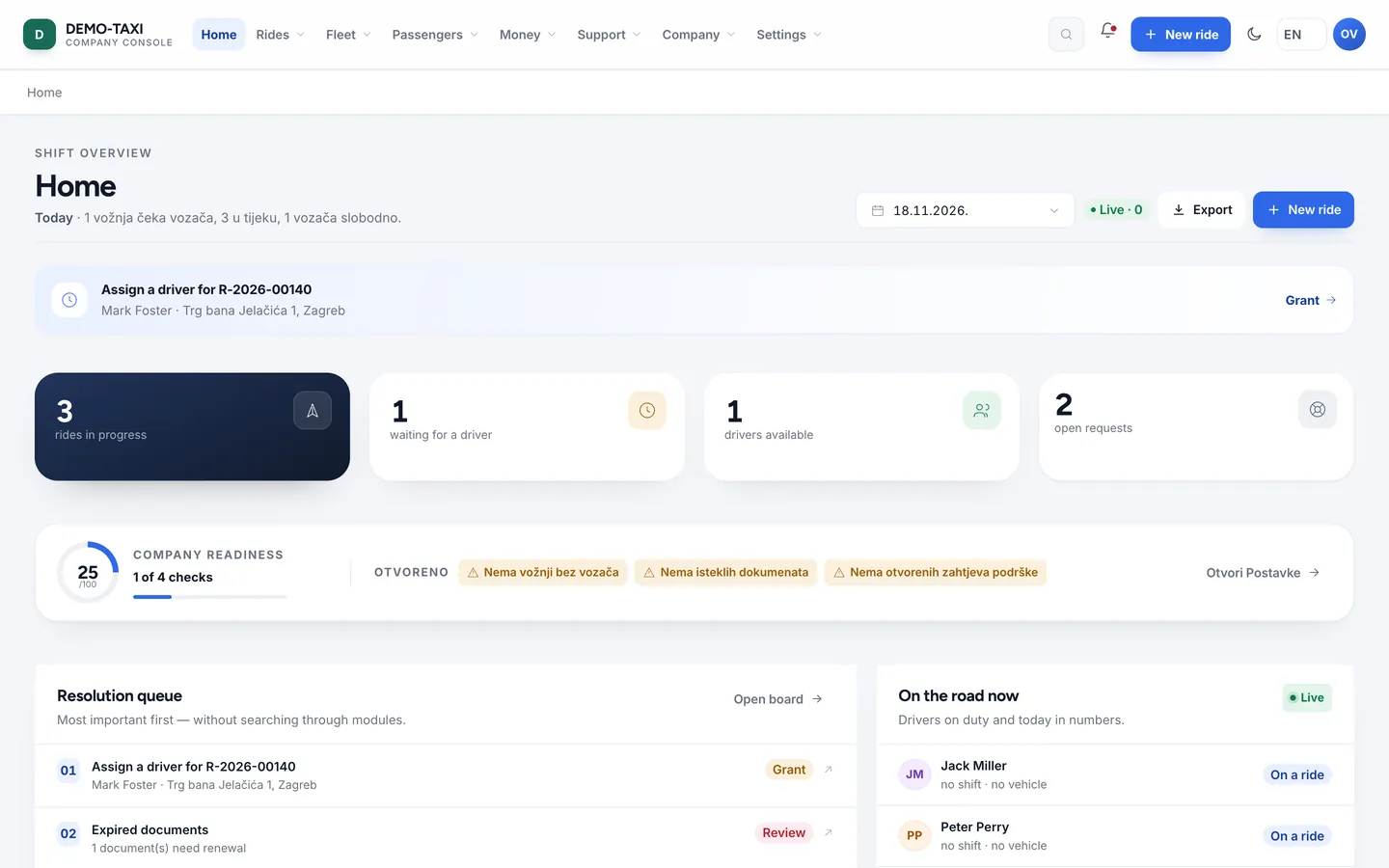
No lost ridesRides from the old system stay in the export, and new ones run through Driveos. The cutover happens at the lowest volume.