Maps, addresses and the zones a company drives in
Where the map comes from, how addresses are searched, how zones are drawn, and why a vehicle on the map looks different when it is free and when it is driving.
The map is a working tool, not decoration. The passenger sees the vehicle on it, the driver the way to the passenger, the dispatcher the whole city, and the system computes distance and price from it. That is why it matters where the map comes from and what happens without it.
Map and routing providers
| What | Where it comes from | Note |
|---|---|---|
| The map (drawing) | Mapbox, Google Maps | The company uses its own account; until then the platform’s is used |
| Routes and time | Mapbox, Google, OSRM | OSRM runs on its own server and does not charge per request |
| Address search | Same provider as the map | Results are cached locally, so a repeated search does not spend quota |
| Reverse lookup | Coordinates → address | Used when the passenger moves the pin on the map |
Zones and working areas
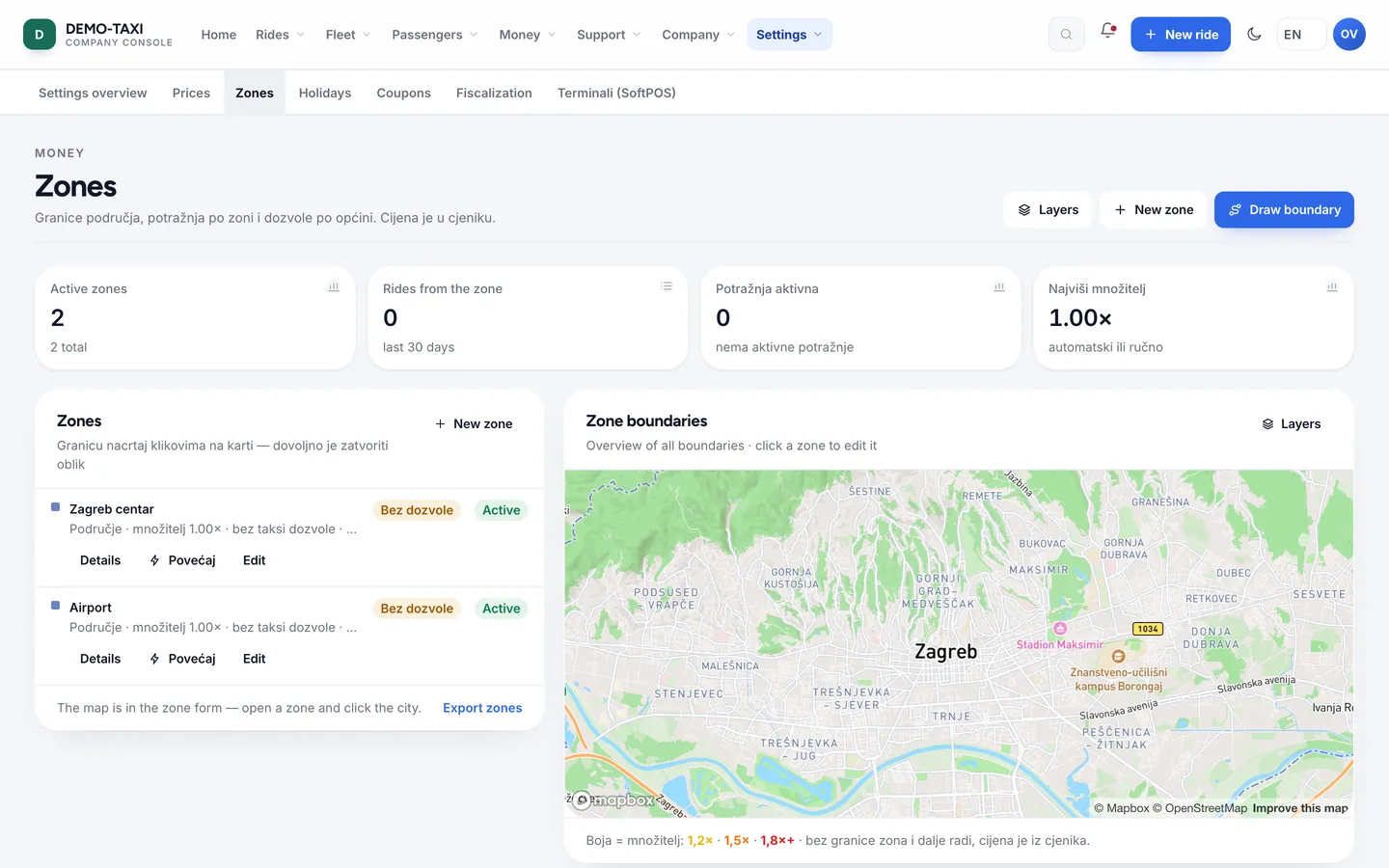
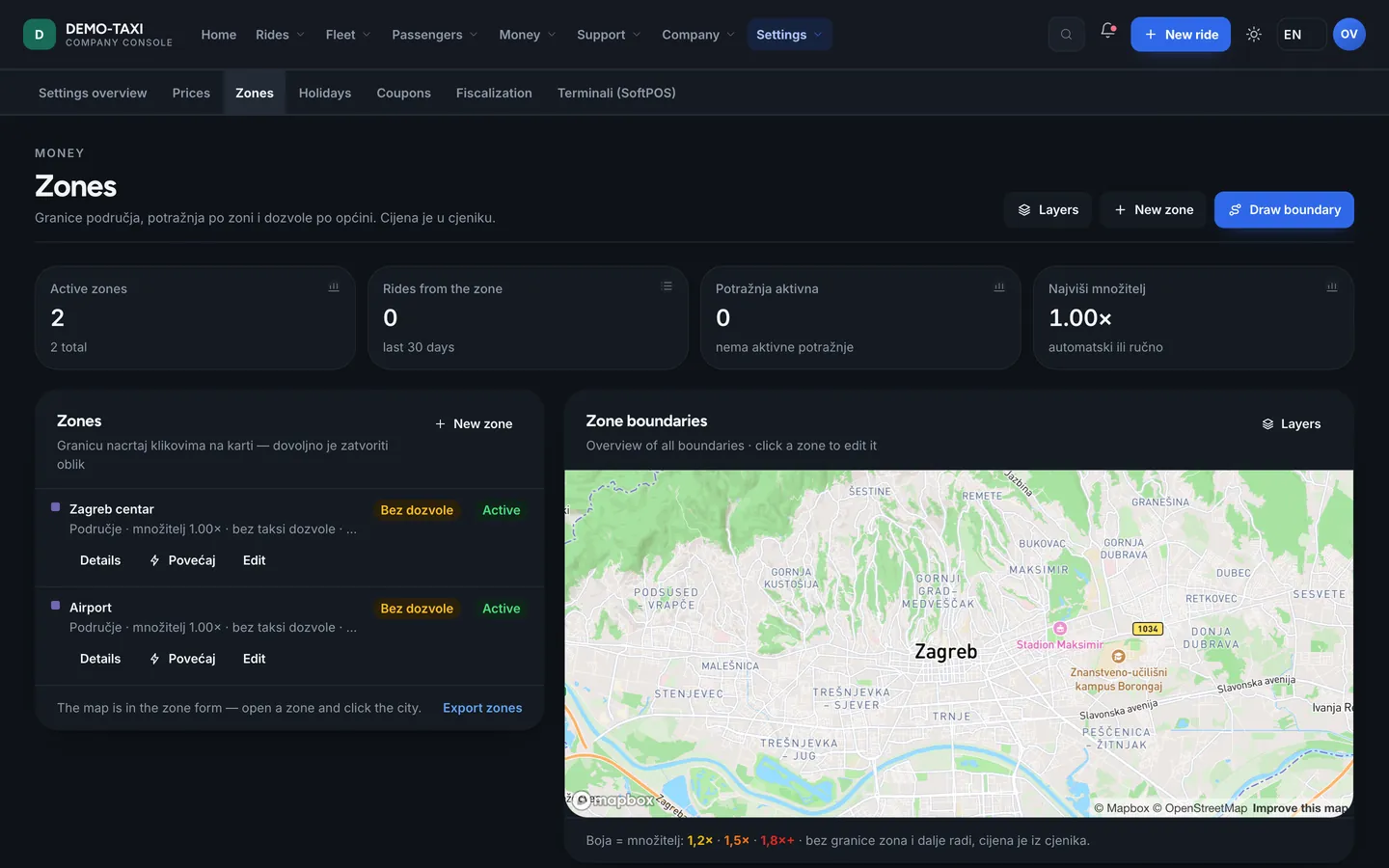
A zone is an area on the map with two meanings: where the company may pick up a passenger and which permit that ride belongs to. Zones are drawn in the console, not in code — the company changes them itself.
- A ride outside every zone does not enter offers — the driver does not get it, even if nearby.
- Demand inside a zone raises the multiplier only there; neighbouring zones stay at 1.00.
- The pickup radius in Company profile decides how far a driver can see a passenger.
- A zone boundary need not follow the city — many companies keep the airport zone separate.
Addresses and places
A passenger rarely types a full address. That is why the search works on part of a name, on a venue name and by proximity — and results are cached, so asking for the same thing again does not hit the network.
- Saved places (home, work) shorten a booking to two taps.
- Recent rides work as a shortcut — the same address without typing.
- The pin can be moved; the address is then read from the coordinates, not from what was typed.
- If an address has no number, the driver gets a description and coordinates — enough to arrive.
When the map does not work
- A ride does not stop: price and status live on the server, not on the map.
- The driver app and the web channel keep the last map and addresses, so they cope without a network.
- If the map provider fails, it shows in system monitoring and on the status page.